Focus Apps and Distraction Blockers: How to Stop Getting Interrupted
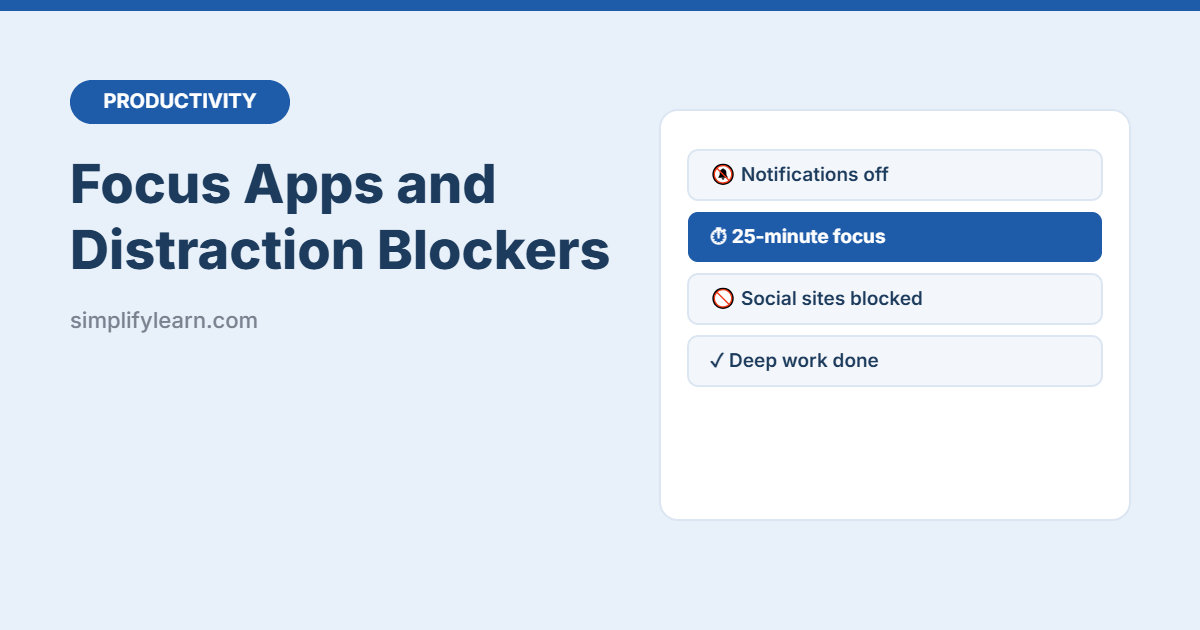
Use the focus tools already on your phone and computer (Windows Focus, iPhone Focus, Android Focus mode, Mac Focus) plus simple website blockers and habits to protect deep work.
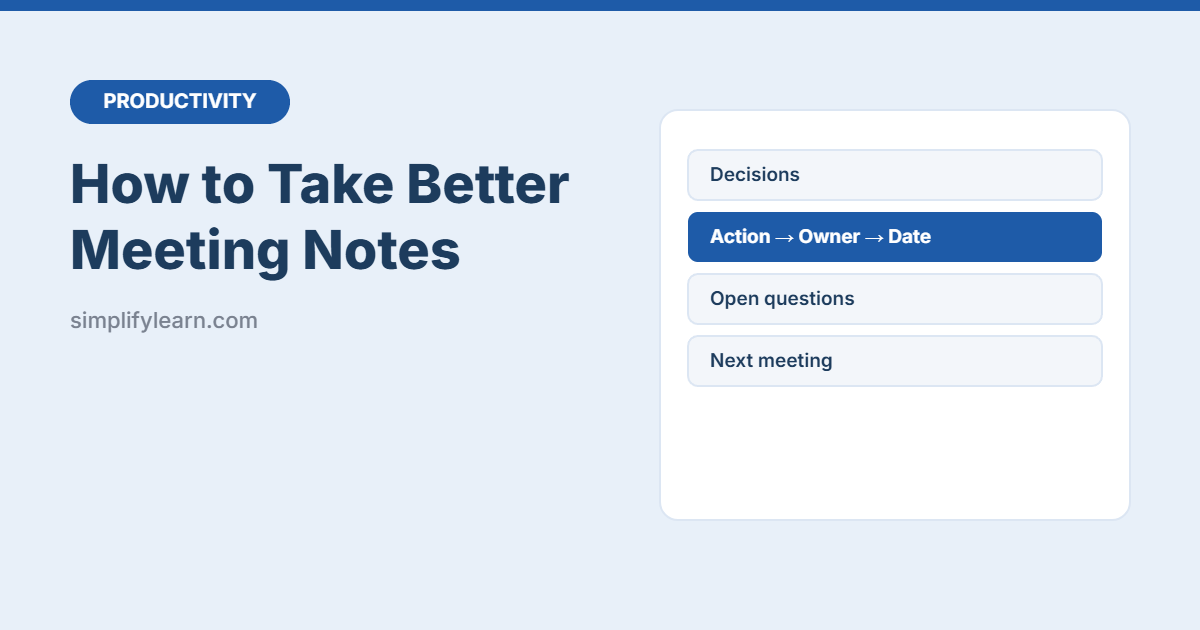
Stop writing everything down. A simple 4-part method for meeting notes (decisions, actions, open questions, key info), with a ready template, tips for online meetings and how to share notes fast.
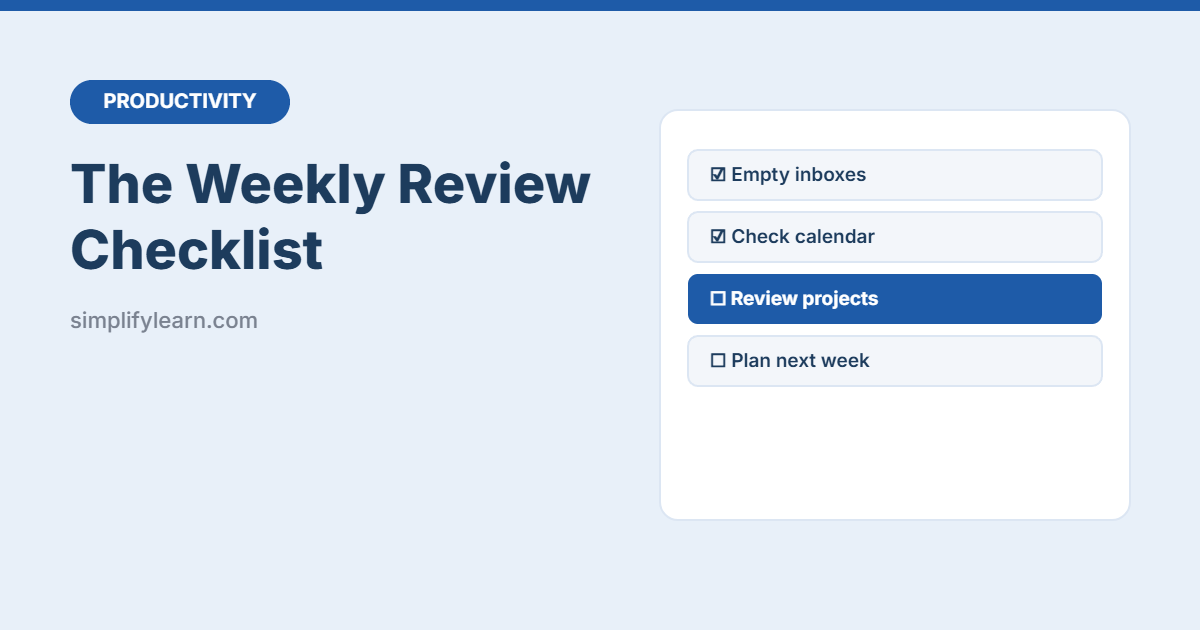
A simple 30-minute weekly review checklist: clear your inboxes, review the past week, check projects and deadlines, and plan next week’s priorities, plus a printable checklist.
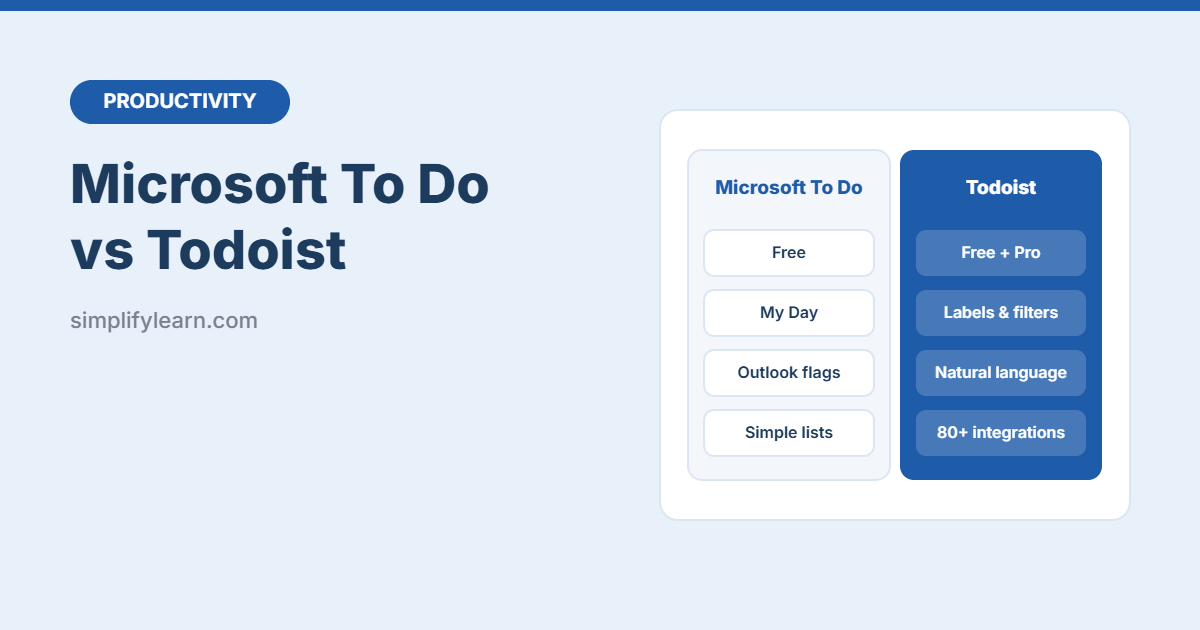
Microsoft To Do or Todoist? A simple comparison of price, features, labels and filters, Outlook integration, team sharing and ease of use, so you can pick the right to-do app.
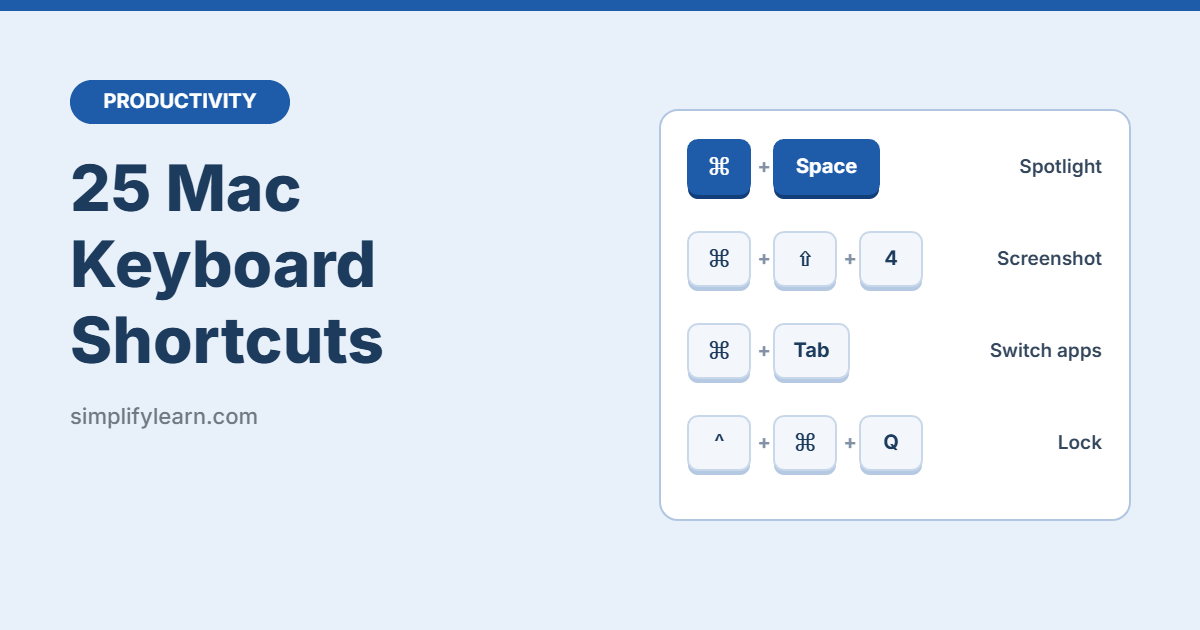
The 25 most useful Mac keyboard shortcuts for everyday work: Spotlight, screenshots, switching apps, Finder tricks, Mission Control and more.
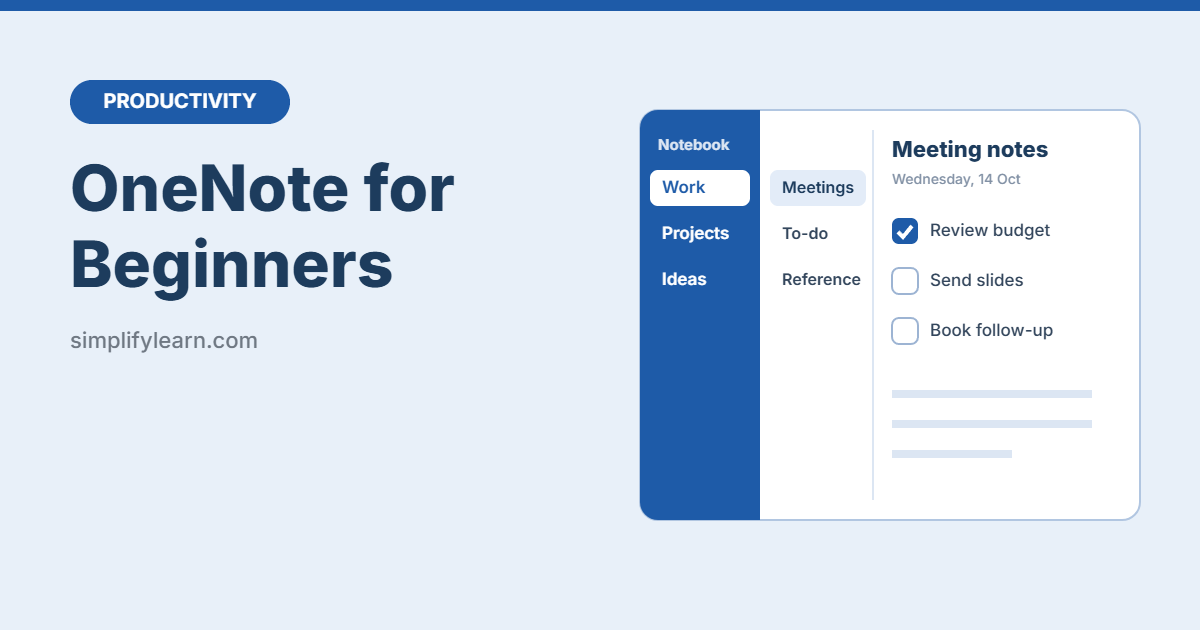
Learn OneNote step by step: how notebooks, sections and pages work, a simple setup for work notes, tags, meeting notes, search, and 10 useful tips.
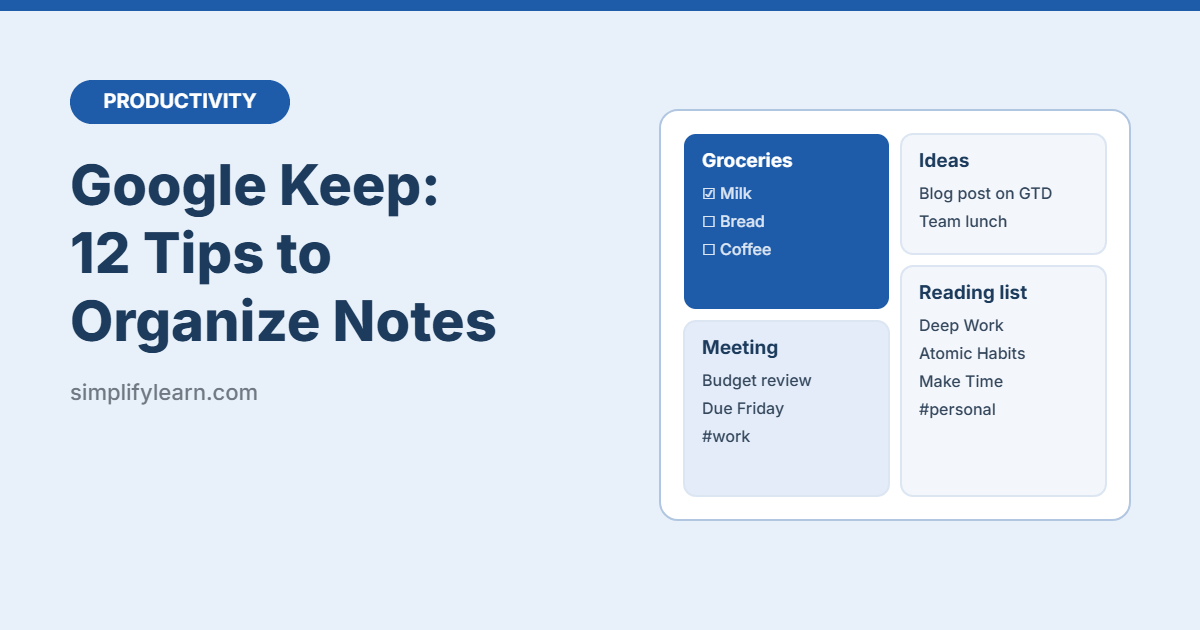
12 practical Google Keep tips: labels, colors, checklists, reminders, grabbing text from images, sharing notes, and using Keep inside Gmail and Google Docs.
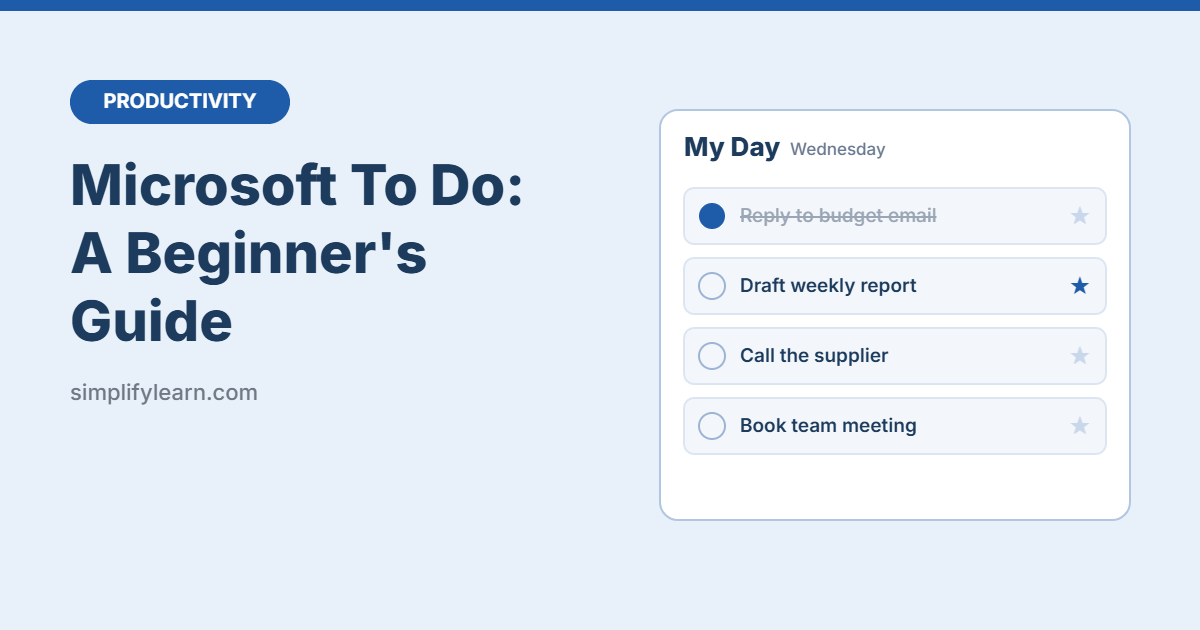
A simple guide to Microsoft To Do: how My Day, lists, steps, reminders and flagged emails work, plus a daily routine and 8 tips to get more done.
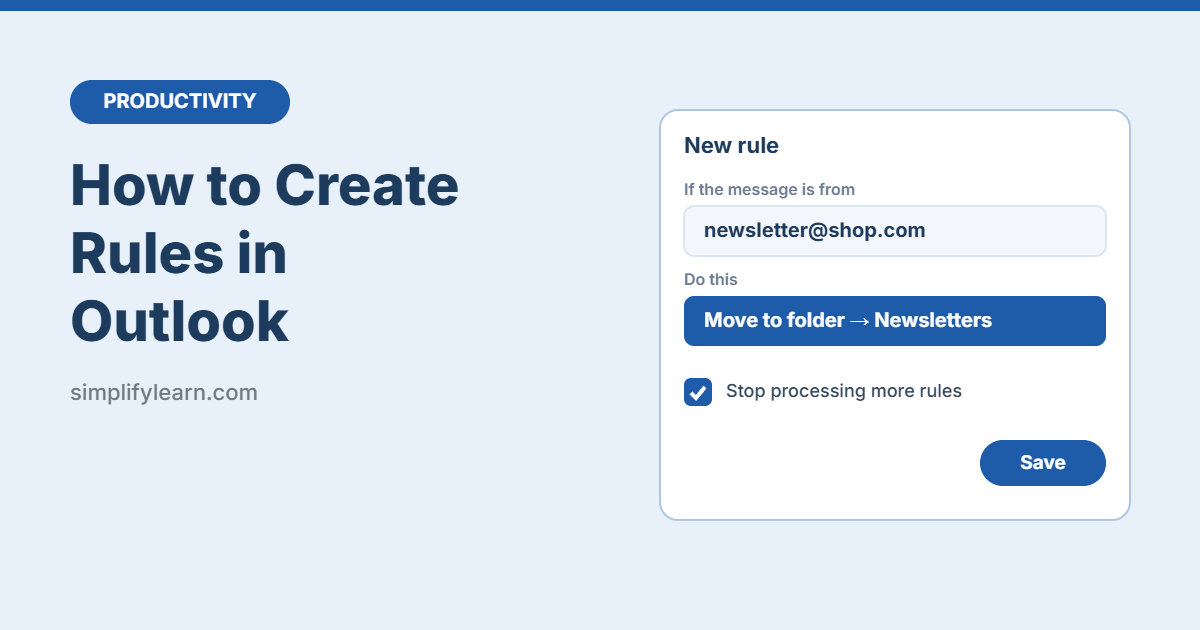
Learn how to create rules in Outlook (new Outlook, classic Outlook and Outlook on the web) to move, flag and sort emails automatically, with 6 ready-to-use rule ideas.
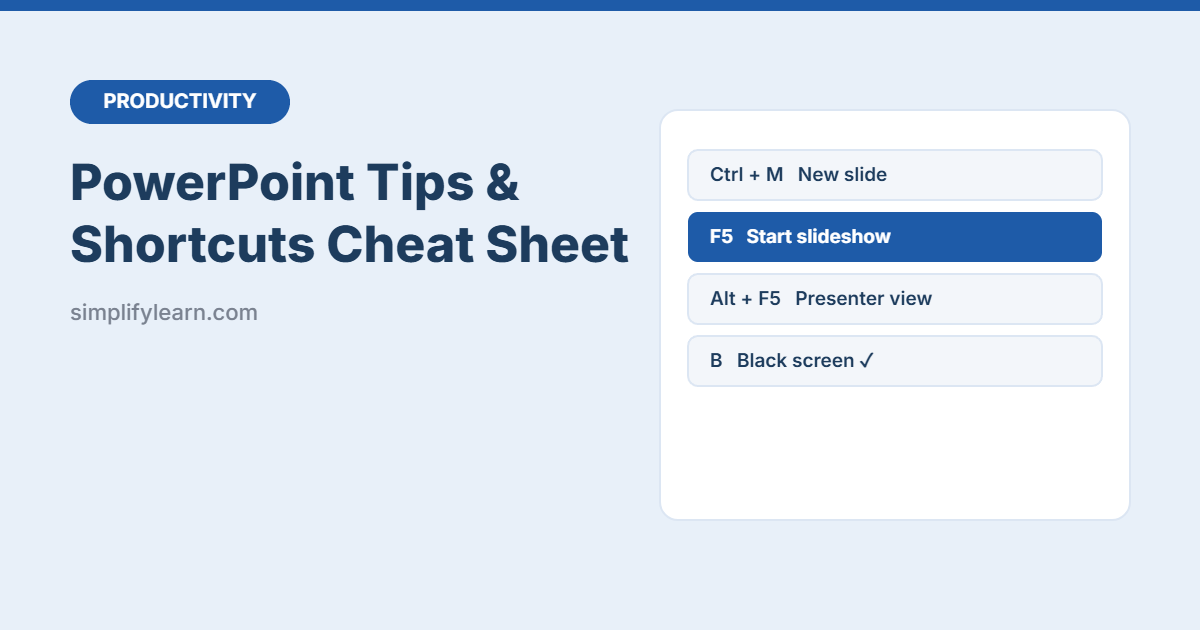
Download a free printable PowerPoint cheat sheet: shortcuts for building slides and presenting (F5, Presenter View, black screen), design tips, and power features like Designer, Morph and Speaker Coach.