Skip to content
SimplifyLearn
  • Excel
  • AI Tools
  • Productivity
  • Small Business
  • Templates
  • Cheat Sheets
  • About

Productivity Apps

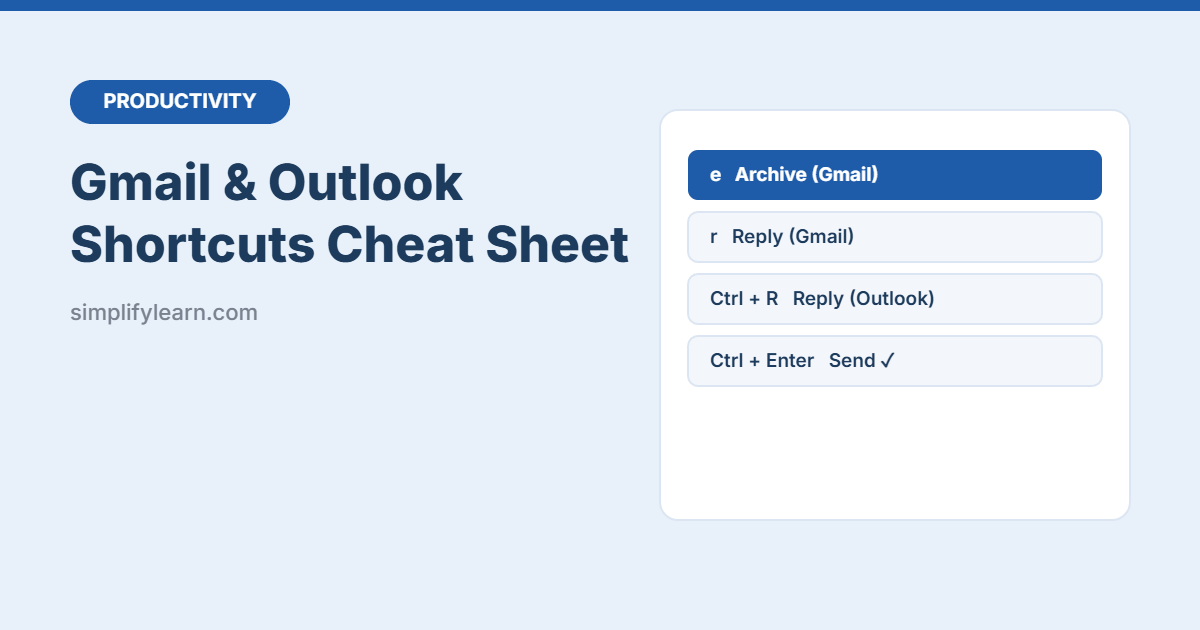
Gmail and Outlook Keyboard Shortcuts Cheat Sheet (Free PDF)
November 11, 2026October 19, 2026 by SimplifyLearn Team
Gmail and Outlook Keyboard Shortcuts Cheat Sheet (Free PDF)

Download a free printable cheat sheet of Gmail and Outlook keyboard shortcuts: write, reply, archive, label, search and navigate email faster, plus Outlook calendar and task shortcuts.
Categories Productivity Apps Leave a comment

Microsoft Word Shortcuts Cheat Sheet (Free PDF)

November 10, 2026October 19, 2026 by SimplifyLearn Team
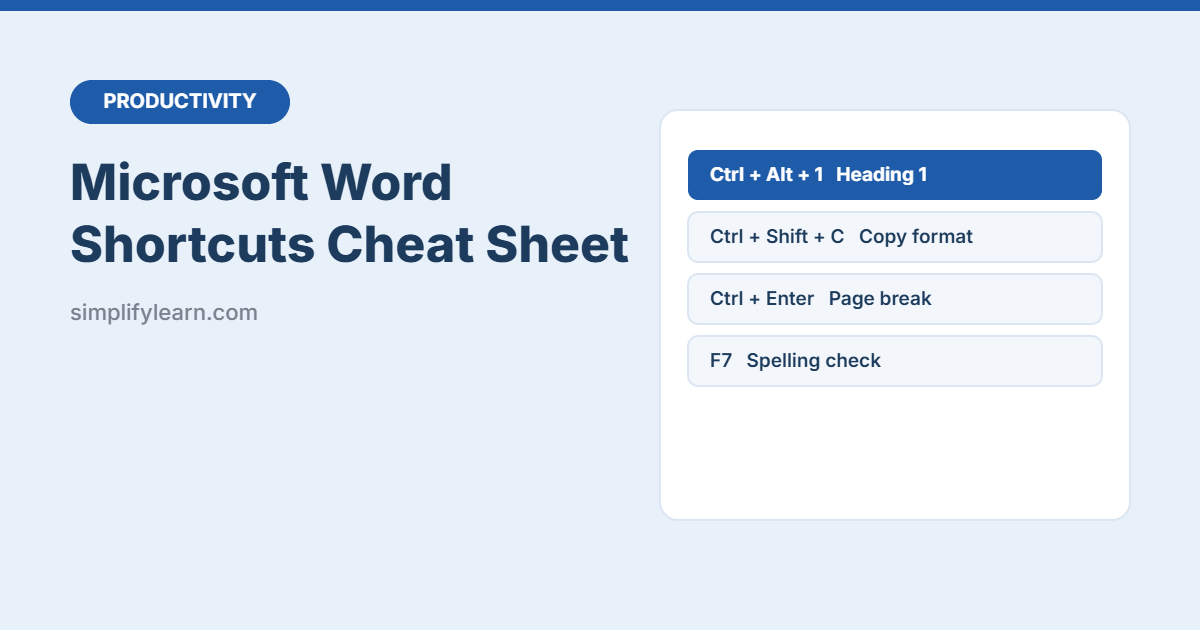
Microsoft Word Shortcuts Cheat Sheet (Free PDF)

Download a free printable Microsoft Word shortcuts cheat sheet: 60+ keyboard shortcuts for formatting, headings, navigation, editing, track changes and comments, plus tips that save hours.

Categories Productivity Apps Leave a comment

25 Windows Keyboard Shortcuts That Save Time Every Day

November 11, 2026October 18, 2026 by SimplifyLearn Team
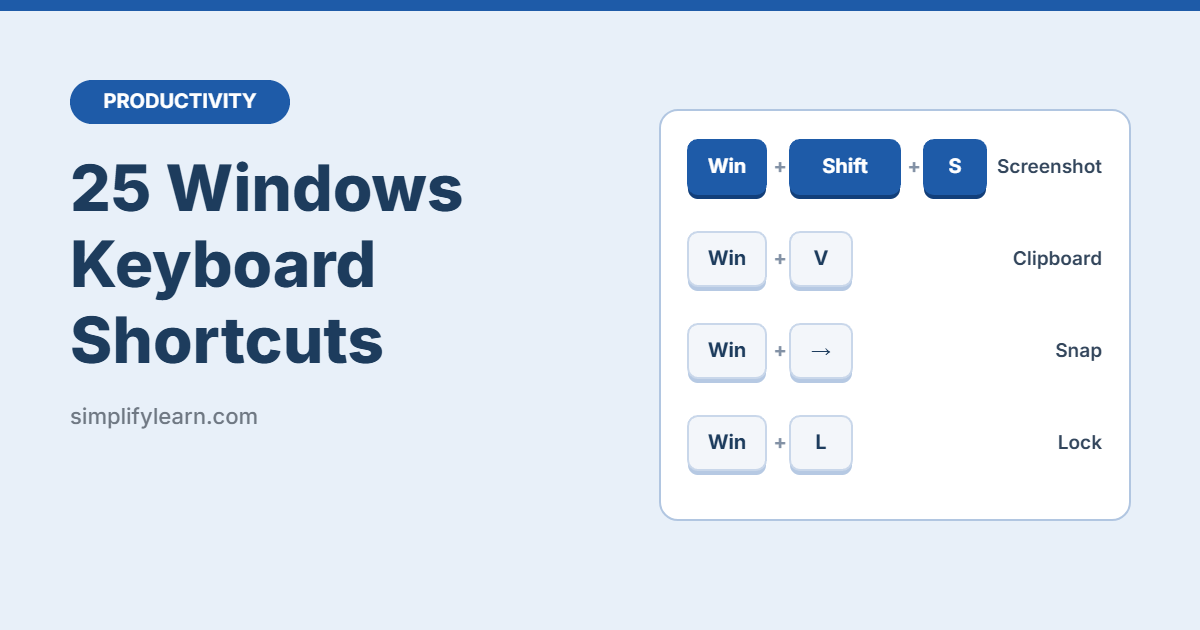
25 Windows Keyboard Shortcuts That Save Time Every Day

The 25 most useful Windows 10 and 11 keyboard shortcuts for everyday work: screenshots, window snapping, clipboard history, virtual desktops, and more.

Categories Productivity Apps Leave a comment

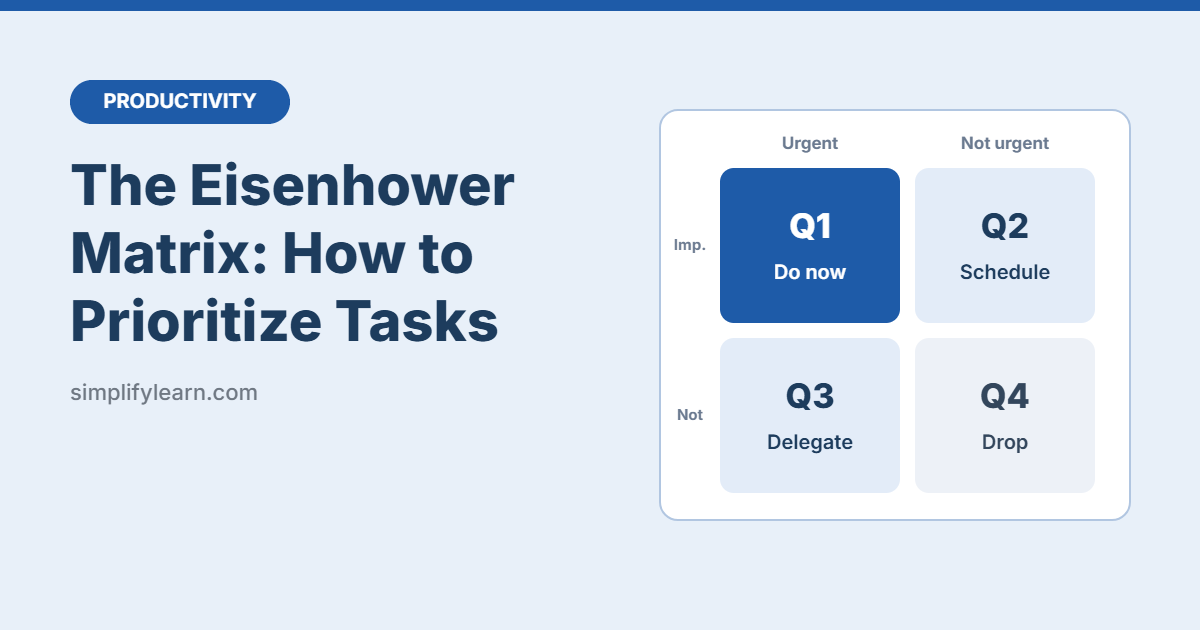
The Eisenhower Matrix: How to Prioritize Tasks

October 17, 2026 by SimplifyLearn Team
The Eisenhower Matrix: How to Prioritize Tasks

Learn the Eisenhower Matrix in minutes: the 4 quadrants explained with real work examples, how to set it up, and the mistakes to avoid.

Categories Productivity Apps Leave a comment

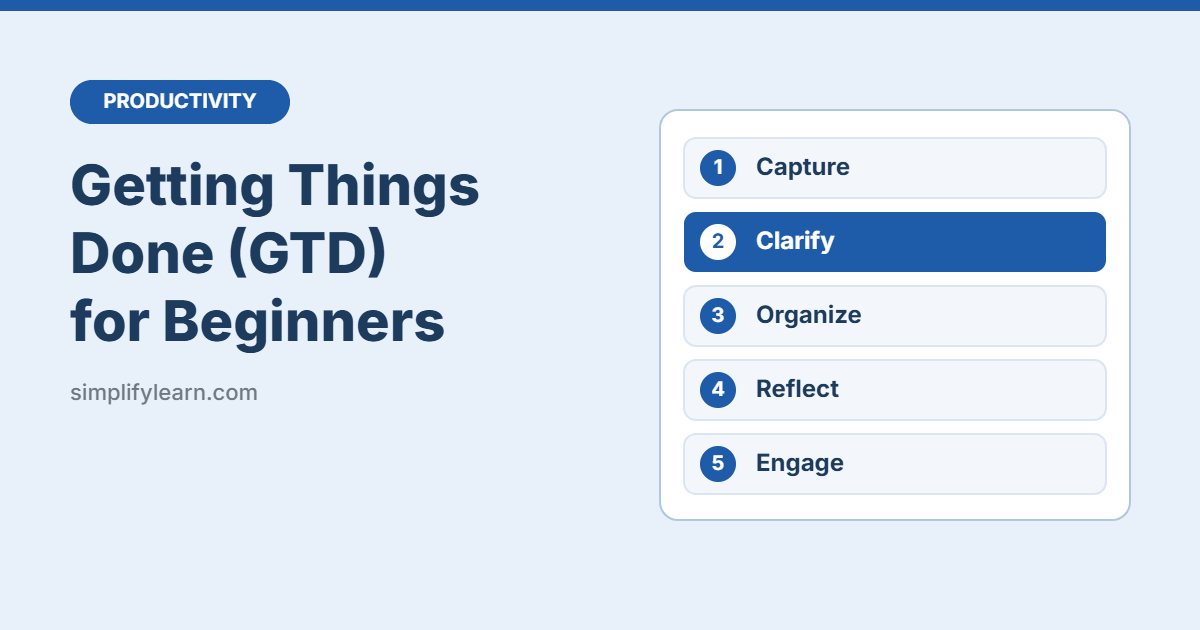
Getting Things Done (GTD) for Beginners: The 5 Steps Explained

October 16, 2026 by SimplifyLearn Team
Getting Things Done (GTD) for Beginners: The 5 Steps Explained

A simple beginner’s guide to Getting Things Done (GTD): the 5 steps, how to set it up with free apps, a weekly review checklist, and common mistakes.

Categories Productivity Apps Leave a comment

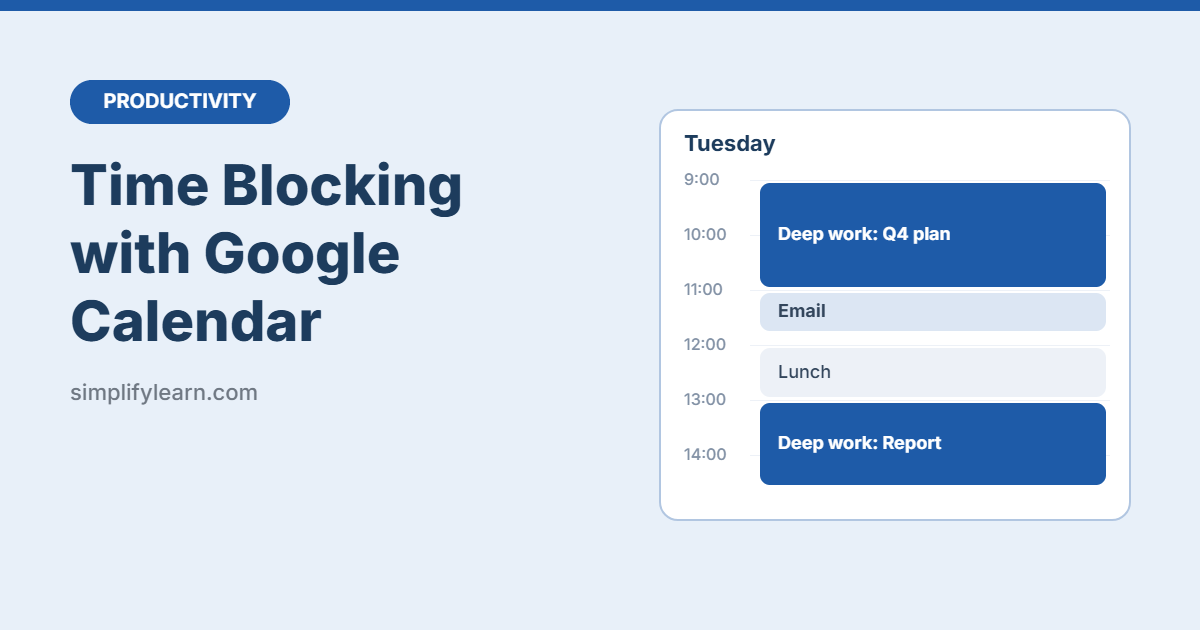
Time Blocking with Google Calendar: A Simple Step-by-Step Guide

November 11, 2026October 15, 2026 by SimplifyLearn Team
Time Blocking with Google Calendar: A Simple Step-by-Step Guide

Learn how to time block your day in Google Calendar: set up colors, create focus blocks, use recurring events, and avoid the most common mistakes.

Categories Productivity Apps Leave a comment

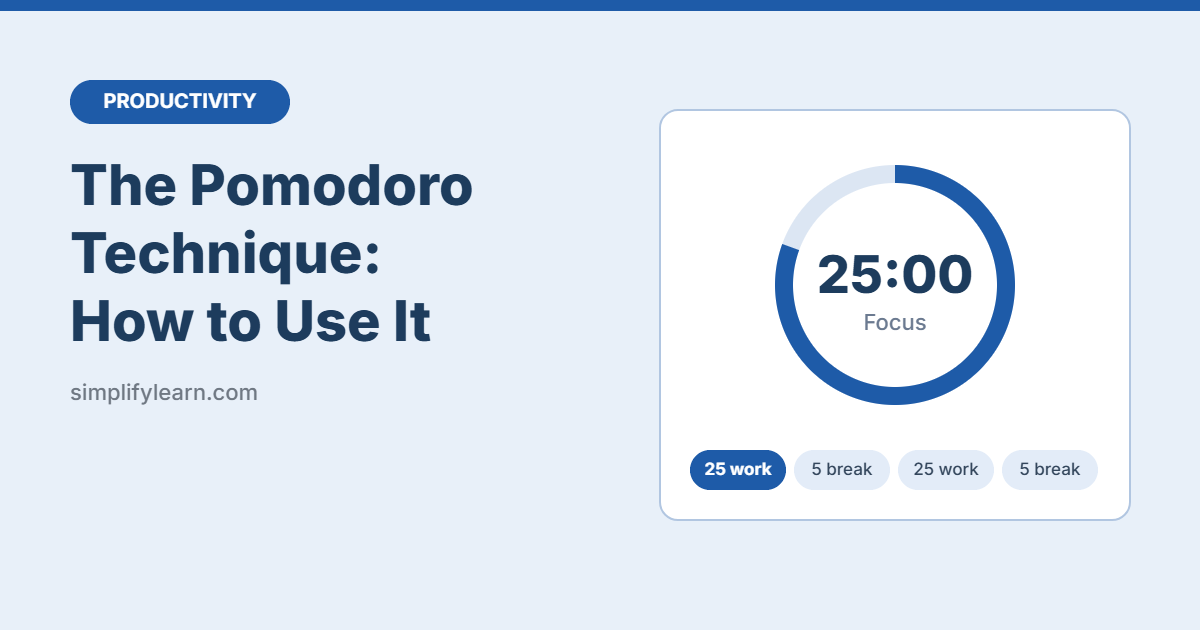
The Pomodoro Technique: How to Use It

November 11, 2026October 14, 2026 by SimplifyLearn Team
The Pomodoro Technique: How to Use It

Learn the Pomodoro Technique in 5 minutes: how it works, how to start today, common mistakes, and the best free timers to use.

Categories Productivity Apps Leave a comment

Power Automate for Beginners: 5 Easy Office Flows

November 10, 2026October 11, 2026 by SimplifyLearn Team
Power Automate for Beginners

A beginner guide to Microsoft Power Automate: what flows, triggers and actions are, how to build your first flow, and 5 easy office automations for Outlook, Forms, Excel, Teams and approvals.

Categories Productivity Apps Leave a comment

Microsoft Teams Tips for Better Meetings

November 11, 2026October 11, 2026 by SimplifyLearn Team
Microsoft Teams Tips for Better Meetings

Practical Microsoft Teams tips for shorter, better meetings: agendas, keyboard shortcuts, background blur, live captions, recording and transcripts, sharing slides, polls and AI recaps.

Categories Productivity Apps Leave a comment

Google Drive Organization: A Simple Folder System

November 11, 2026October 7, 2026 by SimplifyLearn Team
Organize Google Drive: A Simple System

Organize Google Drive with a simple folder system: a clear top-level structure, file naming rules, shared drives, shortcuts, search tricks and a monthly clean-up routine.

Categories Productivity Apps Leave a comment
Older posts
Newer posts
← Previous Page1 Page2 Page3 Page4 Next →

Latest guides

  • Microsoft 365 Business Email Setup: Step-by-Step with Your Own Domain
  • Google Sheets for Beginners: Everything You Need to Get Started
  • Google Workspace Email Setup: Step-by-Step for Your Business Domain
  • AI Note Taker for In-Person Meetings: 5 Easy Options
  • AI Note Taker for Microsoft Teams: Copilot, Intelligent Recap and Free Options

Topics

  • AI Tools
  • Excel & Sheets
  • Free Templates
  • Productivity Apps
  • Small Business Tech
  • Privacy Policy
  • Terms
  • Affiliate Disclosure
  • Contact
  • SimplifyDatabase
© 2026 SimplifyLearn • Built with GeneratePress