Practical tech skills for everyday work
Short, step-by-step guides to Excel, AI tools and productivity apps, plus free templates. No jargon, just what you need to get work done faster.
Explore by topic
Excel & SheetsFormulas, pivot tables and data cleaningSee guides →
AI ToolsUse AI to write, plan and save time at workSee guides →
ProductivityNotion, ClickUp and smarter ways to workSee guides →
Small BusinessWebsites, hosting and simple business techSee guides →
Free TemplatesReady-to-use Excel and Sheets templatesSee templates →
Free templates
Monthly Budget TemplatePlan vs actual income and expenses, savings rate, overspending in red.Download free →
Invoice TemplateProfessional invoice with automatic totals, VAT and due date.Download free →
Attendance TrackerDaily codes from a drop-down, automatic weekends, totals and attendance %.Download free →
Project TrackerTasks, owners, status and priority drop-downs, overdue warnings and % complete.Download free →
Inventory TrackerStock in and out log, automatic stock levels, reorder alerts and stock value.Download free →
Expense TrackerLog expenses all year, set category budgets and review any month.Download free →
Weekly PlannerPrintable one-page week with priorities, notes and a habit tracker.Download free →
Excel Shortcuts Cheat SheetThe 50 shortcuts office workers use most, on one printable PDF page.Download free →
Latest guides
- How to Choose Accounting Software for a Small Business
- Google Chrome Productivity Tips: 15 Tricks for Faster Browsing at Work
- How to Use AI for Customer Surveys: Write Questions and Analyze Answers

- Excel Tables (Ctrl + T): Why and How to Use Them
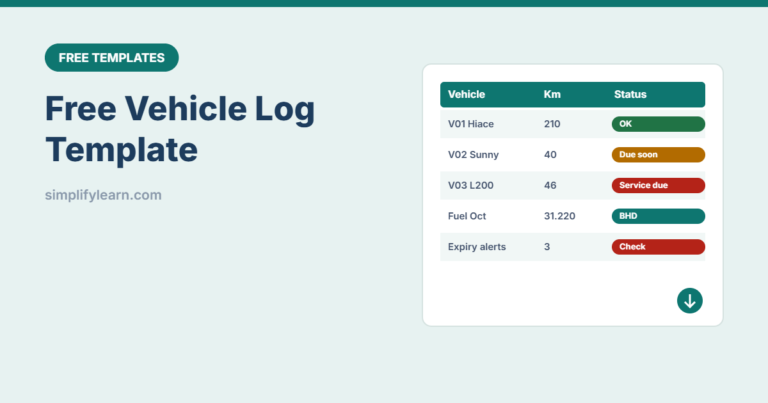
- Free Vehicle Log Template: Trips, Fuel and Expiry Alerts (Excel)
- LinkedIn for Small Business: A Simple Guide to Getting Clients