
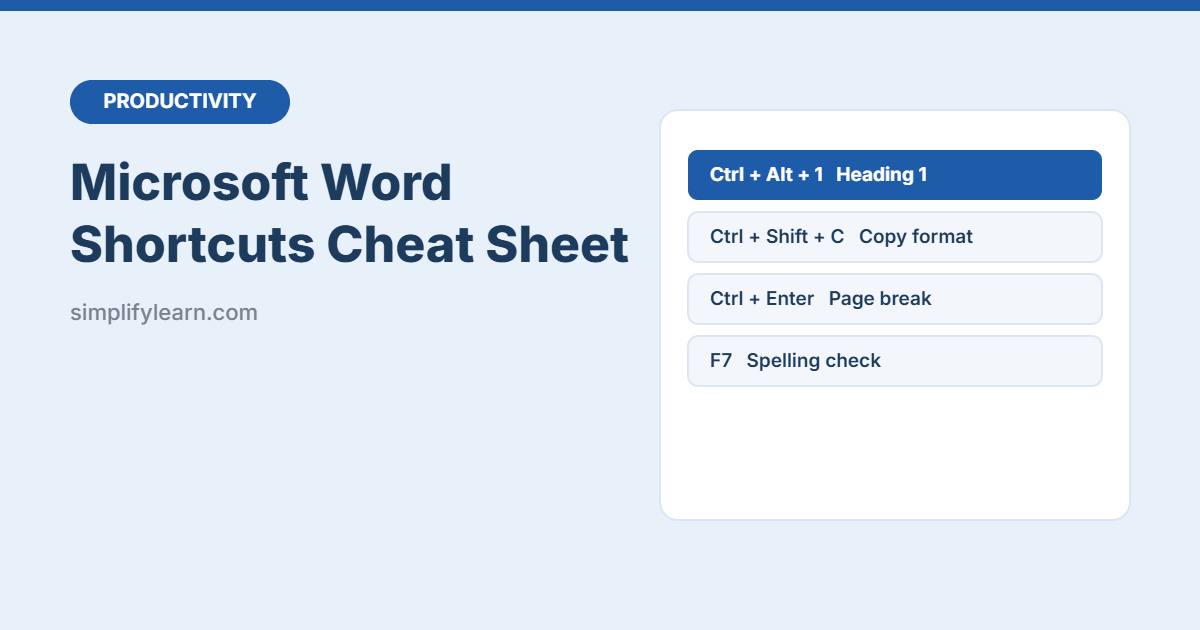
Formatting documents with the mouse is slow. This free Microsoft Word shortcuts cheat sheet puts 60+ of the most useful keyboard shortcuts on two printable pages, grouped by task so you can find them in seconds.
Download the free Word shortcuts cheat sheet (PDF, 2 pages)
What’s inside
| Section | Examples |
|---|---|
| Essentials | New, open, save, Save As (F12), print, undo, select all |
| Find & navigate | Find, replace, Go To, jump by word or paragraph, back to last edit |
| Selecting text | Select words, lines, paragraphs and vertical blocks |
| Font formatting | Bold, font size, change case, subscript, copy formatting |
| Paragraphs | Alignment, line spacing, indents, bullets |
| Styles & structure | Headings, Normal style, page breaks, formatting marks |
| Insert | Links, date, time and special characters |
| Review & edit | Spelling, thesaurus, comments, Track Changes |
The 10 most useful Word shortcuts
| Shortcut | What it does |
|---|---|
| Ctrl + Alt + 1 / 2 / 3 | Apply Heading 1 / 2 / 3 |
| Ctrl + Shift + C / V | Copy / paste formatting |
| Ctrl + Space | Remove character formatting |
| Ctrl + Enter | Page break |
| Shift + F3 | Change case |
| Ctrl + Shift + 8 | Show formatting marks (¶) |
| Ctrl + Shift + E | Track changes on / off |
| Ctrl + Alt + M | New comment |
| F12 | Save As |
| Shift + F5 | Go back to your last edit |
Tips that save hours
- Use Heading styles, not bold text. You get a navigation pane and an automatic table of contents.
- Paste without formatting to stop text from emails and websites messing up your document.
- Track Changes and comments make reviews clear and reversible.
Shortcuts are for Word on Windows. On a Mac, most use Cmd instead of Ctrl. Write faster still with voice typing and AI.