
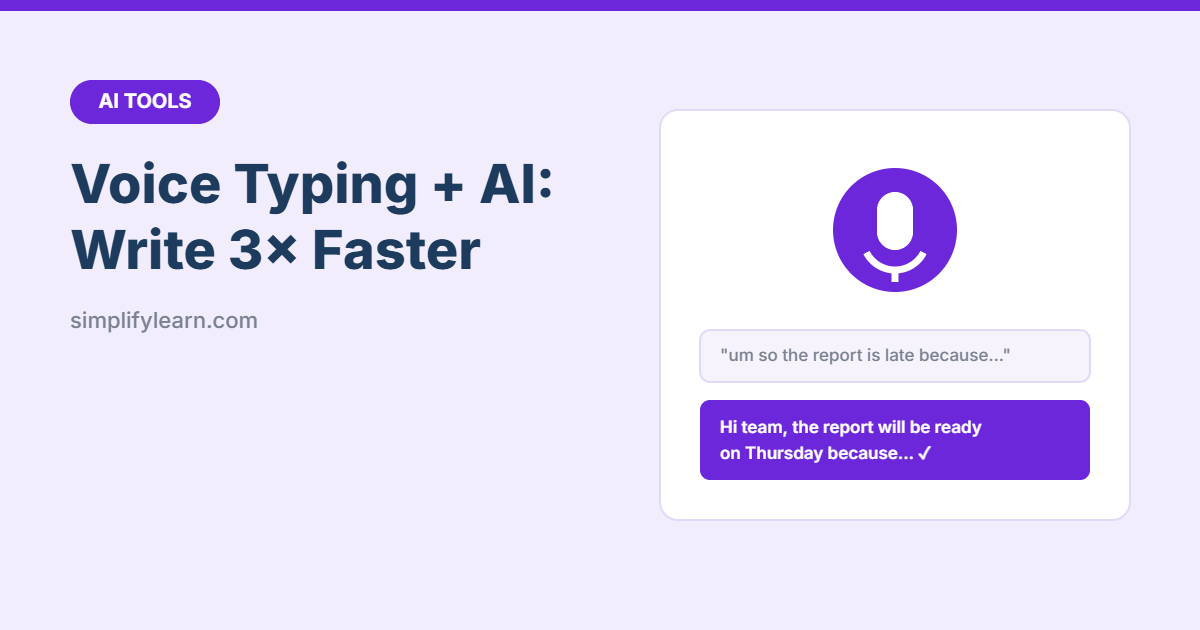
Most people speak about three times faster than they type. Combine that with AI, and you have a powerful way to write: speak your rough thoughts, then let AI turn them into a clean email, report or plan. No more staring at a blank page.
Step 1: Turn on voice typing
| Where | How |
|---|---|
| Windows | Click in any text box and press Win + H |
| Mac | Turn on Dictation in System Settings → Keyboard, then press the dictation shortcut (often the microphone or Fn/Globe key) |
| Microsoft Word (Microsoft 365) | Home → Dictate |
| Google Docs (in Chrome) | Tools → Voice typing (Ctrl + Shift + S) |
| Phone | Tap the microphone on your keyboard |
| AI apps | ChatGPT, Gemini and Claude apps have voice input. Some also have full voice conversation modes. |
Most of these support Arabic as well as English. Choose the language in the settings.
Step 2: Speak freely
Don’t try to dictate a perfect email. Just talk, like explaining it to a colleague:
“OK so I need to tell the client the report will be late, it’s because the data from finance came in yesterday instead of Monday, it’ll be ready Thursday, maybe offer a quick call to go through it, keep it polite.”
Step 3: Let AI clean it up
“Turn my notes into a short, polite email to a client. Keep all the facts. Add a clear subject line: [paste dictation]”
Done in under a minute. Save your favorite prompts in a custom AI assistant.
Useful voice + AI prompts
| Dictate… | Then ask AI to… |
|---|---|
| Your thoughts after a meeting | “Turn this into minutes with decisions and actions.” |
| Ideas for a report | “Create an outline with headings and key points.” |
| Everything on your mind | “Sort this into a to-do list grouped by urgency.” |
| A process you know well | “Turn this into a step-by-step SOP.” See AI for SOPs. |
| A reply to a customer | “Make this a friendly, professional reply under 80 words.” |
Tips for better dictation
- Use a headset or speak close to the mic in a quiet place.
- Say punctuation if you want it: “comma,” “full stop,” “new line.”
- Don’t stop to fix mistakes. AI will clean them up.
- Read before sending. Check names, numbers and dates, which dictation often gets wrong.
Privacy
Voice and text may be processed online. Avoid dictating passwords or confidential details, and follow your company’s AI rules. See Is it safe to use AI at work?
Quick summary
- Turn on voice typing: Win + H, Mac Dictation, Word Dictate or Google Docs Voice typing.
- Speak your messy thoughts, and let AI turn them into clean writing.
- Always check names, numbers and dates.