
Most meeting notes are either a wall of text nobody reads or a few cryptic words nobody understands a week later. Good notes are short and answer one question: what happens next? Here’s a simple method that works for any meeting.
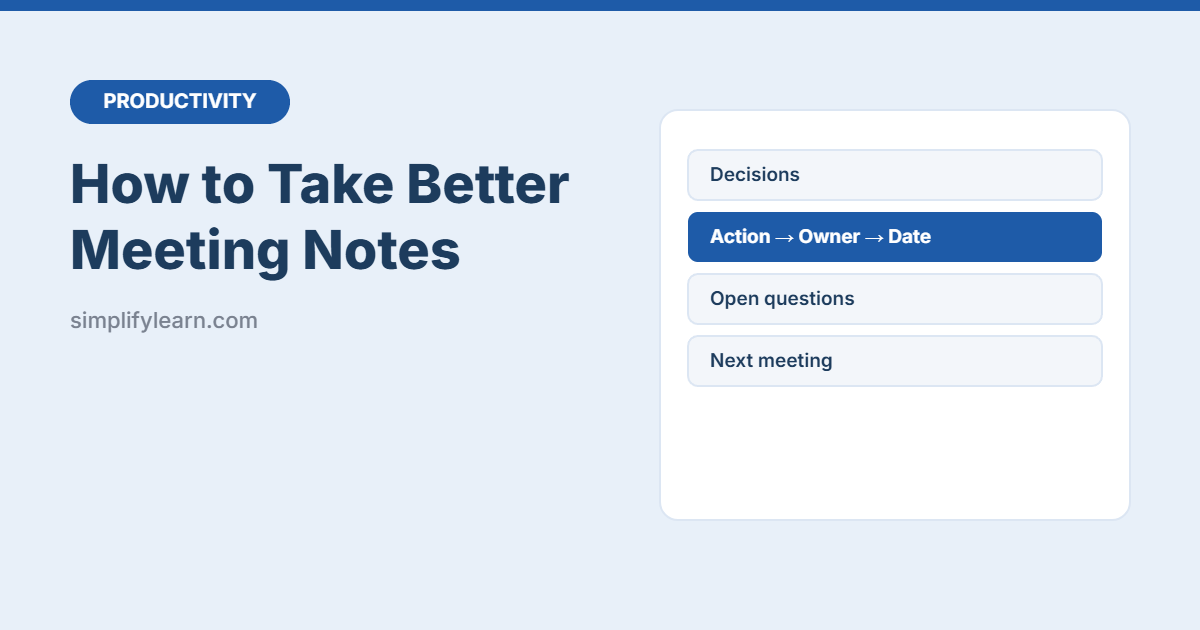
The 4-part method
| Part | What to write |
|---|---|
| 1. Decisions | What was agreed? (“Launch date moved to 15 November.”) |
| 2. Actions | Who does what by when? (“Omar: send revised quote, Thu 30 Oct.”) |
| 3. Open questions | What’s still undecided, and who will find out? |
| 4. Key info | Only the facts you’ll need later: numbers, dates, links |
Everything else, like who said what and the long discussion, is usually not needed.
A template you can copy
Meeting: [title] | Date: [date] | Attendees: [names]

DECISIONS
- …

ACTIONS
- [Owner]: [action] – due [date]

OPEN QUESTIONS
- … (who will answer: [name])

KEY INFO
- …

Next meeting: [date]
For formal meetings, use our free meeting minutes template with an automatic action log.
Example: notes from a 30-minute project meeting
Here’s what the 4-part method looks like for a short website update meeting:
Meeting: Website refresh – weekly check-in | Date: 4 Nov | Attendees: Mona, Omar, Ali

DECISIONS
- Launch moves to 20 November (photos not ready).
- Use the blue logo version on all pages.

ACTIONS
- Omar: send final product photos – Thu 6 Nov
- Mona: update About and Contact text – Sun 9 Nov
- Ali: test the site on phones – Tue 18 Nov

OPEN QUESTIONS
- Do we need an Arabic version at launch? (Mona to ask the manager)

KEY INFO
- Hosting renews on 1 December.

Next meeting: 11 Nov
It’s 13 lines, but anyone who missed the meeting knows exactly what changed and who is doing what.
Before the meeting
- Open your notes template and fill in the title, date and attendees.
- Write the agenda items as headings, so notes go in the right place.
- Ask for an agenda if there isn’t one. See how to plan meeting agendas with AI.
During the meeting
- Listen for trigger words: “let’s go with…” (decision), “can you…” (action), “we need to check…” (open question).
- Write actions in the room: confirm the owner and date out loud before moving on.
- Use short phrases, not full sentences. Tidy up afterwards.
- Mark actions with a symbol (like ☐ or →) so you can find them fast.
After the meeting (10 minutes)
- Tidy the notes while you still remember. Or paste them into an AI assistant: “Turn these notes into decisions, actions (owner + date) and open questions.”
- Share them within 24 hours in email, Teams or your shared notebook.
- Put your own actions straight into your task app. See Microsoft To Do.
Where to keep notes
- OneNote: one section for meetings, one page per meeting, titled with the date.
- Google Keep: quick notes for short meetings.
- Notion: a meeting database with templates.
Online meetings
- AI note-takers can record and summarize. Always tell attendees and follow your company’s rules. See AI meeting note-takers compared.
- Still check AI summaries, because they can miss who owns an action.
FAQ
What is the difference between meeting notes and minutes?
Notes are for the team: short, practical and focused on actions. Minutes are a formal record, often required for board or committee meetings, with attendees, decisions and approvals. Use our meeting minutes template when you need the formal version.
How long should meeting notes be?
As short as possible. For most meetings, half a page is enough: decisions, actions, open questions and a few key facts.
Should I record the meeting instead?
A recording is not a replacement for notes, because nobody re-watches an hour to find one action. If you record, ask permission first and still send short written notes.
Who should take notes?
Rotate the job, or ask someone who isn’t leading the meeting. The person running the meeting should still confirm actions out loud.
Quick summary
- Write decisions, actions, open questions and key info, and skip the rest.
- Every action needs one owner and a date.
- Share notes within 24 hours.