
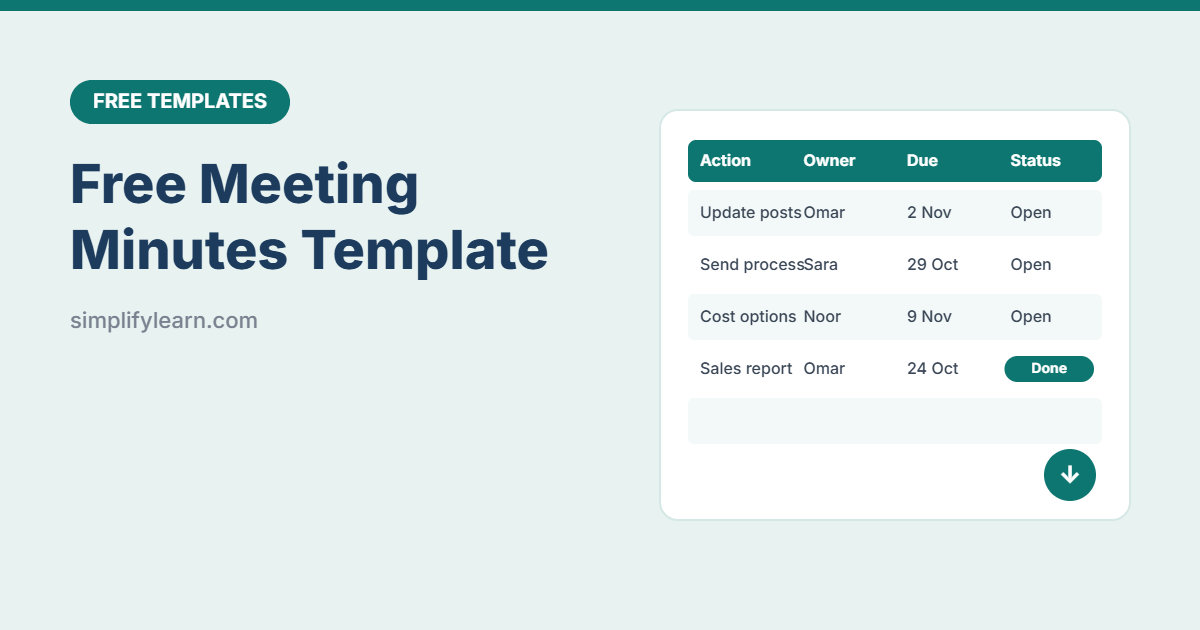
Most meetings fail in the same way: everyone agrees on something, and a week later nobody remembers who was supposed to do what. Good minutes fix that. This free template keeps it simple: decisions, actions, owners and due dates, plus a log that flags overdue actions.
Download the free meeting minutes template (.xlsx)
What is inside
| Section | What it does |
|---|---|
| Meeting details | Title, date, time, location, chair and minute-taker |
| Attendees | Names, roles and attendance (Yes / Apologies / Absent), with automatic counts |
| Agenda and decisions | Each agenda item with a short discussion summary, the decision and the presenter |
| Action items | Action, owner, due date and status. Overdue items turn red. |
| Action Log | Every action from every meeting in one list, with open and overdue counts |
How to take good minutes
- Prepare: fill in the meeting details and agenda before you start.
- Don’t write everything: capture the key points, the decision, and any action.
- Give every action one owner and a date. “The team will look into it” isn’t an action.
- Share within 24 hours: save as PDF and email or post it in your team chat.
- Start the next meeting by reviewing open actions in the Action Log.
Let AI do the tidying
Took rough notes? Paste them into ChatGPT, Claude or Gemini and ask: “Turn these notes into meeting minutes: summary, decisions, and an action table with owner and due date.” See how to plan better meetings with AI and our AI prompts cheat sheet. Remove confidential details first.
Use it in Google Sheets
Download the file and choose File → Import → Upload. Share it with your team so everyone can update their action status.
FAQ
Who should take the minutes?
Anyone except the person running the meeting. Rotate the role so everyone learns it.
How detailed should minutes be?
Short. Decisions and actions matter most. A few lines per agenda item is enough for most internal meetings.