
Getting vague answers from ChatGPT, Claude, Gemini or Copilot? Usually the prompt is the problem. This free AI prompts cheat sheet gives you a simple prompt formula and 42 ready-to-use prompts for everyday office work, on two printable pages.
Download the free AI prompts cheat sheet (PDF, 2 pages)
The prompt formula
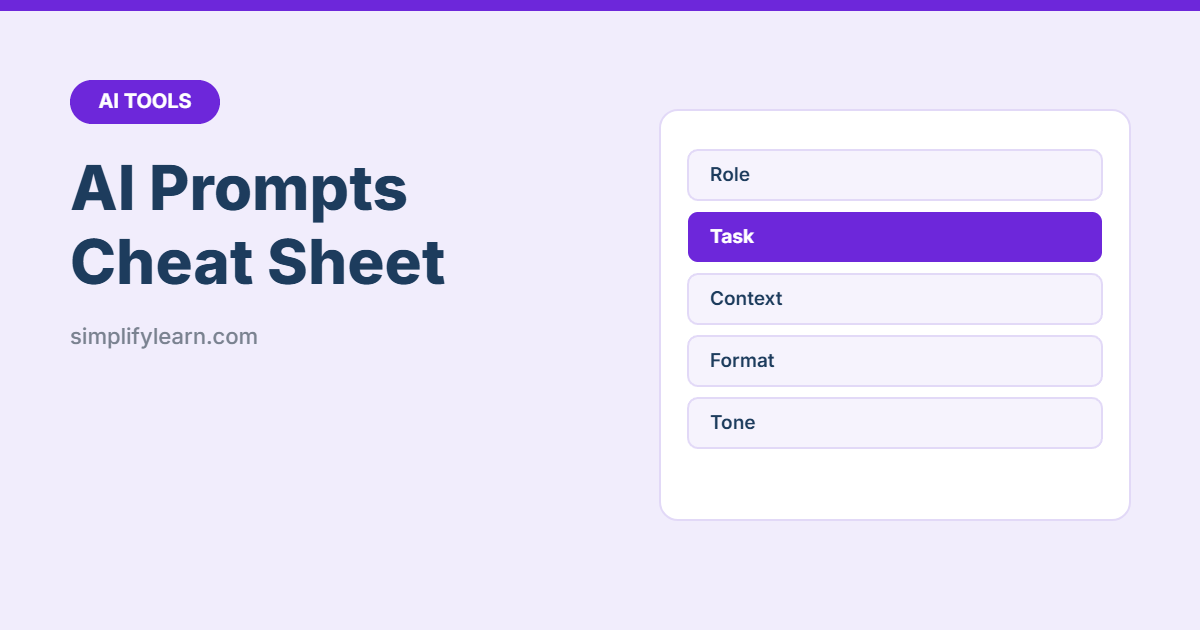
Great prompts usually have five parts:
| Part | Example |
|---|---|
| Role | “You are an experienced office manager.” |
| Task | “Write a reminder email…” |
| Context | “…to staff who haven’t submitted timesheets. The deadline is Thursday.” |
| Format | “Under 100 words, with a clear subject line.” |
| Tone | “Friendly but firm.” |
Learn more in how to write prompts that get better AI answers.
What’s inside
| Section | Prompts for… |
|---|---|
| Polite replies, follow-ups, saying no, formal tone, shorter emails, subject lines | |
| Writing & editing | Proofreading, simplifying, summaries, report outlines, LinkedIn posts, job ads |
| Meetings | Agendas, minutes, action-item tables, follow-up emails, preparation |
| Excel & data | Writing and explaining formulas, fixing errors, analyzing data, choosing charts |
| Planning & priorities | Weekly plans, breaking down projects, Eisenhower Matrix, checklists, risks |
| Customer service | Complaint replies, FAQs, review replies, WhatsApp quick replies |
| Learning & research | Simple explanations, quizzes, comparisons, pros and cons, learning plans |
| Better answers | Follow-up prompts that make any answer more useful |
5 prompts to try today
- Email: “Write a polite reply to this email. Confirm [what], and ask about [question]. Keep it short: [paste email]”
- Meetings: “Turn these rough notes into meeting minutes: decisions, action items, owners, due dates: [notes]”
- Excel: “Write an Excel formula that [goal]. My data: column A = [ ], B = [ ]. Explain it simply.”
- Planning: “Sort these tasks with the Eisenhower Matrix (do, schedule, delegate, drop): [list]”
- Better answers: “Before you answer, ask me any questions you need to do this well.”
Use AI safely
Don’t paste passwords, ID numbers, bank details or confidential customer data into personal AI accounts, and always check facts and numbers before you use them. Read Is it safe to use AI at work? and how to fact-check AI answers.