
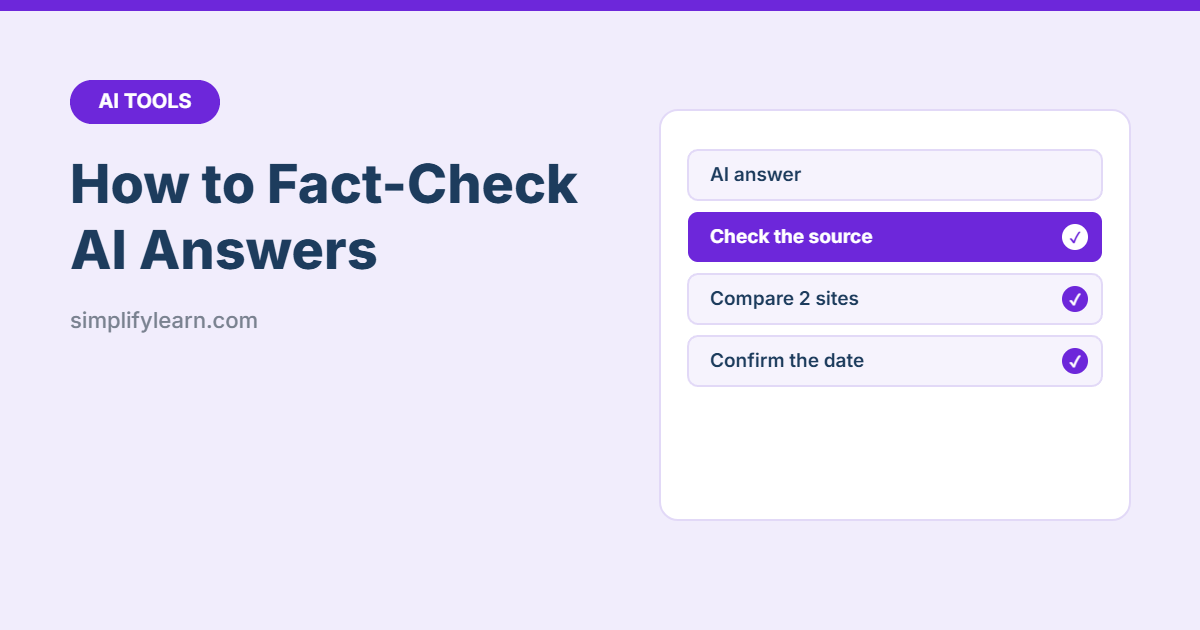
AI assistants are fast research helpers, but they can still get things wrong. Sometimes they invent a statistic, a quote or even a whole source, and say it with complete confidence. This is often called a “hallucination.” Here’s a simple method to check AI answers before you use them at work.
Quick answer: the 5-step check
- Ask for sources, and open them.
- Confirm the key facts on an official or trusted website.
- Check the date: is the information current?
- Cross-check with a second, independent source.
- Do the math yourself for any numbers you’ll rely on.
Why AI gets things wrong
- AI predicts likely-sounding text. It doesn’t “know” facts the way a database does.
- Its training data has a cut-off date, so recent changes may be missing unless it searches the web.
- It may fill gaps with plausible guesses instead of saying “I don’t know.”
- It can misread your files or mix up similar names.
What to always check
| Type of claim | Why it’s risky |
|---|---|
| Numbers, prices and statistics | Easy to invent or outdated |
| Laws, regulations and deadlines | Change often and vary by country |
| Quotes and “according to…” | Often misattributed or made up |
| Sources, links and book titles | Can be invented or point to the wrong page |
| Recent news, people’s roles, product features | May be out of date |
| Medical, legal and financial advice | High stakes, so always confirm with a professional |
Step 1: Ask for sources, then open them
Ask: “Give me your sources with links for each key fact.” Then click every link and confirm that the page exists and actually says what the AI claims. If a link is broken or the page says something different, treat that fact as unverified.
Step 2: Go to the official source
- Laws and regulations → the government or regulator’s website
- Company facts and prices → the company’s own website
- Statistics → the original statistics office or report, not a blog quoting it
- Software features → the official help center
Step 3: Check the date
Ask: “When was this information last updated?” and look at the date on the source page. For anything that changes, like prices, rules or product features, prefer sources from the last few months.
Step 4: Cross-check with a second source
Find the same fact in a second, independent, trustworthy source. You can also give the same question to a different AI tool. If two AIs disagree, that’s a red flag to check more carefully. See ChatGPT vs Claude vs Gemini.
Step 5: Check the numbers yourself
If the AI calculated a total, average or percentage, recalculate it in Excel. When analyzing your own files, follow the checks in how to analyze spreadsheet data with AI.
Prompts that reduce mistakes
- “If you’re not sure, say so. Don’t guess.”
- “Separate what you know for certain from what you’re assuming.”
- “Only use information from the document I uploaded.”
- “List anything in your answer I should double-check.”
- “Search the web and cite current sources” (for tools that can browse)
More tips in how to write prompts that get better answers.
Warning signs of a made-up answer
- Very precise numbers with no source
- Quotes that sound perfect but you can’t find anywhere else
- Links that don’t open, or open a different topic
- Book or article titles you can’t find in a normal search
- The answer changes completely when you ask again
Using AI for research the right way
Think of AI as a smart assistant who helps you start research, not the final authority:
- ✅ Explaining a topic in simple words
- ✅ Suggesting what to search for and which questions to ask
- ✅ Summarizing documents you provide (see summarizing PDFs with AI)
- ⚠️ Final facts, figures and citations: always verify
Quick summary
- AI can be confidently wrong, so check before you share.
- Open every source, prefer official websites, and check dates.
- Cross-check important facts and recalculate numbers.
- Ask the AI to flag uncertainty instead of guessing.
FAQ
Are AI tools with web search more accurate?
They’re better for current information because they can cite pages, but they can still misread sources. Keep checking.
Can I cite ChatGPT or Claude as a source?
For work reports, cite the original source you verified, not the AI.