
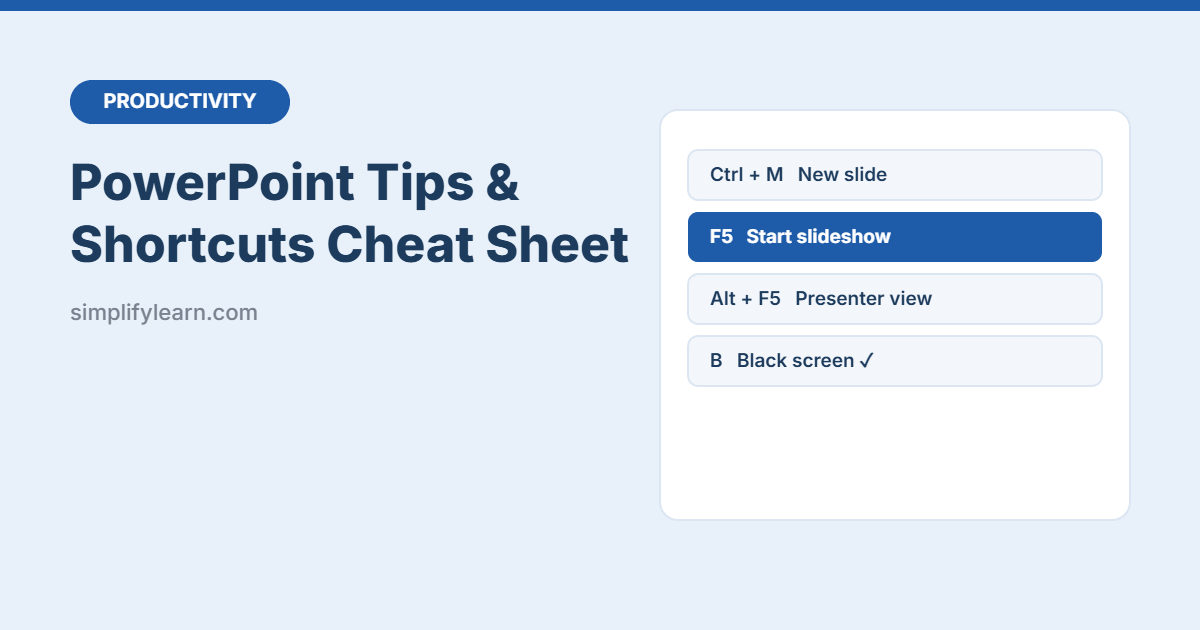
Build slides faster and present with confidence. This free PowerPoint cheat sheet combines the most useful keyboard shortcuts with simple design tips and power features, on two printable pages.
Download the free PowerPoint cheat sheet (PDF, 2 pages)
What’s inside
| Section | Examples |
|---|---|
| Building slides | New slide, duplicate, group, copy formatting, Selection Pane |
| Text | Font size, alignment, change case, clear formatting |
| Presenting | Start show, Presenter View, jump to slide, black/white screen, laser pointer |
| Design tips | One idea per slide, big text, contrast, Slide Master, alignment |
| Power features | Designer, Morph, Speaker Coach, Reuse Slides, Compress Pictures, Export to PDF |
Presenting shortcuts everyone should know
| Key | Action |
|---|---|
| F5 | Start from the beginning |
| Shift + F5 | Start from the current slide |
| Alt + F5 | Presenter View (see notes and next slide) |
| Number + Enter | Jump to a slide, e.g. 7 + Enter |
| B / W | Black / white screen, great for pausing to discuss |
| Esc | End the show |
3 design rules that work
- One idea per slide, with a headline that says the point.
- Big, short text: 6 lines or fewer and at least 24 pt.
- Show, don’t list: replace bullet points with a chart, photo or diagram.
Short on time? Make presentations faster with AI, and create visuals with AI image tools or Canva.
Notes
Shortcuts are for PowerPoint on Windows. On a Mac, most use Cmd instead of Ctrl. Feature names can vary slightly between versions and PowerPoint for the web.