
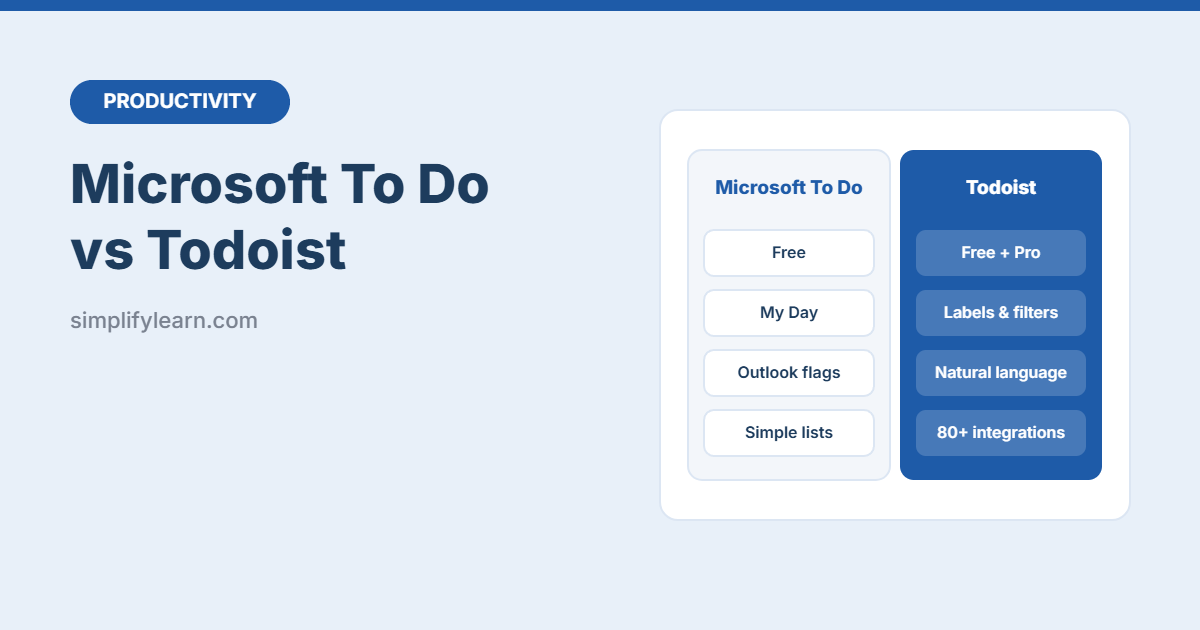
Microsoft To Do and Todoist are two of the most popular to-do apps. Both are clean, fast and available on every device. But they suit different people. Here’s a simple comparison to help you choose.
Quick answer
- Choose Microsoft To Do if you want something free and simple, and you use Outlook or Microsoft 365 at work.
- Choose Todoist if you want more power: labels, filters, smart date typing, and connections to many other apps.
Side-by-side
| Microsoft To Do | Todoist | |
|---|---|---|
| Price | Free with a Microsoft account | Free plan, with paid Pro and Business plans |
| Daily planning | My Day: a fresh list every morning | Today and Upcoming views |
| Typing dates | Basic | Excellent: “Pay rent every 1st #Home p1” |
| Labels and filters | No (lists and groups only) | Yes. Labels, priorities and custom filters (some on paid plans) |
| Reminders | Yes, free | Paid plans |
| Outlook integration | Flagged emails become tasks. Planner tasks appear too. | Through integrations |
| Other integrations | Mostly Microsoft apps | Many (Google Calendar, Slack, Gmail, Zapier and more) |
| Sharing | Shared lists | Shared projects, assignments and comments |
| Best for | Individuals and Microsoft 365 users | Power users and small teams |
Plans and limits change, so check each app’s current pricing page.
Microsoft To Do: strengths
- Completely free, with no task limits for personal use.
- My Day encourages a short, realistic daily list.
- Flag an email in Outlook and it appears as a task.
- Very easy to learn. See our Microsoft To Do beginner’s guide.
Limits: no labels, filters or priorities beyond “Important,” and few connections to non-Microsoft apps.
Todoist: strengths
- Natural language: type “Send report every Friday at 3pm #Work” and it sets the date, repeat and project.
- Labels, priorities and filters, for example “all urgent calls due this week.”
- Projects with sections and boards for bigger work.
- Integrations with calendars, email and team chat.
Limits: the most useful features (reminders, more projects, advanced filters) need a paid plan.
Which one for you?
| If you… | Choose |
|---|---|
| Work in Outlook all day | Microsoft To Do |
| Want a free app with reminders | Microsoft To Do |
| Use Gmail and Google Calendar | Todoist |
| Love organizing with tags and filters | Todoist |
| Manage tasks with a small team | Todoist (or Notion or ClickUp for bigger projects) |
Whichever you choose
The app matters less than the habit. Capture every task, plan your day each morning, and review weekly. Try the GTD method and our weekly review checklist.
Quick summary
- Microsoft To Do = free, simple, great with Outlook.
- Todoist = more powerful, great natural-language input, many integrations.
- Try both for a week with your real tasks, then commit to one.