
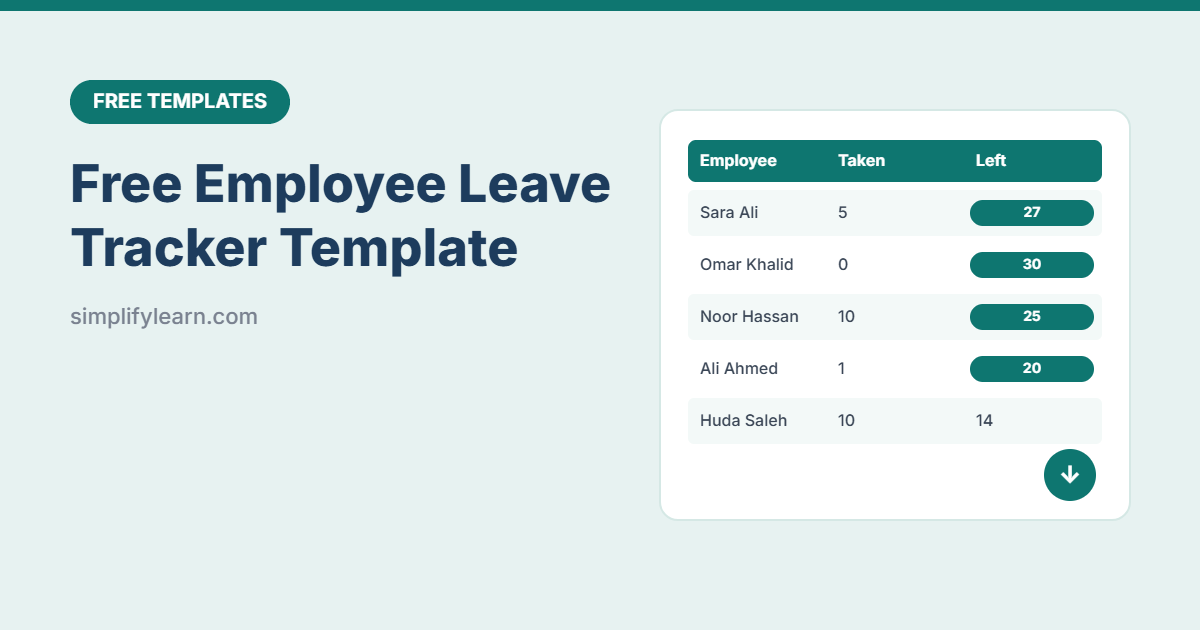
Keeping track of who’s on leave, and how many days everyone has left, gets messy fast with emails and paper forms. This free leave tracker does the counting for you: log each request, and it calculates working days and updates every employee’s balance.
Download the free leave tracker template (.xlsx)
What is inside
| Sheet | What it does |
|---|---|
| Employees | Annual entitlement, carried-over days, annual leave taken, pending and remaining, plus sick and other leave (up to 50 employees) |
| Leave Log | One row per request: employee, leave type, dates, automatic working days, status and approver (300 rows) |
| Holidays | Your public holidays, excluded from working days |
| Lists | Edit leave types and statuses |
Smart features
- Automatic working days: counts only working days, skipping Friday–Saturday weekends and public holidays.
- Live balances: only approved annual leave reduces the balance. Pending requests are shown separately.
- Low balance alerts: 5 days or fewer turns orange, and a negative balance turns red.
- Date check: warns you if the end date is before the start date.
- Leave types: annual, sick, emergency, unpaid, maternity/paternity, Hajj and other (editable).
- Year selector: change one cell to start a new year.
How to use it
- Add your team on the Employees sheet with their annual entitlement and any carried-over days.
- Add public holidays for the year on the Holidays sheet.
- Log requests in the Leave Log as they come in, with status “Pending.”
- Approve or reject: change the status, and the balance updates automatically.
- Check balances before approving new requests, and plan cover for busy periods.
Combine with your other HR templates
- Plan who works when with the shift schedule template.
- Track daily presence with the attendance tracker.
- Record hours worked with the timesheet template.
FAQ
My weekend is Saturday–Sunday. Can I change it?
Yes. In the Working days formula, change the 7 in NETWORKDAYS.INTL to 1, then copy it down. Learn more in Excel date functions.
How many days of annual leave should I enter?
It depends on your country’s labor law and each employee’s contract. Enter the correct entitlement per person.
Can managers share it?
Yes. Upload it to Google Sheets or OneDrive and share it with HR and managers. Use sheet protection to stop formulas being changed.