
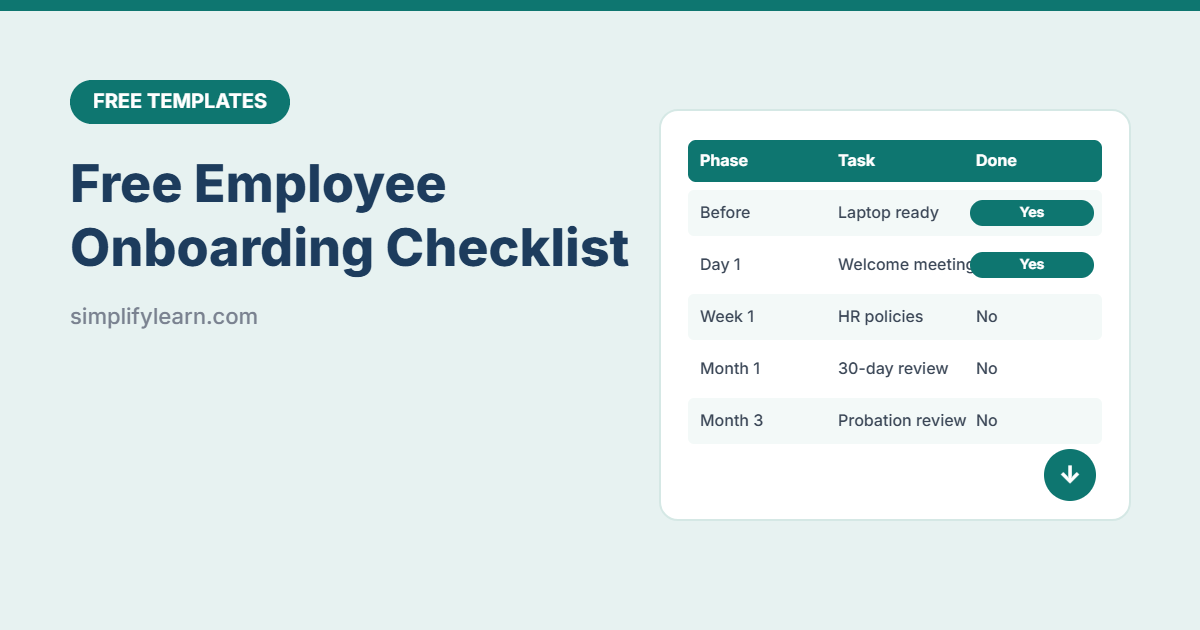
A new employee’s first days shape how they feel about your company for a long time. A clear onboarding plan means the laptop is ready, the right people are introduced, and nothing important is forgotten. This free checklist covers everything from before day 1 to the 90-day review.
Download the free onboarding checklist template (.xlsx)
What is inside
| Feature | How it works |
|---|---|
| 26 ready-made tasks | Grouped into Before day 1, Day 1, Week 1, Month 1 and Month 3 |
| Automatic due dates | Enter the start date once. Every task’s due date calculates from it. |
| Owners | HR, IT, Manager, Buddy or Employee, chosen from a drop-down |
| Progress tracking | Overall %, tasks done and progress for each phase |
| Overdue alerts | Late tasks turn red, and finished tasks turn green |
The onboarding phases
- Before day 1: contract, documents, laptop, accounts, welcome email.
- Day 1: welcome meeting, tour, introductions, IT setup with two-step verification, safety briefing.
- Week 1: HR policies, systems training, meeting key colleagues, reading SOPs.
- Month 1: 30-60-90 day goals, required training, shadowing, 30-day review.
- Month 3: check-ins, feedback and the probation review.
How to use it
- Copy the sheet for each new employee.
- Enter their name, role, start date, manager and buddy.
- Adjust tasks for your company: add, remove or change owners.
- Share it with HR, IT and the manager so everyone sees their tasks.
- Mark tasks “Yes” as they’re done, and check red items weekly.
Tips for great onboarding
- Give every new hire a buddy, a friendly colleague for everyday questions.
- Don’t overload day 1. Welcome, setup and introductions are enough.
- Set clear 30-60-90 day goals so they know what success looks like.
- Ask for feedback after a month and improve the checklist each time.
Use AI to draft welcome emails and first-week plans. See how to use AI for HR tasks.