
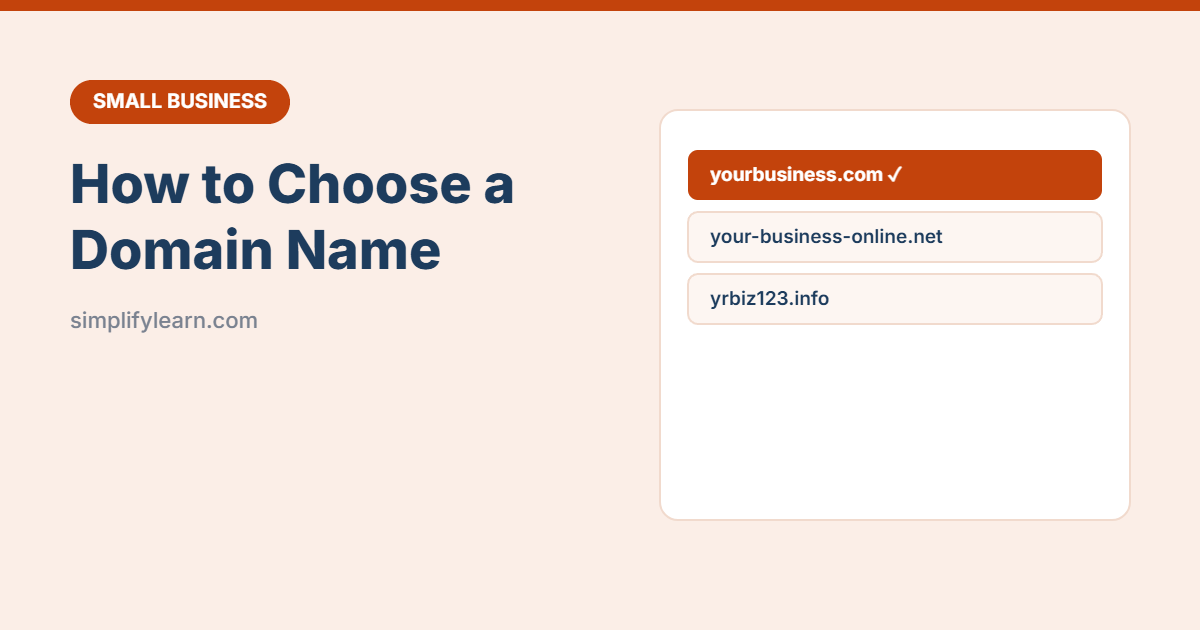
Your domain name (like yourbusiness.com) is your address online. It’s used for your website and your professional email. Choosing it takes minutes, but changing it later is painful, so it’s worth getting right.
Quick answer
- Pick a short, easy-to-spell name, ideally your business name.
- Choose .com if it’s available, or your country domain if you only serve local customers.
- Buy it from a well-known registrar or your web host, in your own name.
- Turn on auto-renew, privacy protection and two-step verification.
8 rules for a good domain name
- Short: ideally under 15 characters.
- Easy to say and spell: pass the “radio test” (could someone type it after hearing it once?).
- No hyphens or numbers: people forget them.
- Match your business name so customers can find you.
- Avoid trademarks: don’t use another company’s brand name.
- Think long-term: “bestlaptops2026.com” won’t age well.
- Check social handles: try to get the same name on Instagram and other platforms.
- Read it as one word: make sure words don’t combine into something embarrassing.
Which ending (extension) should you choose?
| Extension | Best for |
|---|---|
| .com | Most businesses. The most trusted and familiar. |
| Country domain (e.g. .bh, .sa, .ae, .uk) | Businesses serving one country. Often requires a local business registration. |
| .net / .co | Alternatives if the .com is taken |
| New endings (.shop, .online, .tech) | Can work, but some customers find them less familiar |
Tip: if your .com is taken, try adding a short word, like get, try, shop or your city, before using an unusual ending.
Where to buy a domain
- A well-known domain registrar, or
- Your web hosting provider, since many include a free domain for the first year. See choosing web hosting.
Watch the renewal price. A domain may cost very little in year one and much more after that. Check the yearly renewal cost before you buy.
Settings to turn on after buying
- Auto-renew: if your domain expires, your website and email stop working, and someone else could buy it.
- Privacy protection: hides your personal contact details from public lookup (where available).
- Two-step verification on the registrar account. See how to turn on 2FA.
- Up-to-date contact email that you check, so renewal notices reach you.
Own your domain
If a web designer or agency buys the domain for you, make sure it’s registered in your company’s name and that you have the login. Many businesses lose their website because a former freelancer still controls the domain.
Next steps
- Set up email like name@yourbusiness.com. See how to set up a professional business email.
- Build your website. See how to build a simple business website.
- Add the website to your Google Business Profile.
Quick summary
- Short, easy to spell, no hyphens, matching your business name.
- .com first, or your country domain for local businesses.
- Register it in your own name, and check the renewal price.
- Turn on auto-renew, privacy and two-step verification.