
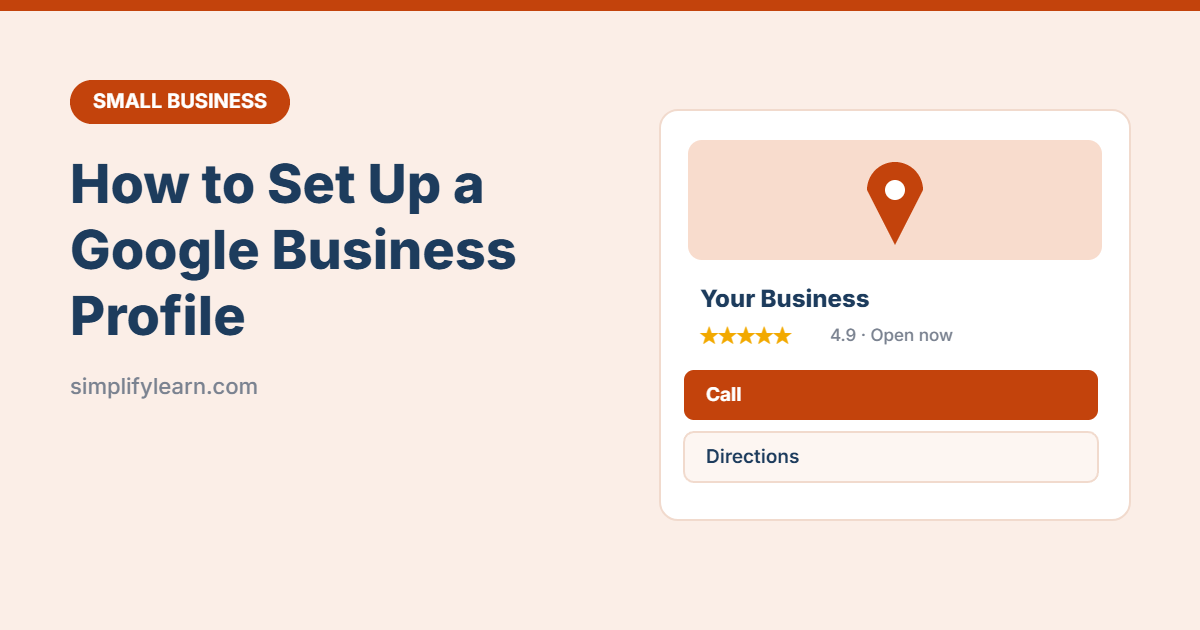
When people search “coffee shop near me” or your business name, Google shows a box with the address, hours, photos and reviews. That box is your Google Business Profile. It’s free, and for many local businesses it brings in more customers than the website does.
Quick answer
- Go to google.com/business and sign in with a Google account.
- Search for your business. Claim it if it already exists, or add it if it doesn’t.
- Enter your category, location (or service area), phone and website.
- Verify the business using the method Google offers (often a short video).
- Add hours, photos and a description, then ask happy customers for reviews.
Before you start
- Use a Google account you’ll keep long-term, ideally your business email, not a staff member’s personal account.
- Have your exact business name, address, phone number and opening hours ready. Make sure they match your website and signage.
- If you work at customers’ locations (plumber, cleaner, tutor), you can hide your address and show a service area instead.
Step 1: Create or claim your profile
- Go to google.com/business and click Manage now.
- Type your business name. If it appears in the list, select it and choose Claim this business. If not, choose Add your business to Google.
- Choose the category that best describes your main business, for example “Bakery” or “Accounting firm.” You can add more categories later.
- Add your address, or select that you serve customers at their location and list your service areas.
- Add your phone number and website.
Step 2: Verify your business
Google needs to confirm that you really run the business. You’ll see one or more of these options. Google chooses which ones you get:
| Method | How it works |
|---|---|
| Video recording | Record a short, continuous video showing your signage, location and something only the owner can access (like the till or tools). Most common today. |
| Phone or text | Get a code by call or SMS and enter it. |
| Get a code at your business email. | |
| Postcard | A code is mailed to your address. This can take up to two weeks. |
| Live video call | Show your business to a Google support person during opening hours. |
Tip: don’t change your business name or address while verification is pending, because that can restart the process.
Step 3: Complete every section
Complete profiles get more views and calls. Fill in:
- Hours, including special hours for holidays like Eid or National Day
- Description: a few clear sentences about what you offer and who you serve
- Products or services with prices if possible
- Attributes such as “wheelchair accessible,” “free Wi-Fi” or “women-owned”
- Booking or menu links if you have them
Step 4: Add great photos
- Your logo and a cover photo
- The outside of your shop, so people recognize it when they arrive
- The inside, your team and your products
Use bright, real photos taken in daylight. Need to make simple graphics? See Canva for business.
Step 5: Get and answer reviews
- In your profile, find the Ask for reviews option and copy the review link.
- Send it to happy customers by WhatsApp or email, or print it as a QR code at your counter.
- Reply to every review, good or bad. Keep replies short, polite and professional.
Never buy fake reviews or offer rewards for positive reviews. It’s against Google’s rules and can get your profile suspended.
Step 6: Keep it active
- Post updates and offers from your profile, for example a weekly special or a new product.
- Answer customer questions and messages quickly.
- Check the Performance section to see how many people searched, called or asked for directions.
Common mistakes
- Adding keywords to your name. Use your real business name only. “Al Noor Bakery – Best Cakes Manama” breaks Google’s rules.
- Wrong hours. Customers who arrive at a closed shop leave bad reviews.
- Different details everywhere. Keep your name, address and phone the same on Google, your website and social media.
Quick summary
- It’s free and shows your business on Google Search and Maps.
- Claim or add your business at google.com/business, then verify it.
- Complete hours, description, services and photos.
- Ask for reviews and reply to every one.
FAQ
Do I need a website to have a Google Business Profile?
No, but having one helps. See how to build a simple business website.
How long does verification take?
Phone, email or instant methods take minutes. Video reviews can take a few business days. Postcards can take up to two weeks.
Can more than one person manage the profile?
Yes. Add managers in the profile settings so you don’t need to share your password.