
Writing descriptions for dozens of products is slow, and copying the supplier’s text makes your store look like everyone else’s. AI can write good descriptions in seconds, but only if you give it the right facts. Here’s a simple method with prompts you can reuse.
Step 1: Make a product fact sheet
AI invents details when it doesn’t have them. Give it facts first:
Product: Date & cardamom cookies, box of 12
Ingredients: [list]   Allergens: wheat, milk, nuts
Size/weight: 300 g   Shelf life: 10 days
Who it's for: gifts, office guests, Ramadan gatherings
What makes it special: baked daily, local dates, no preservatives
Price: [amount]   Delivery: same day in Manama
Keep these in a spreadsheet, one row per product. Our price list template is a good place to start.
Step 2: Turn features into benefits
Write a product description using ONLY the facts below.
Audience: [who buys it]. Tone: warm and simple.
Structure:
- One-sentence hook focused on the main benefit
- 3–5 bullet points: feature → why it matters to the customer
- One line with size, delivery or care info
Max 120 words. Do not invent any facts.

[paste fact sheet]
“Baked daily” is a feature. “Fresh and soft when your guests arrive” is a benefit. Good descriptions use both.
Step 3: Create versions for each channel
| Channel | Ask for |
|---|---|
| Website / online store | Full description, bullets, and an SEO title (under 60 characters) and meta description (under 155) |
| Short caption with a hook, 1–2 emojis and a call to action | |
| WhatsApp catalog | 2–3 short lines with price and how to order |
| Marketplaces | Title with key details (brand, size, colour), and bullet points |
For social captions, see captions with AI. For WhatsApp, see our WhatsApp Business guide.
Step 4: Write in Arabic and English
Ask for both versions, and ask the AI to write the Arabic naturally rather than translate word for word. See AI for Arabic content for tips on dialect and tone.
Step 5: Do many products at once
- Put your product facts in a spreadsheet (one row per product).
- Paste 5–10 rows into the AI with your prompt and ask for a table with the same columns plus “Description”.
- Paste the results back into your sheet and review each one.
In Google Sheets you can also use Gemini directly. See Gemini in Google Sheets.
Step 6: Check before publishing
- ☐ Every fact is correct: sizes, materials, ingredients, allergens, warranty
- ☐ No promises you can’t keep (“best in Bahrain”, “100% natural” if it isn’t)
- ☐ No health or medical claims unless you can prove them
- ☐ Price and delivery details match your current offer
- ☐ It sounds like your brand, not like a robot
Prompts to improve a description
- “Make it shorter and more specific. Remove generic words like ‘high-quality’ and ‘perfect’.”
- “Rewrite for busy office managers buying for their team.”
- “Give me 5 headline options that mention the main benefit.”
- “What questions might a customer still have after reading this?” Then answer them in the description.
Quick summary
- Start with a fact sheet so the AI doesn’t invent details.
- Focus on benefits, with features as proof.
- Create short versions for each channel.
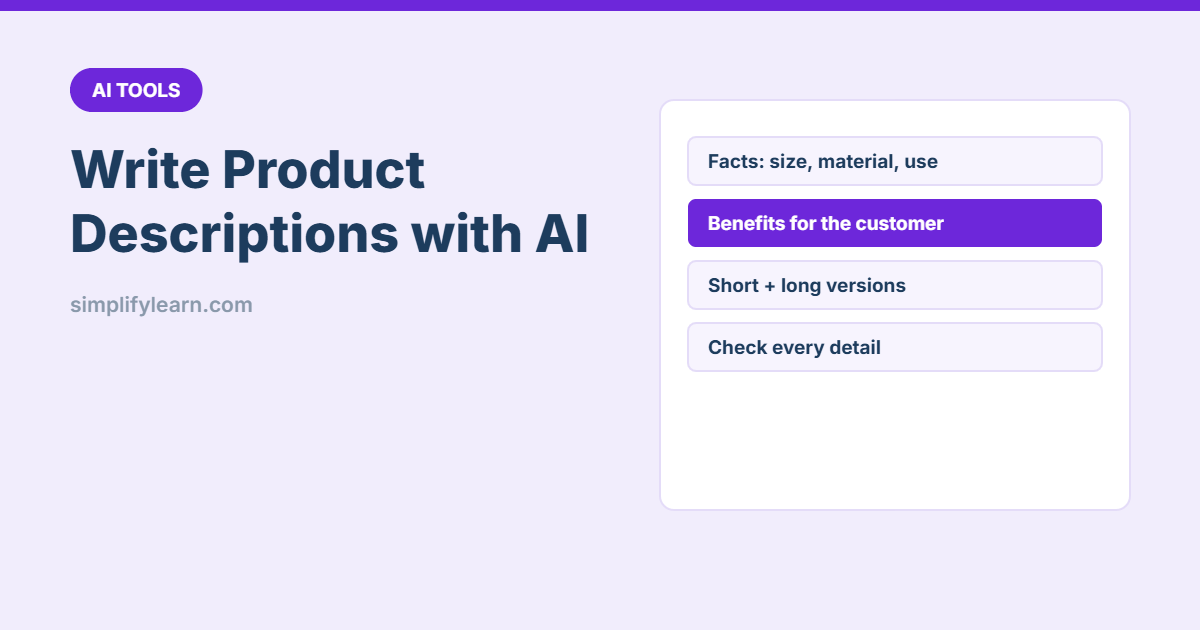
- Check every detail before publishing.