
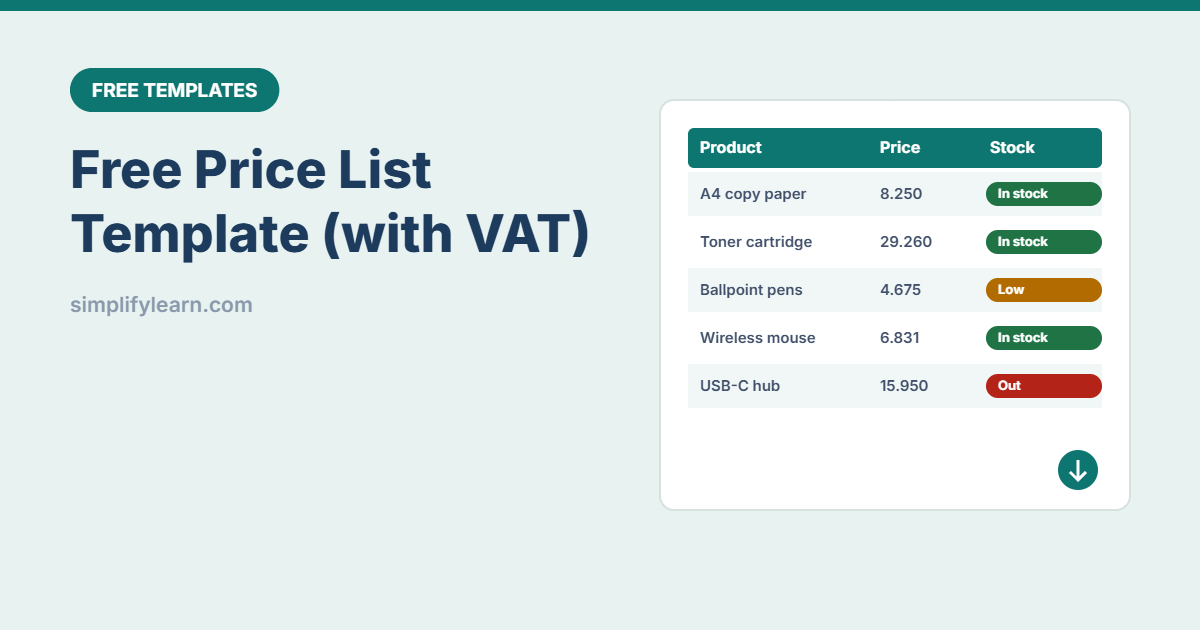
Customers ask “how much is it?” every day. A clear, up-to-date price list saves you from typing prices into WhatsApp again and again, and makes sure everyone in the team quotes the same price. This free template calculates VAT and discounts for you.
Download the free price list template (.xlsx)
What is inside
| Feature | How it works |
|---|---|
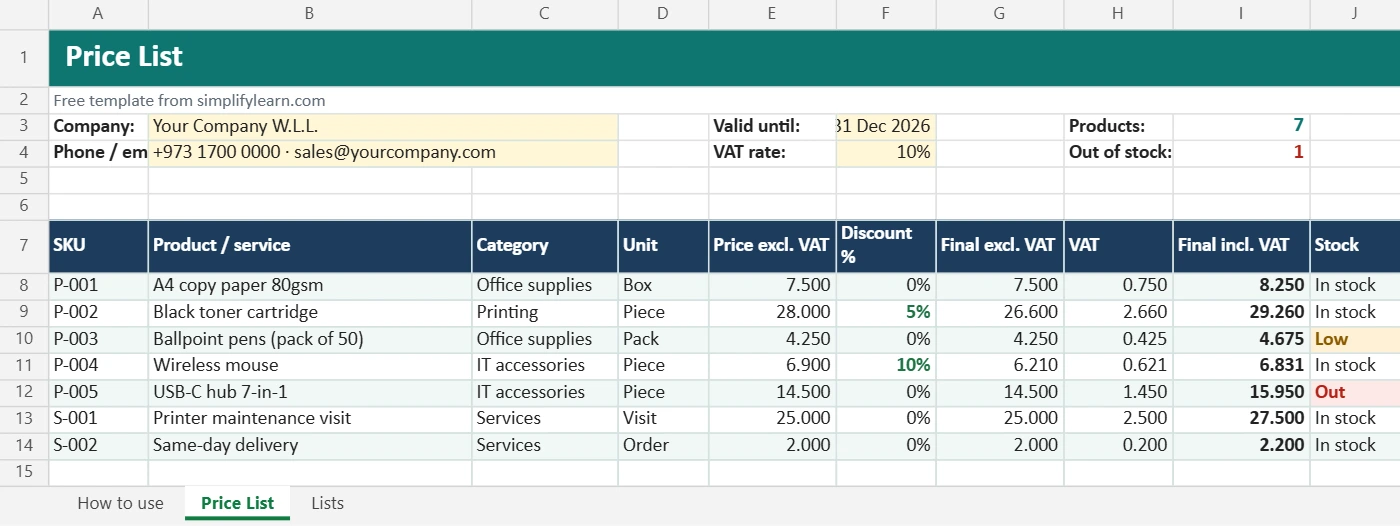
| Company header | Name, contact details and a “valid until” date |
| 300 product lines | SKU, product or service, category, unit and price before VAT |
| Automatic VAT | Set the VAT rate once. VAT and the price including VAT calculate on every line. |
| Optional discounts | Enter a discount % and the final price updates |
| Stock status | In stock, Low (amber) or Out (red) |
| Print-ready | Fits one page wide, with page numbers in the footer |
Prices use 3 decimals for Bahraini dinar. The VAT rate is set to 10% as an example, so always check the current rate for your country.
How to use it
- Edit categories and units on the Lists sheet.
- Enter your company details and the “valid until” date.
- Add products with their price before VAT.
- Add discounts where needed, and update the stock status.
- Use the filter to show one category, then print or save as PDF to send to customers.
Tips for a better price list
- Keep one master file. Update prices only here, never in old PDFs.
- Change the “valid until” date each time you send it.
- Name each PDF version clearly, e.g.
2026-11-03_Price-List_v02.pdf. - Share it as a link (view-only) so customers always see the latest version. See sharing in Google Drive.
- Add it to WhatsApp Business as a quick reply or catalog. See our WhatsApp Business guide.
- Need to send a formal offer? Use our quotation template.