
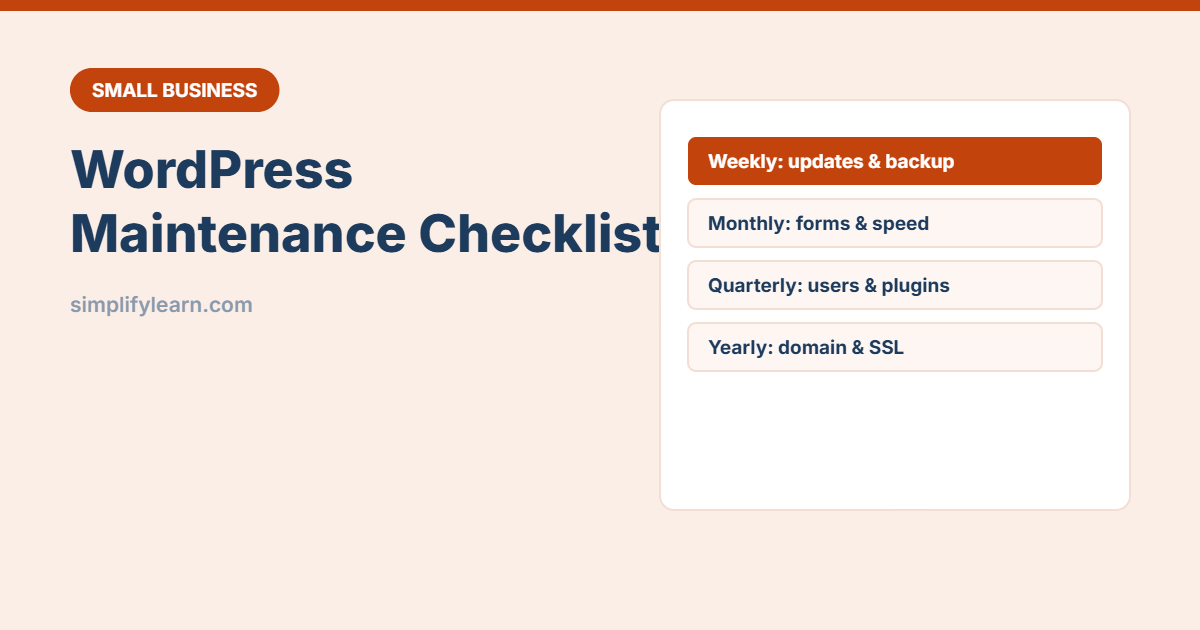
A WordPress website is not “build it and forget it”. Outdated plugins are one of the most common ways small business sites get hacked, and broken contact forms can silently cost you customers for weeks. This checklist takes about 15 minutes a week.
Weekly (10–15 minutes)
- ☐ Check for updates in Dashboard → Updates: WordPress core, plugins and themes.
- ☐ Back up before updating. Make sure your hosting or backup plugin made a recent backup.
- ☐ Update, then open your homepage and one key page to check nothing broke.
- ☐ Moderate comments and delete spam.
- ☐ Glance at security alerts from your security plugin or host.
Monthly
- ☐ Test your contact forms and WhatsApp/booking buttons. Send a real test message.
- ☐ Test a backup restore (most hosts let you restore to a staging copy).
- ☐ Check site speed with Google PageSpeed Insights, especially on mobile.
- ☐ Look for broken links and fix or redirect them.
- ☐ Review Google Search Console for errors and Google Analytics for traffic changes.
- ☐ Update content: prices, opening hours, offers and team members.
Quarterly
- ☐ Remove unused plugins and themes (deactivate and delete). Fewer plugins means fewer risks.
- ☐ Review user accounts: delete old staff and freelancers, and make sure everyone has the lowest role they need (Editor or Author, not Administrator).
- ☐ Check that 2-step verification is on for all admin accounts. See two-step verification.
- ☐ Clean the database (old revisions, spam, transients) with a trusted optimization plugin, after a backup.
- ☐ Check your PHP version in hosting. Use a version that is still supported.
Yearly
- ☐ Renew your domain and hosting on time. Turn on auto-renew. See our domain name guide.
- ☐ Check your SSL certificate (the padlock). Most hosts renew it automatically.
- ☐ Review premium plugin licences. Expired licences stop updates.
- ☐ Refresh key pages: About, Services, Privacy Policy, Terms.
- ☐ Review your hosting plan: is the site fast enough? See choosing web hosting.
Safe update tips
- Update one plugin at a time if something has broken before, so you know which caused it.
- Use a staging site (many hosts offer one-click staging) for big updates or theme changes.
- Avoid “nulled” (pirated) plugins and themes. They often contain malware.
- Only install plugins that are actively maintained and well reviewed.
If your site is hacked or down
- Contact your host’s support. They can often scan and restore.
- Restore a clean backup from before the problem.
- Change all admin, hosting and database passwords.
- Update everything and remove unknown users and plugins.
Add this to your business continuity plan.
Quick summary
- Weekly: back up, update, check the site.
- Monthly: test forms, restore and speed.
- Quarterly: clean plugins and users.
- Yearly: renewals, SSL, licences and key pages.