
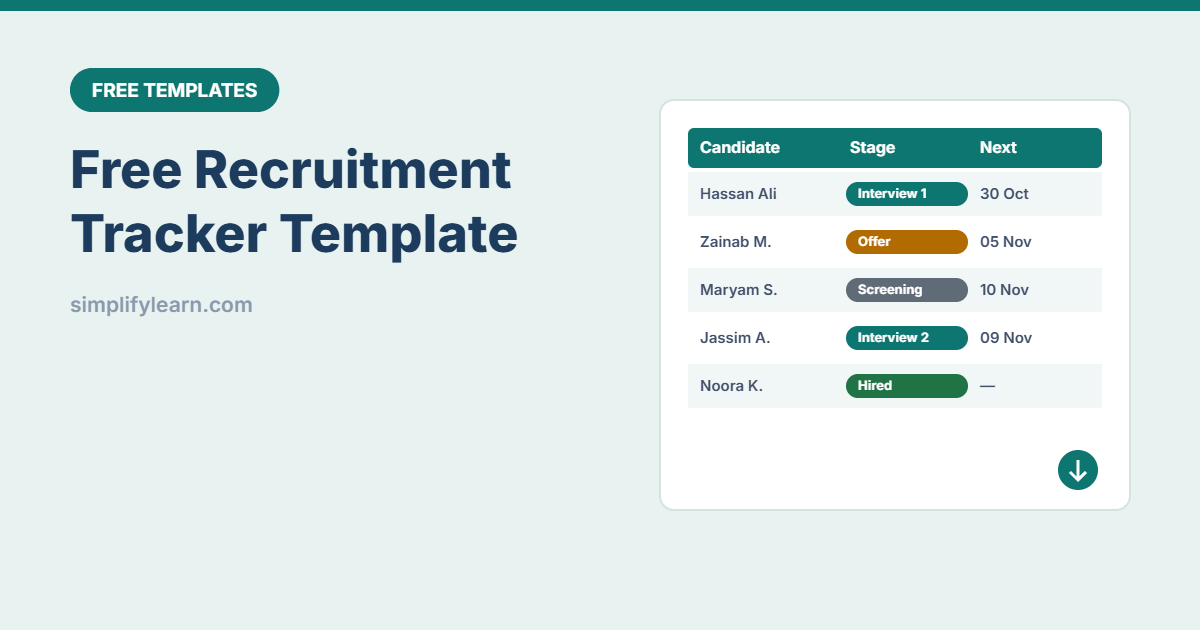
When you’re hiring for several roles, candidates get lost in email threads and someone forgets to call back. This free recruitment tracker keeps every candidate in one place, shows who is waiting for a next step, and summarizes each open role.
Download the free recruitment tracker template (.xlsx)
What is inside
| Sheet | What it does |
|---|---|
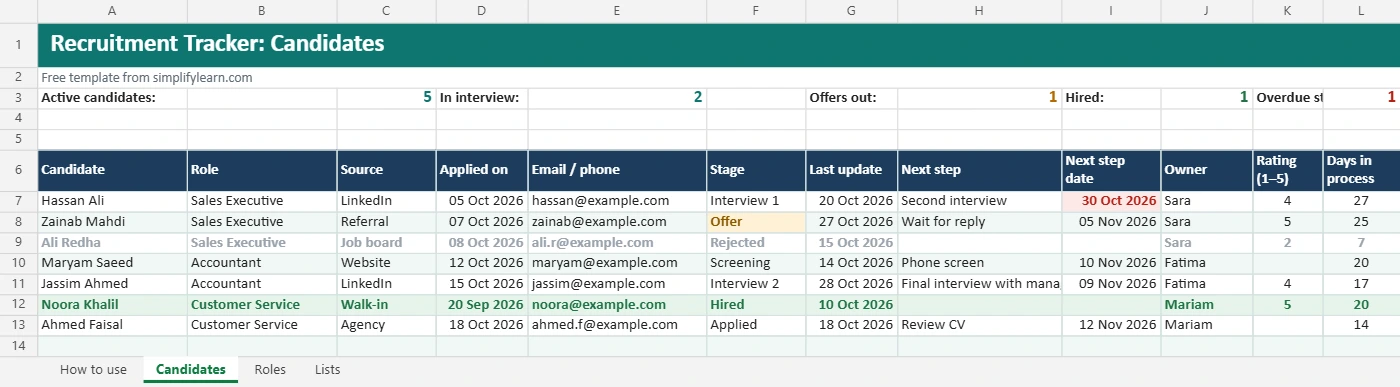
| Candidates | One row per applicant: role, source, applied date, stage, last update, next step and date, owner, 1–5 rating and notes. It also counts active candidates, interviews, offers, hires and overdue steps. |
| Roles | Open positions with department, hiring manager, date opened and status. Candidates, interviews and hires per role calculate automatically, plus days open. |
| Lists | Edit the stages and candidate sources for the drop-downs |
Hired candidates turn green, rejected or withdrawn ones turn grey, offers are amber, and overdue next steps turn red.
How to use it
- Add your open roles on the Roles sheet.
- Add each applicant on the Candidates sheet and pick the role and source.
- Update the stage and “Last update” date whenever something happens.
- Always fill in the next step and its date. This is what keeps hiring moving.
- Check the red overdue steps every morning.
Tips for faster, fairer hiring
- Use the same interview questions for each role so ratings are comparable.
- Reply to every candidate, even with a short rejection.
- Track sources to see where your best hires come from (LinkedIn, referrals, website).
- Protect candidate data: share the file only with the hiring team, don’t store ID numbers here, and delete old data according to your privacy policy.
- Use AI to draft job ads and interview questions. See AI for HR tasks.
Once someone accepts, switch to our onboarding checklist and add them to the employee directory.