
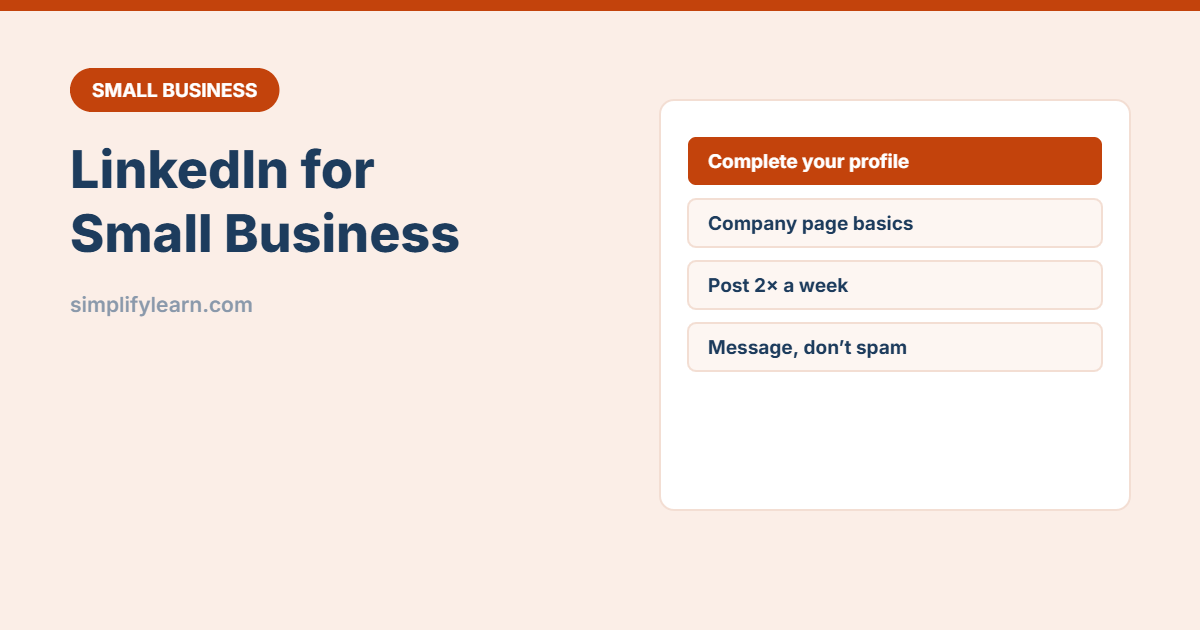
If your customers are other businesses, like offices, schools, clinics or contractors, LinkedIn is often more useful than Instagram. Decision-makers are there, and a helpful post or message can lead straight to a meeting. Here’s a simple way to use it without spending hours a day.
Step 1: Fix your personal profile first
On LinkedIn, people connect with people more than with company logos. Your own profile is your shop window.
- Photo: clear, friendly, professional.
- Headline: say who you help and how, not just your job title. “Helping clinics in Bahrain get more bookings with simple websites” beats “Owner at XYZ”.
- About section: 3 short paragraphs: who you help, what problems you solve, how to contact you.
- Featured section: add your best case study, price list or website.
- Experience: describe results, not just duties.
AI can help you draft headline options. See AI for your CV and LinkedIn profile.
Step 2: Create a company page
- Click For Business → Create a Company Page.
- Add your logo, cover image, website, location and a clear description.
- Ask your team to list the company as their employer, so it links to the page.
- Invite relevant connections to follow it.
Company pages grow slowly, so share company posts from your personal profile too.
Step 3: Post useful content (2 times a week)
| Post type | Example |
|---|---|
| Tip | “3 things to check before signing an office lease” |
| Mini case study | “How we cut a client’s monthly reporting from 2 days to 2 hours” |
| Behind the scenes | Your team, a project, an event you attended |
| Opinion | Your honest view on a trend in your industry |
| Free resource | A checklist, template or guide (like our free templates) |
Write in short paragraphs, start with a strong first line, and end with a question to invite comments. Plan posts in a content calendar.
Step 4: Build the right network
- Connect with customers, partners, suppliers and people in your target industries.
- Add a short note when connecting: where you met or why you’re connecting.
- Comment thoughtfully on posts from potential clients. It’s often better than posting yourself.
- Join a few relevant groups and answer questions there.
Step 5: Send messages that get replies
Hi [name], thanks for connecting. I saw your post about [topic].
We help [type of company] with [specific problem].
Would a short call next week be useful, or should I send a one-page summary?- Personalize every message. Copy-paste sales messages get ignored.
- Offer something useful before asking for a meeting.
- Follow up once after a week, then stop.
Track leads in our simple CRM template.
A 20-minute weekly routine
- ☐ Publish 2 posts (schedule them)
- ☐ Comment on 10 posts from clients or prospects
- ☐ Send 5 personalized connection requests
- ☐ Reply to messages and follow up on conversations
Quick summary
- Your personal profile matters more than the company page.
- Post helpful content twice a week.
- Comment, connect and message with care, not spam.
- Track conversations so no lead is forgotten.