
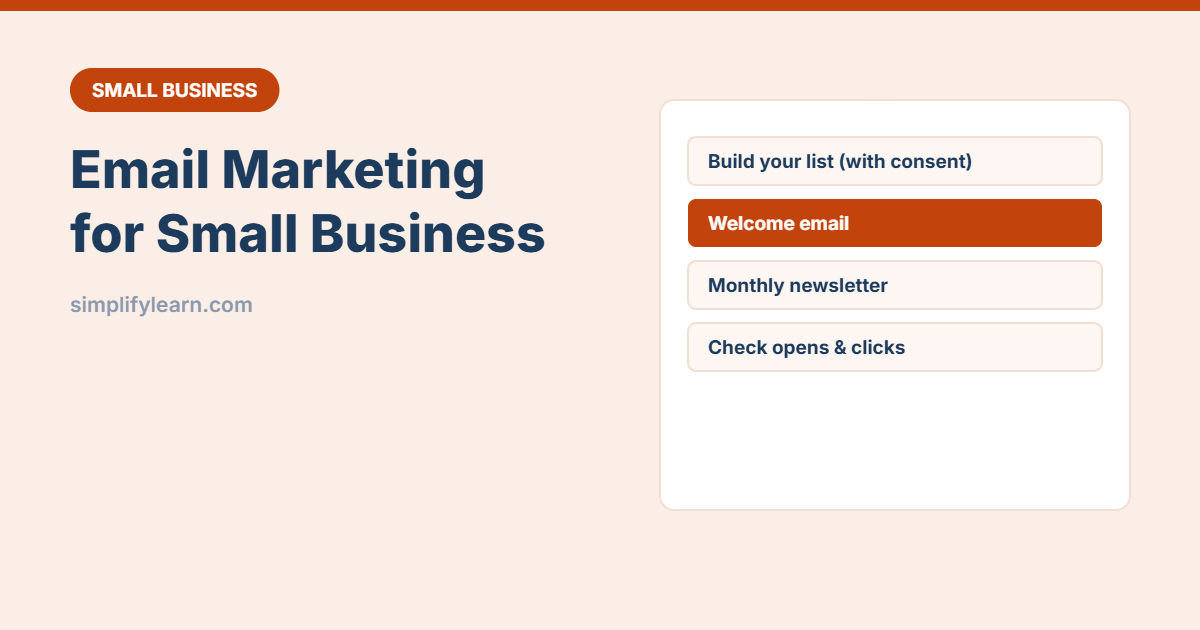
Social media reach goes up and down, but your email list belongs to you. A short, useful email once or twice a month keeps customers coming back. Here’s how to start, even if you’ve never sent a newsletter.
Step 1: Choose an email marketing tool
Don’t send newsletters from Gmail or Outlook. Bulk emails from a normal mailbox often land in spam, and you can’t manage unsubscribes properly. Use a dedicated tool. Popular options include Mailchimp, Brevo, MailerLite and Zoho Campaigns. Most have a free plan for small lists, so check their current limits and pricing.
Look for: easy drag-and-drop editor, sign-up forms, automations (welcome emails), and Arabic/RTL support if you write in Arabic.
Step 2: Set up your sending domain
Send from your business address (like news@yourcompany.com), not a Gmail address. The tool will ask you to add a few DNS records (SPF, DKIM, DMARC) to your domain. Your web or email provider can help. This is essential, because big email providers now expect it from bulk senders. See how to set up a professional business email.
Step 3: Grow your list, with permission
- Add a sign-up form to your website footer and contact page.
- Offer something useful: a discount, a price list, a guide or early access.
- Ask in-store customers with a QR code linked to your form. See QR codes for small business.
- Only add people who agreed to receive emails. Don’t upload random contacts or bought lists. It’s often illegal and ruins your sender reputation.
Step 4: Create a welcome email
Set up an automation that sends a welcome email the moment someone subscribes. It usually gets the highest opens of anything you send. Include:
- A thank-you and what they’ll receive (and how often).
- The offer you promised.
- Your best products or services, with one clear button.
Step 5: Send a simple monthly newsletter
| Section | Example |
|---|---|
| Main story | New product, seasonal offer or useful tip |
| Short tips | 2–3 quick ideas related to what you sell |
| Social proof | A customer review or photo (with permission) |
| One call to action | “Book now”, “Order on WhatsApp”, “See the offer” |
Keep it short and mobile-friendly, because most people read on their phones.
Subject lines that get opened
- Be specific: “3 ways to keep your AC efficient this summer” beats “October Newsletter”.
- Keep it under about 50 characters.
- Avoid ALL CAPS, many exclamation marks and “FREE!!!”, which look like spam.
- AI can suggest 10 options in seconds. See AI for writing emails.
The numbers to watch
| Metric | What it tells you |
|---|---|
| Click rate | How many people clicked a link. The best sign of interest. |
| Unsubscribes | A spike means the content or frequency is off |
| Bounces / spam complaints | Should stay very low. If not, clean your list. |
| Open rate | Useful for comparing subject lines, but less accurate today because of email privacy features |
Also check Google Analytics to see how many visitors and leads come from email.
Rules to follow
- Every email needs an unsubscribe link (the tools add it automatically).
- Include your business name and contact details.
- Respect privacy laws where your subscribers live, such as Bahrain’s PDPL or the EU’s GDPR.
Quick summary
- Use a proper email tool and your own domain.
- Grow your list with permission only.
- Automate a welcome email, then send one useful email a month.
- Track clicks and unsubscribes, and keep improving.