
“AI agents” is one of the most-used tech phrases right now. Behind the hype, the idea is simple: instead of only answering questions, an AI agent can take actions to complete a task, using tools like email, a browser, a calendar or a spreadsheet. Here’s what that means in practice.
Chatbot vs AI agent
| Chatbot / assistant | AI agent | |
|---|---|---|
| What you give it | A question or request | A goal |
| What it does | Writes an answer | Plans steps, uses tools, checks results |
| Example | “Draft an email to the supplier” | “Find the late orders, email each supplier and update the tracker” |
| Who acts | You copy, paste and send | The agent acts, ideally with your approval |
How an agent works (in 4 steps)
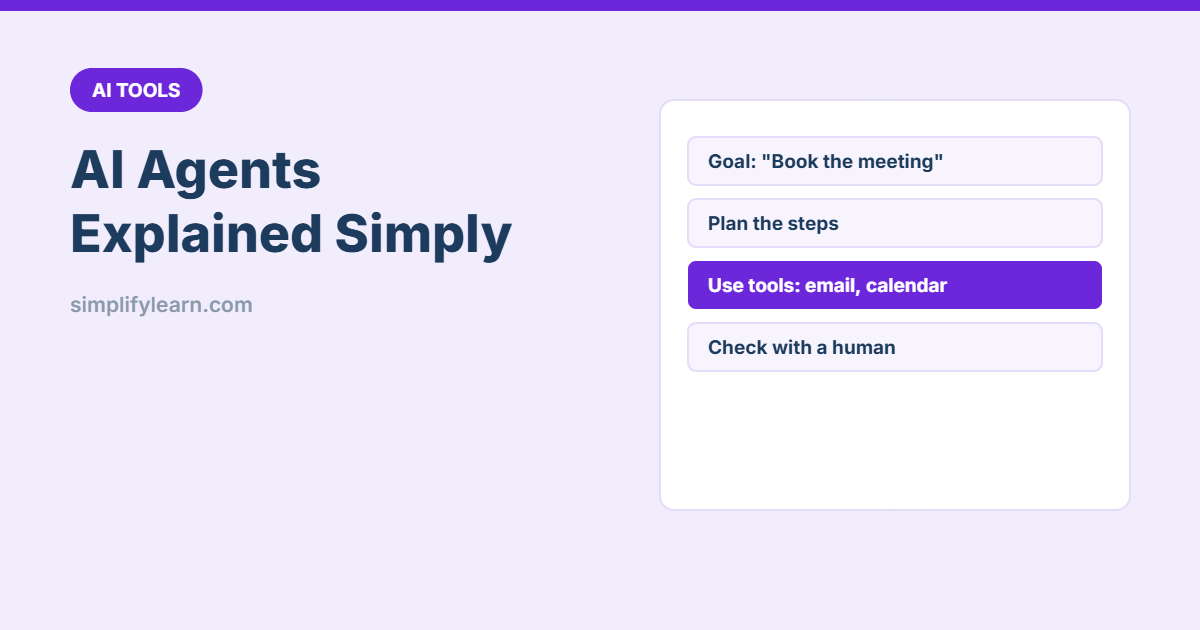
- Goal: you describe the outcome you want.
- Plan: the AI breaks it into steps.
- Act: it uses connected tools such as search, read files, fill forms, send messages or update a sheet.
- Check: it looks at the result and continues or asks you for help.
The “tools” are the key. An agent is only as useful, and as risky, as the access you give it.
Where you may already see agents
- AI assistants with connectors: ChatGPT, Claude, Gemini and Microsoft Copilot can connect to email, calendars, drives and business apps, and some can browse websites and complete multi-step tasks.
- Automation tools with AI steps: Zapier and Power Automate let you add AI to workflows, for example “read the email, classify it, create a task”.
- Customer service bots that can check an order status or book an appointment, not just answer FAQs.
Practical examples for small businesses
- Inbox triage: sort incoming emails, draft replies and flag urgent ones for you to approve.
- Lead follow-up: when a website form arrives, add it to the CRM sheet and draft a personal reply.
- Research: “Compare 5 POS systems available in Bahrain and put features in a table.” (Check the results yourself.)
- Admin: collect invoices from email into a folder and log them in a spreadsheet.
- Scheduling: find a time that suits everyone and send the invite after you confirm.
Risks to take seriously
- Mistakes at speed: an agent can send the wrong email to 50 people faster than any human.
- Too much access: give only the permissions needed (e.g. read-only first).
- Prompt injection: a malicious web page or email can contain hidden instructions that trick an agent. Agents should never follow instructions from content they read.
- Data privacy: check where your data goes. See our AI privacy checklist.
- Payments and deletions: keep these human-only.
How to start safely
- Pick one repetitive, low-risk task (e.g. sorting emails into folders).
- Start with “draft, don’t send”: the agent prepares, a human approves.
- Use read-only access wherever possible.
- Check results daily for two weeks before giving it more responsibility.
- Write down what the agent can and cannot do, and who is responsible.
Quick summary
- An AI agent works towards a goal and uses tools to take actions.
- Useful for repetitive admin, follow-ups and research.
- Limit access, keep humans approving important actions, and watch for mistakes.