
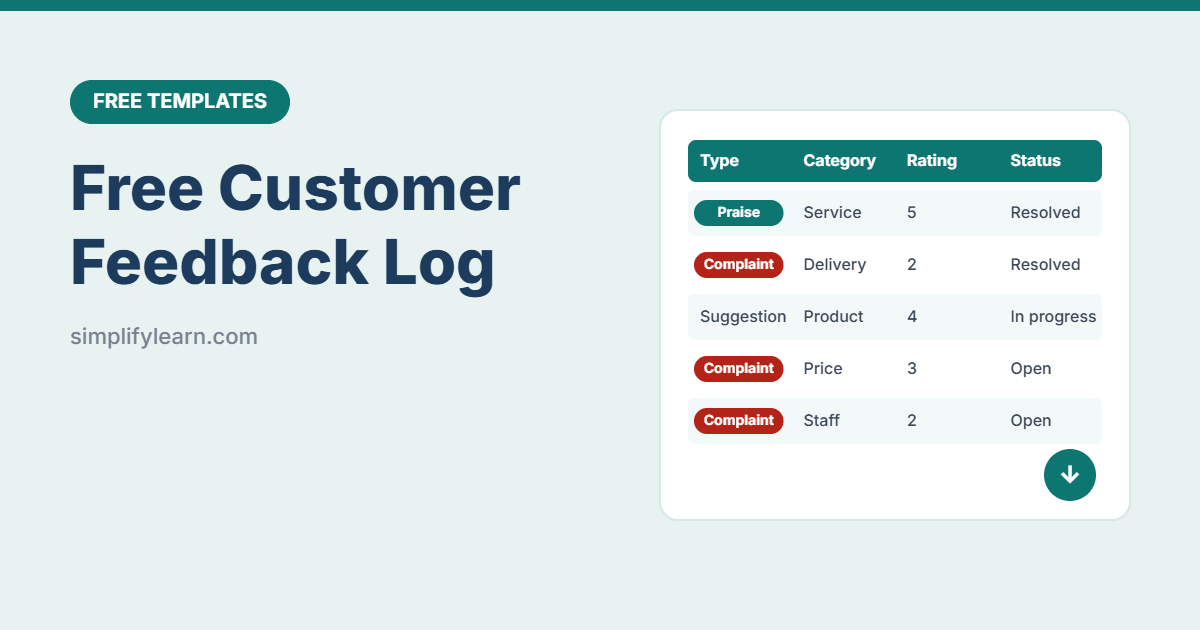
Customer feedback arrives everywhere: Google reviews, WhatsApp, emails, phone calls, comments at the counter. If it isn’t written down, the same problems keep happening. This free feedback log brings everything into one place and shows you what to fix first.
Download the free customer feedback log template (.xlsx)
What is inside
| Sheet | What it does |
|---|---|
| Feedback Log | Date, customer, channel, type, category, rating, details, action, owner, status, resolved date and automatic days to resolve (300 rows) |
| Summary | Total feedback, average rating, open items, open complaints, average days to resolve, and breakdowns by type and category |
| Lists | Edit channels, feedback types and categories |
Smart features
- Color by type: complaints red, praise green, suggestions blue.
- Follow-up alerts: open items older than 3 days turn red.
- Resolution time calculated automatically.
- Problem finder: see which categories get the most complaints and the lowest ratings.
How to use it
- Log everything, good and bad, from every channel.
- Assign an owner to every complaint and suggestion.
- Reply fast: aim to respond within 24 hours and resolve within 3 days. AI can help you draft replies. See AI for customer messages.
- Close the loop: record what you did and tell the customer.
- Review monthly: look at the summary and fix the top recurring problem.
Turn feedback into improvements
- Same complaint 3+ times? It’s a process problem, not bad luck. Write a fix into your SOPs.
- Share praise with your team. It’s great for motivation.
- Ask happy customers for a public review. See how to get more customer reviews.
- Track your average rating on your KPI dashboard.
FAQ
Should I record positive feedback too?
Yes. It shows what to keep doing and gives you a balanced picture.
Does it work in Google Sheets?
Yes. Import it with File → Import → Upload and share it with your team.