
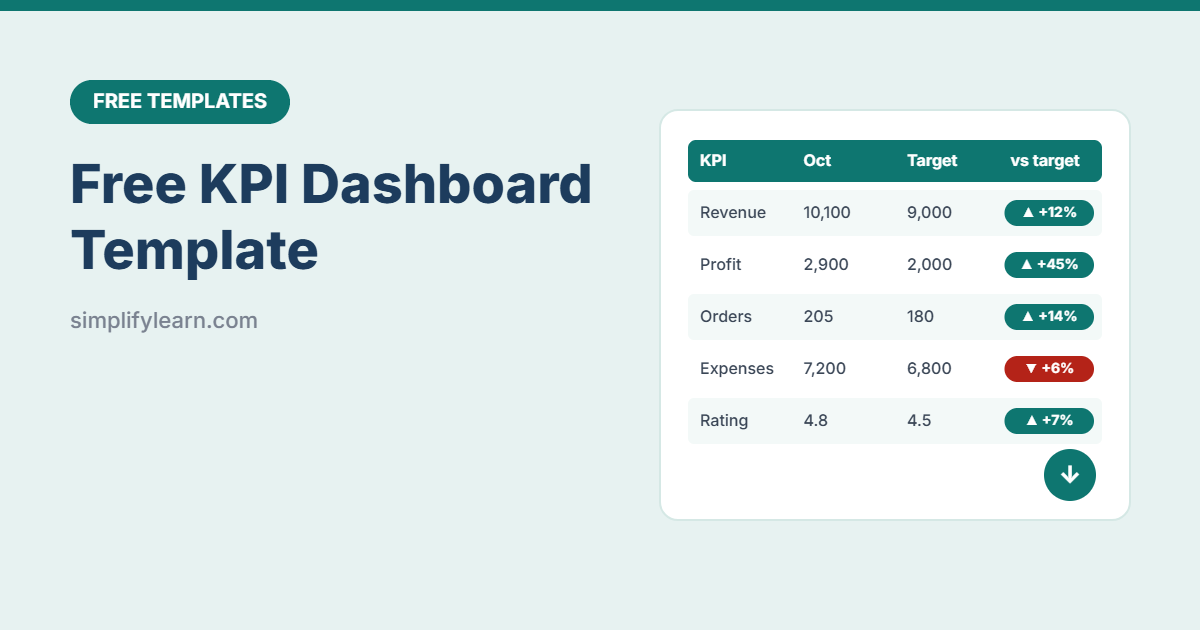
Are sales growing? Are costs under control? Are you getting enough new customers? A KPI (key performance indicator) dashboard answers these questions on one screen. This free template is simple: enter your numbers once a month, pick the month, and see what’s on track.
Download the free KPI dashboard template (.xlsx)
What is inside
| Sheet | What it does |
|---|---|
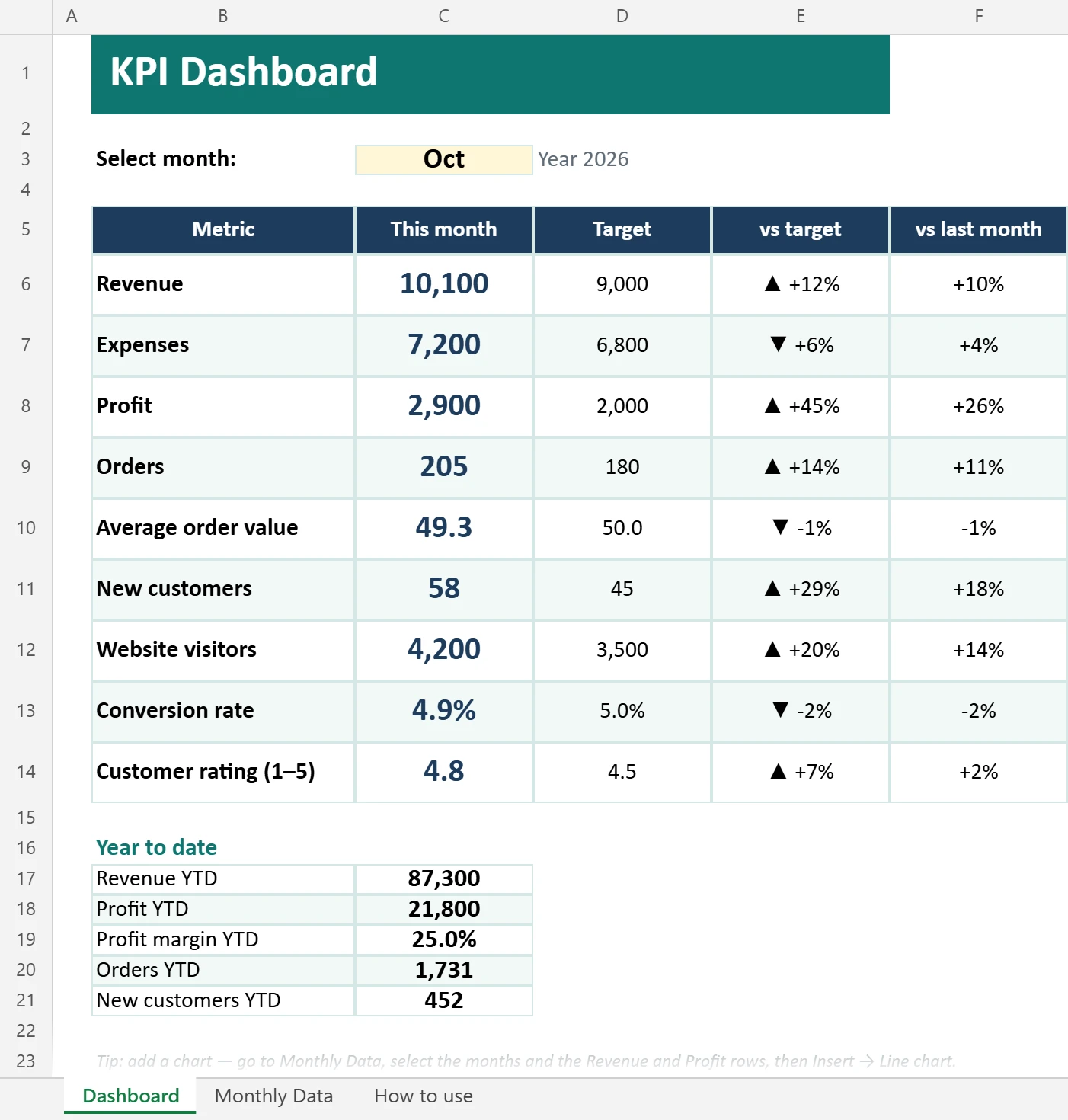
| Dashboard | Pick a month to see each KPI’s value, target, ▲/▼ versus target and change versus last month, plus year-to-date totals |
| Monthly Data | 12 months of data for 9 KPIs with targets. Green when on target, red when not. |
| How to use | Quick instructions |
The KPIs included
- Revenue, Expenses and Profit (automatic)
- Orders and Average order value (automatic)
- New customers
- Website visitors and Conversion rate (automatic)
- Customer rating
Rename or replace any of them, for example bookings, leads, average delivery time or staff hours. You can also mark whether higher or lower is better (lower is better for expenses).
What each KPI tells you
| KPI | How it is calculated | Question it answers |
|---|---|---|
| Revenue | Total sales for the month | Are we selling enough? |
| Expenses | Total costs for the month | Are costs under control? |
| Profit | Revenue − expenses | Are we actually making money? |
| Orders | Number of sales or invoices | How busy are we? |
| Average order value | Revenue ÷ orders | How much does each customer spend? |
| New customers | First-time buyers | Are we growing our customer base? |
| Website visitors | From Google Analytics | Is our marketing reaching people? |
| Conversion rate | Visitors who buy or enquire | Does the website turn visits into customers? |
| Customer rating (1–5) | Average review or survey score | Are customers happy? |
Not all of these fit every business. A consultancy may swap orders for proposals sent; a shop may replace website visitors with footfall. Keep the list short: if a number would not change any decision, drop it. Website numbers come from Google Analytics.
How to use it
- Set targets for each KPI on the Monthly Data sheet.
- Enter actual numbers at the end of each month. Get them from your sales tracker, accounts and website analytics.
- Open the Dashboard, pick the month, and look for red ▼ arrows.
- Ask “why?” for every red number, and agree one action.
Example: reading one month
Pick March on the Dashboard. Revenue shows ▲ against target, but Profit shows ▼ because expenses rose faster than sales. Orders are up on last month while Average order value is down: customers are buying more often but spending less each time. That one screen gives you two clear questions for the monthly meeting: which costs went up, and how to raise the average order (bundles, minimum order for free delivery, upselling).
Update the Monthly Data sheet once a month, ideally on the same day, so the trends are reliable.
Choosing good KPIs
- Few: 5–9 KPIs. Too many numbers hide the important ones.
- Actionable: you should know what to do when a KPI goes down.
- Balanced: money (revenue, profit), customers (new, rating) and operations (orders, delivery time).
- Compared: always against a target and last month, never alone.
Want charts?
Select the months and the Revenue and Profit rows on the Monthly Data sheet, then choose Insert → Line chart. For a full interactive dashboard, follow our Excel dashboard tutorial and chart guide.
FAQ
Does it work in Google Sheets?
Yes. Import it with File → Import → Upload. The month selector and arrows keep working.
Can I track weekly instead of monthly?
Yes. Rename the month columns to weeks and update the drop-down list on the Dashboard.
Is this KPI dashboard template free?
Yes, for personal and business use. Please do not resell it.
What KPIs should a small business track?
Start with 5–8: revenue, gross profit, number of customers or orders, average order value, cash balance, and one or two for customer satisfaction or operations.