
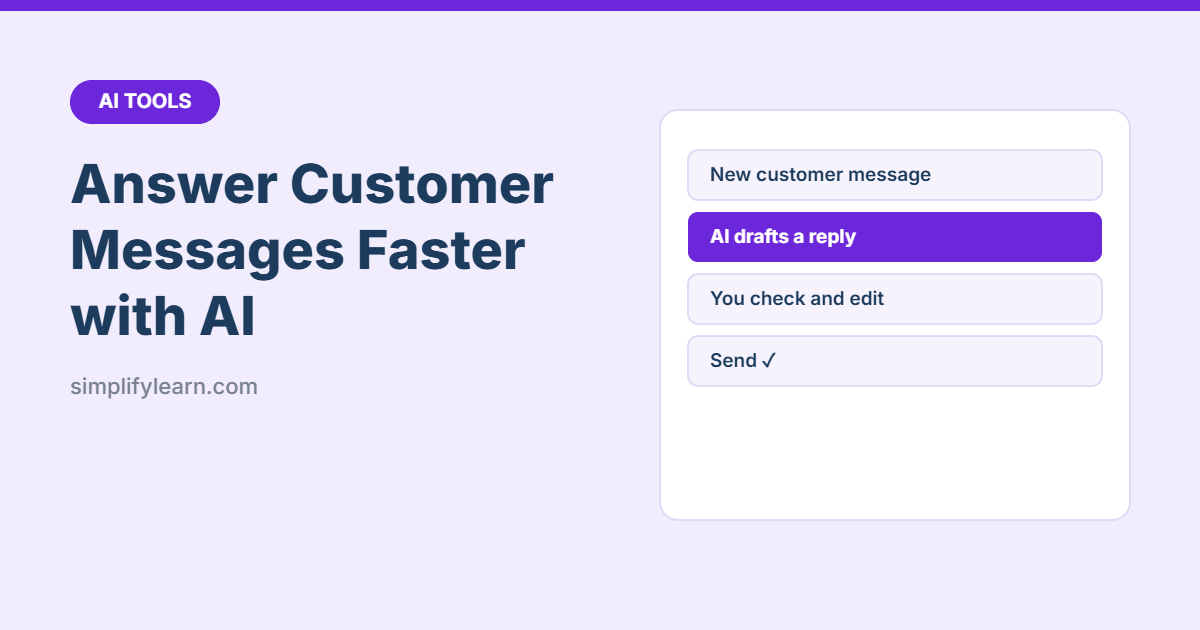
Answering the same customer questions all day takes hours: prices, delivery times, “where’s my order?”, complaints. AI assistants like ChatGPT, Claude and Gemini can draft polite, clear replies in seconds, and you stay in control of what gets sent.
Quick answer
- Write a short business fact sheet: prices, hours, delivery, returns, payment.
- Paste it into the AI with a clear instruction about tone.
- Paste the customer’s message and ask for a reply.
- Check facts and promises, edit, then send.
- Save the best replies as templates for next time.
Step 1: Create your fact sheet
AI only knows what you tell it. Without your real details, it will guess, and might promise free delivery you don’t offer. Keep a short document with:
- Opening hours and location
- Prices or price list link
- Delivery areas, fees and times
- Payment methods
- Return, refund and exchange policy
- Contact details and escalation (who handles complaints)
Step 2: Set up the AI with one master prompt
“You are the customer service assistant for [business name], a [type of business] in [city]. Use ONLY the information below. If the answer isn’t there, say a team member will confirm. Replies should be friendly, professional and under 80 words. Don’t offer discounts or refunds unless the policy allows it.
[paste fact sheet]”
Tip: save this as a Custom GPT, Claude Project or Gemini Gem so you don’t paste it every time. See how to make your own AI assistant.
Step 3: Draft replies
Paste the customer’s message after your master prompt, or in the same chat:
“Customer message: ‘Hi, do you deliver to Riffa and how long does it take?’ Write a reply.”
Prompts for common situations
| Situation | Prompt |
|---|---|
| Complaint | “Write a calm reply that apologizes, explains what we’ll do next ([solution]) and gives a timeline. Don’t blame the customer.” |
| Late order | “Apologize for the delay, give the new delivery date [date], and offer [option] if the policy allows.” |
| Price question | “Reply with the price from the fact sheet and suggest one related product.” |
| Saying no | “Politely explain we can’t [request] because [reason], and offer [alternative].” |
| Bad review | “Write a short, professional public reply. Thank them, apologize, and invite them to contact us at [contact].” |
| Arabic reply | “Write the same reply in clear Modern Standard Arabic, friendly and professional.” |
Step 4: Build a reply bank
Every time the AI writes a great reply to a common question, save it:
- As quick replies in WhatsApp Business (type
/to insert) - As templates in Gmail or Outlook
- In a shared document for your team
Over time, you’ll need AI only for unusual messages.
Rules to stay safe
- A human always checks before sending. Pay extra attention to prices, dates, refunds and anything legal.
- Don’t paste personal data (phone numbers, addresses, card details) into personal AI accounts. Remove them first. More in Is it safe to use AI at work?
- Don’t let AI make promises your policy doesn’t allow.
- Sound human. Edit generic phrases (“We sincerely apologize for any inconvenience caused”) into natural language.
- Escalate angry or sensitive cases to a manager rather than relying on AI.
Quick summary
- Give AI your real business facts and a clear tone instruction.
- Use it to draft, then check and send yourself.
- Save great replies as templates and WhatsApp quick replies.
- Never let AI promise refunds, discounts or dates on its own.