
Proposals and tenders take hours: reading long documents, matching every requirement, and writing the same company information again and again. AI can do much of the heavy lifting. You still decide the price, the approach and what you promise. Here’s a safe, step-by-step method.
Before you start: protect confidential information
- Check whether the tender documents are confidential. Many are.
- Use a business AI account (ChatGPT Team/Enterprise, Claude for Work, Gemini in Google Workspace or Microsoft Copilot) where your data isn’t used for training.
- Never paste pricing, client lists or personal data into a free personal account. See our AI privacy checklist.
Step 1: Break down the requirements
Upload the tender (or paste the scope section) and ask for a clear list:
You are a bid manager. Read this tender document and list:
1. Every mandatory requirement ("must", "shall", "required")
2. Every document or certificate we must submit
3. Deadlines, submission format and page/word limits
4. How the bid will be evaluated (criteria and weights)
Quote the section number for each item.
Asking for section numbers lets you check the AI didn’t miss or invent anything.
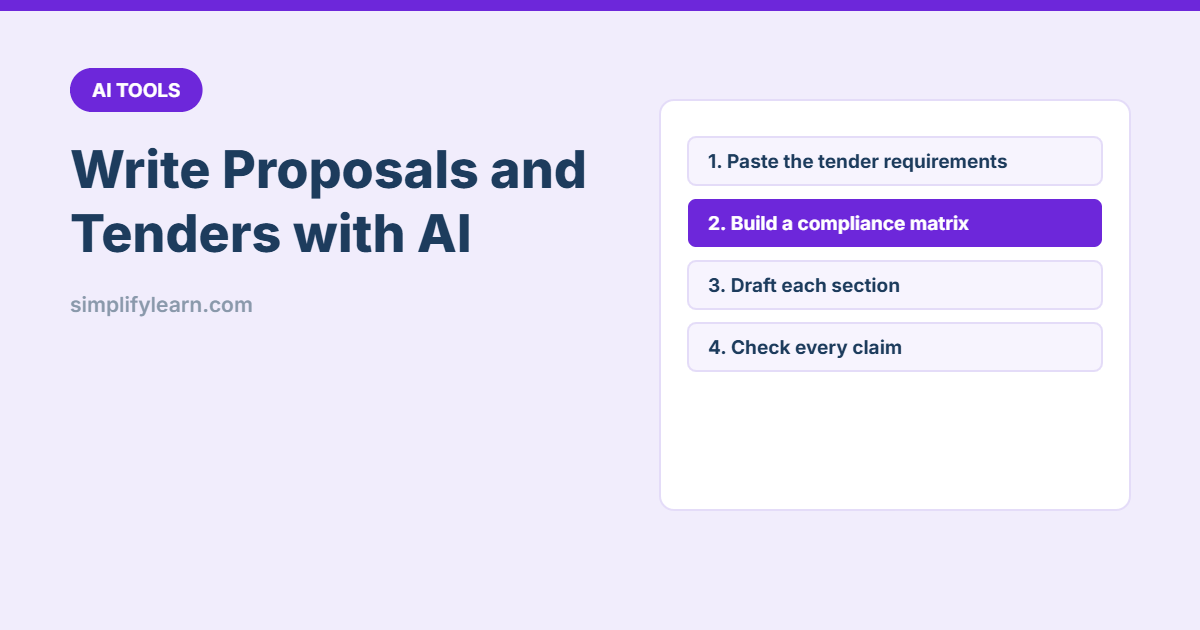
Step 2: Build a compliance matrix
Turn the mandatory requirements into a table with columns:
Req. no. | Requirement | Section | Our response (Comply / Partial / No) | Where answered in our proposal | Owner
Leave "Our response" empty for me to fill in.
Copy the table into Excel or Google Sheets and assign owners. This is the single most useful document in any tender.
Step 3: Give the AI your company facts
AI can’t know your experience. Create a “company fact sheet” once and reuse it: services, years in business, key projects (with permission to mention them), certifications, team size and CVs of key staff. In tools like Claude Projects, Custom GPTs or Gemini Gems you can save it permanently. See how to make your own AI assistant.
Step 4: Draft each section
Using ONLY our company fact sheet and the tender requirements,
draft the "Methodology" section (max 600 words).
- Answer requirements 3.1 to 3.6 in order, using their numbers as headings
- Use plain, confident language, no buzzwords
- Mark anything you are not sure about with [CHECK]
Draft section by section, not the whole proposal at once. Quality is much higher.
Step 5: Review like an evaluator
Act as the tender evaluation committee. Score this draft against
the evaluation criteria. List weak answers, missing requirements,
vague promises and anything that could be read as non-compliant.
Then fix the gaps yourself. This “red team” review often catches things a tired team misses.
Step 6: Final human checks
- Every claim is true: project names, numbers, certificates and dates. AI sometimes invents details. Use our fact-checking method.
- Pricing is done by people, in your own spreadsheet, not by AI.
- Format rules are followed: page limits, fonts, file names, signatures and stamps.
- Read it once out loud or have a colleague read it. It should sound like your company.
Useful extra prompts
- “Write a one-page executive summary that explains why we are the best choice, based on the sections above.”
- “Turn this CV into a 150-word profile for the proposal, focused on [project type].”
- “List 10 clarification questions we should send to the client before the deadline.”
- “Translate this section into Arabic, keeping technical terms accurate.” Then have a native speaker review it.
Quick summary
- Protect confidential tender data and use a business AI account.
- Let AI extract requirements and build the compliance matrix.
- Draft section by section from your own company facts.
- Price, verify and sign off as humans.
Need a pricing document? Try our free quotation template.