
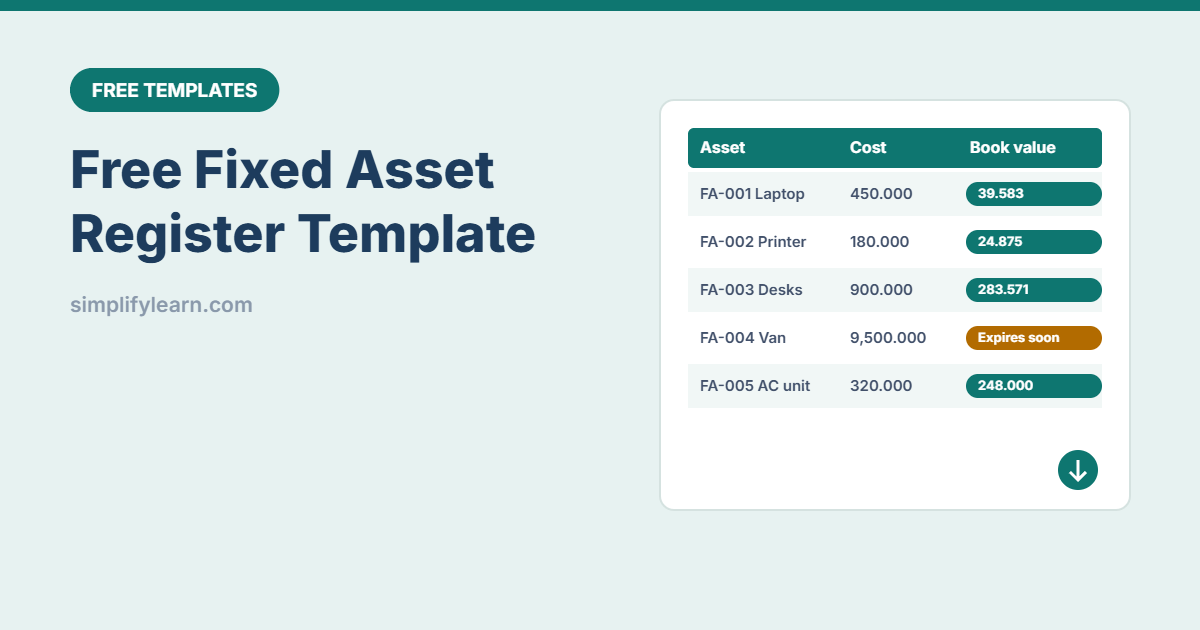
Laptops, furniture, vehicles, AC units: every business owns things that cost money and lose value over time. A fixed asset register shows what you own, where it is, who uses it and what it’s worth today. Your accountant and auditor will thank you.
Download the free fixed asset register template (.xlsx)
What is inside
| Feature | How it works |
|---|---|
| Register for 300 assets | ID, description, category, location, assigned to, purchase date, cost, useful life |
| Automatic depreciation | Straight-line: annual depreciation, accumulated depreciation and book value up to the report date |
| Report date | Shows today by default. Set it to your year-end (e.g. 31 Dec) for financial reports. |
| Warranty alerts | “Expires soon” (within 60 days) in amber, “Expired” in red |
| Disposed assets | Set condition to “Disposed”: the row turns grey and drops out of the totals |
| Summary by category | Count, cost and book value for IT, furniture, vehicles and more |
Amounts use 3 decimals for Bahraini dinar. Change the format if you use another currency.
How straight-line depreciation works
The cost is spread evenly over the asset’s useful life. A laptop costing 450.000 BHD with a 3-year life loses 150.000 BHD per year. After 18 months its book value is 225.000 BHD. The template calculates this to the day using YEARFRAC, and never goes below zero.
Useful lives depend on your accounting policy. Common examples are 3 years for IT equipment, 5 for vehicles and 5–7 for furniture. Confirm the right lives with your accountant.
How to use it
- Edit the Lists sheet: your categories, locations and condition options.
- Give every asset an ID (FA-001, FA-002…) and put a label or QR sticker on it.
- Enter purchase date, cost and useful life. Depreciation fills in automatically.
- Add warranty end dates for equipment that has one.
- Do a yearly physical check: walk around, scan the labels and update location and condition.
Tips
- Set a minimum value (for example 50 BHD). Cheaper items like mice and staplers are usually expensed, not registered.
- Keep the invoice in a shared folder named with the asset ID. See file naming conventions.
- Link it to onboarding and offboarding so laptops and phones are assigned and returned properly.
- For bigger setups, accounting software often has a fixed-asset module. This template is a great start.