
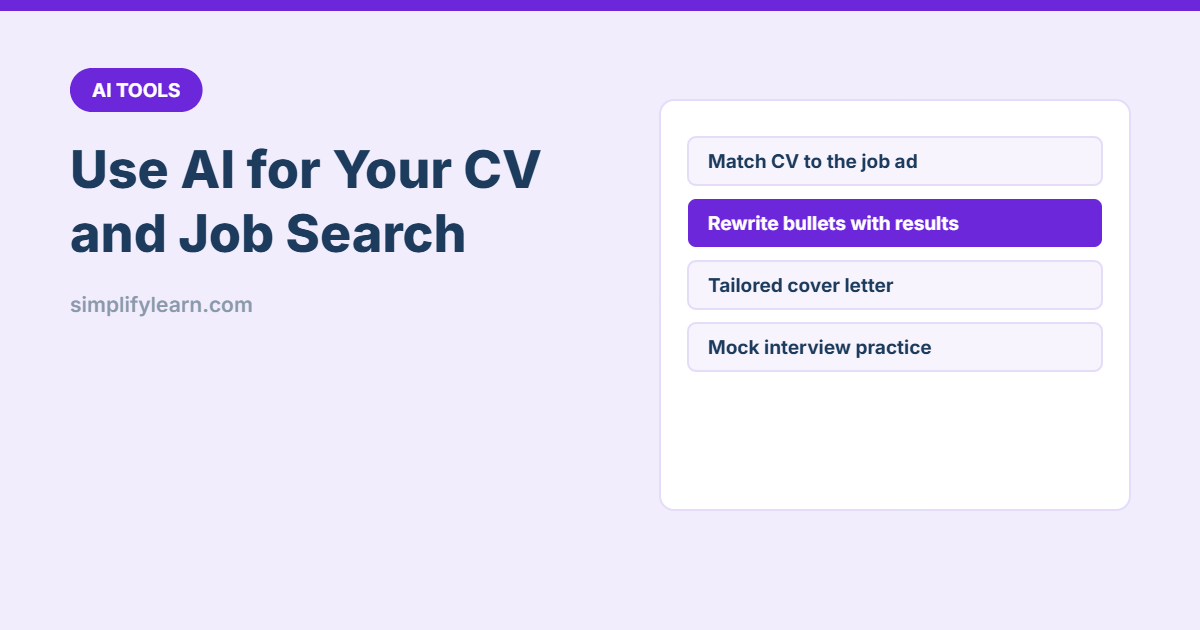
AI won’t get you a job on its own, but it can make your CV sharper, tailor it to each job in minutes and help you practise for interviews. The key is to give it your real experience and stay in control of what it writes. Here’s how.
Before you start
- Remove personal details before pasting your CV: phone number, address, ID or passport numbers. They aren’t needed for editing.
- Never let AI invent experience. Recruiters check, and a single false claim can cost you the job.
- Keep your voice. If it doesn’t sound like you, rewrite it.
1. Turn duties into achievements
Most CVs list duties (“responsible for reports”). Employers want results. Paste a few bullets and ask:
Rewrite these CV bullet points to show results, not duties.
Start each with a strong verb. Keep each under 25 words.
Where a number would help, write [ADD NUMBER] instead of inventing one.

- Responsible for monthly sales reports
- Handled customer complaints
- Helped with the new accounting system
You’ll get something like: “Built monthly sales reports in Excel, cutting preparation time from 2 days to [ADD NUMBER] hours.” Then fill in the real numbers.
2. Tailor your CV to each job
Here is a job ad and my CV.
1. List the 10 most important skills and keywords in the ad.
2. Show which ones my CV already covers and which are missing.
3. Suggest changes to my summary and bullet points so the
   relevant experience stands out. Do not add anything I haven't done.
Many companies use applicant tracking systems (ATS) that scan for keywords. Using the same words as the ad (when true) helps your CV get seen.
3. Write a short, specific cover letter
Write a cover letter (max 200 words) for this job.
Use 2 examples from my CV that match the job's top needs.
Tone: professional and warm, no clichés like "I am writing to express
my interest" or "dynamic team player". End with a clear next step.
Then add one sentence only you could write: why this company, specifically.
4. Improve your LinkedIn profile
- “Write 3 LinkedIn headline options for a [role] with experience in [skills]. Max 120 characters.”
- “Turn my CV summary into a friendly LinkedIn About section in first person, 150 words.”
5. Practise interviews
Act as an interviewer for a [job title] role at a [type of company].
Ask me one question at a time, mixing technical and behavioural questions.
After each answer, give short feedback and a better version using the STAR method
(Situation, Task, Action, Result).
Voice mode in the ChatGPT, Claude or Gemini apps makes this feel like a real interview. See voice typing + AI.
6. Research the company
Ask AI to summarise the company’s website or annual report and suggest smart questions to ask the interviewer. Check facts on the company’s own site, since AI can be out of date. Our fact-checking method helps.
Common mistakes
- Sending the AI’s first draft without editing.
- Using the same CV for every job.
- Long, flowery language. Recruiters skim in seconds, so keep it short and clear.
- Forgetting to check dates, job titles and spelling of company names.
Quick summary
- Use AI to turn duties into results, but add the real numbers yourself.
- Tailor your CV and cover letter to each job ad.
- Practise interviews with AI and the STAR method.
- Never let AI invent experience.