
Every business has tasks that “only Sara knows how to do.” When Sara is on leave, things go wrong. Standard operating procedures (SOPs) fix this by writing down how each task is done, step by step. AI makes creating them fast: you explain the process, and AI turns it into a clean, consistent document.
Quick answer
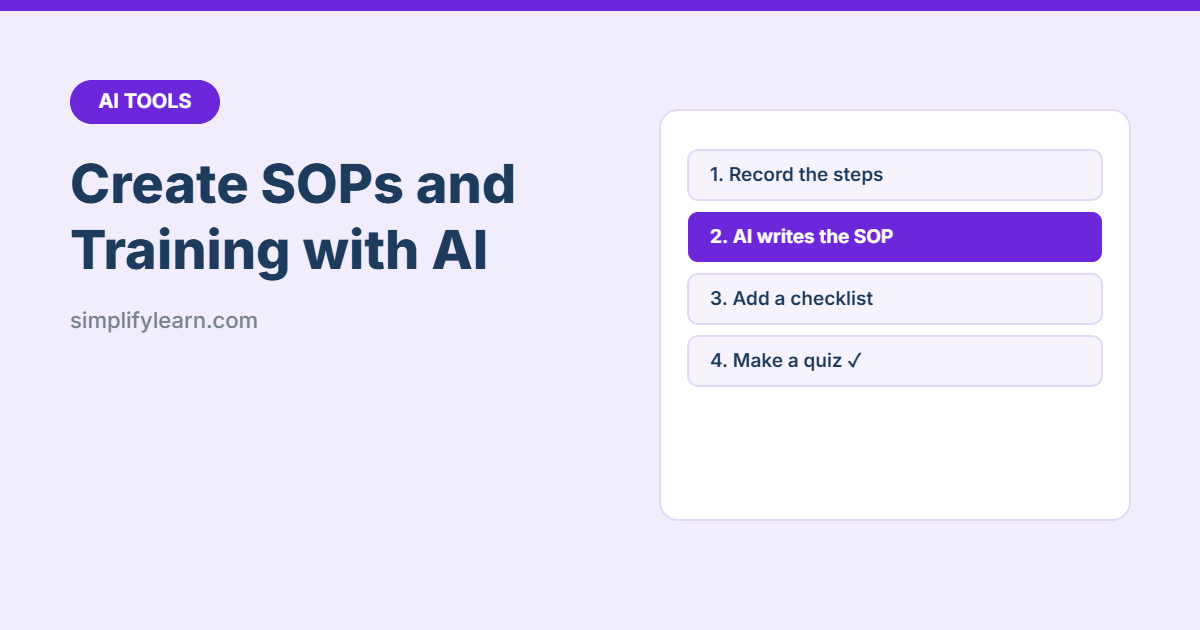
- Capture the process: talk it through, record a screen video, or write rough notes.
- Give the notes to AI with the SOP prompt below.
- Have the person who does the task check every step.
- Turn the SOP into a checklist and a short quiz for training.
- Store SOPs in one shared place and review them every 6–12 months.
Step 1: Capture how the task is really done
Choose the easiest way for the expert:
- Talk: record a voice memo explaining the steps, then transcribe it.
- Show: record their screen while they do the task, and use the transcript.
- Write: rough bullet notes are fine. AI will tidy them up.
Step 2: The SOP prompt
“Turn these notes into a standard operating procedure. Use this structure: Title; Purpose (1 sentence); Who does it; When/how often; Tools and access needed; Step-by-step instructions (numbered, one action per step, starting with a verb); Common mistakes and how to avoid them; Who to contact for help. Use simple English for new staff. Mark anything unclear with [CHECK]. Notes: [paste notes]”
The [CHECK] markers show you exactly where the AI had to guess.
Step 3: Check it with the expert
AI may fill gaps with steps that sound right but aren’t how your business works. Ask the person who does the task to follow the SOP exactly once and fix anything that’s wrong or missing.
Step 4: Turn it into training materials
| Material | Prompt |
|---|---|
| Checklist | “Turn this SOP into a one-page checklist with tick boxes.” |
| Quiz | “Write 8 multiple-choice questions to check a new employee understood this SOP. Include the answers.” |
| Quick guide | “Summarize this SOP in 5 bullet points for a poster near the workstation.” |
| Arabic version | “Translate this SOP into clear Modern Standard Arabic and keep the numbering.” (See translating documents with AI.) |
| Training plan | “Create a 1-week training plan for a new [role] using these SOPs: [list].” |
Step 5: Organize your SOP library
- Keep all SOPs in one shared folder or OneNote notebook, organized by department.
- Use a consistent name: SOP – Finance – Monthly petty cash count.
- Add the date and version number at the top.
- Review each SOP at least once a year, or whenever the process changes.
Which tasks to document first
- Tasks only one person knows
- Tasks with expensive mistakes (payments, orders, payroll)
- Tasks new employees do in their first month
- Monthly or yearly tasks people forget how to do
Privacy tip
Remove passwords, customer details and other sensitive data from notes before using AI, and use your company’s approved AI tool. See Is it safe to use AI at work?
Quick summary
- Capture the process, let AI structure it, then have the expert check it.
- Use [CHECK] markers to spot guesses.
- Reuse each SOP as a checklist, quiz and quick guide.
- Keep SOPs in one place and review them regularly.
FAQ
Can AI write an SOP?
Yes. Describe the task step by step, or paste a transcript of someone explaining it, and ask AI to format it as an SOP with purpose, scope, steps and checks. The person who does the task must review it.
What should an SOP include?
A title, purpose, who it applies to, the tools needed, numbered steps, quality checks, and who owns the document with a review date.
Which tasks should I document first?
Tasks that are done often, done by more than one person, or cause problems when done wrong, such as invoicing, opening and closing, or onboarding a customer.