
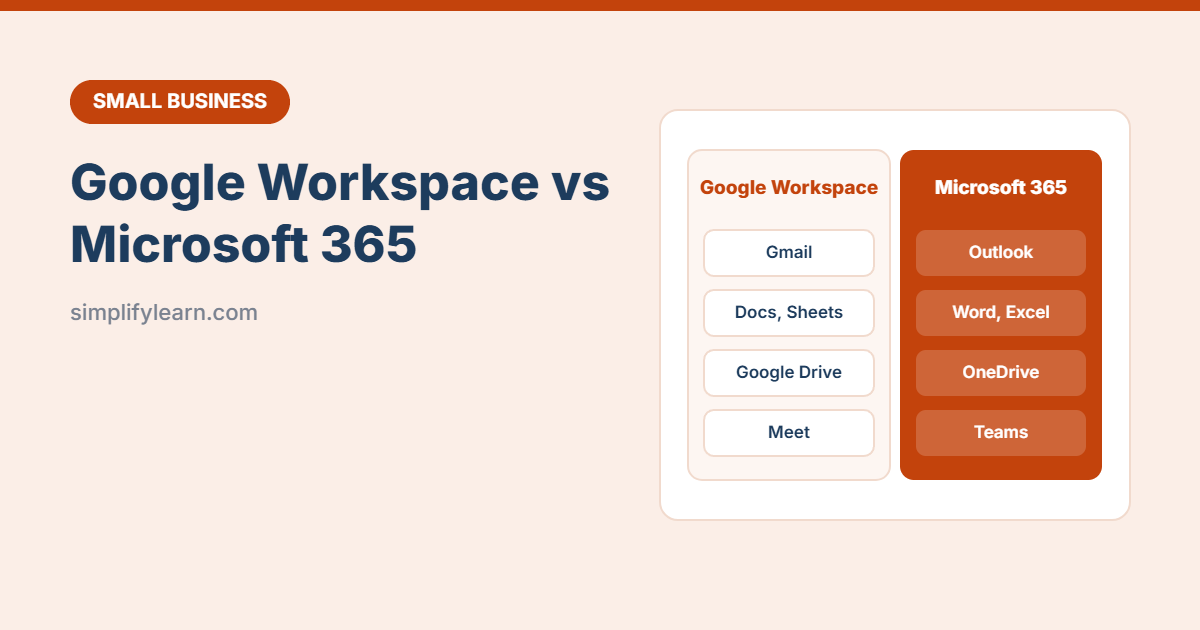
Every growing business needs professional email, shared documents and online meetings. The two big choices are Google Workspace (Gmail, Docs, Sheets, Drive, Meet) and Microsoft 365 (Outlook, Word, Excel, OneDrive, Teams). Both are excellent, so the right choice depends on how your team works.
Quick answer
- Choose Google Workspace if your team works mostly in the browser, collaborates live on documents, and wants something simple to manage.
- Choose Microsoft 365 if you rely on desktop Excel and Word, exchange Office files with clients, or use Teams.
- Both give you email at name@yourcompany.com, cloud storage, video calls and admin controls.
Side-by-side
| Google Workspace | Microsoft 365 | |
|---|---|---|
| Gmail | Outlook / Exchange | |
| Documents | Docs, Sheets, Slides (browser-based) | Word, Excel, PowerPoint (web, mobile and desktop on most business plans) |
| Storage | Shared Drive storage that grows with your plan | OneDrive (typically 1 TB per user) plus a separate mailbox |
| Meetings & chat | Google Meet, Google Chat | Microsoft Teams |
| Live collaboration | Excellent, its biggest strength | Very good (co-authoring in Word, Excel, PowerPoint) |
| Desktop apps | No. Works in the browser and offline mode | Yes on plans like Business Standard and above. Basic plans are web and mobile only. |
| Advanced Excel | Google Sheets covers most needs | Full Excel: Power Query, large files, advanced pivots and macros |
| AI assistant | Gemini | Copilot |
| Ease of setup | Very simple | Simple, with more advanced options |
Prices are per user per month and change from time to time. Both offer several tiers, with discounts for annual plans. Check the official pricing pages for your country before you decide, and confirm which AI features are included in each plan.
Choose Google Workspace if…
- Your team works mainly in a browser and on phones.
- Many people edit the same documents at the same time.
- You want the simplest admin experience.
- You already use Gmail and Google Calendar.
Choose Microsoft 365 if…
- You use desktop Excel heavily: large files, Power Query, pivot tables, macros.
- Clients and partners send Word and Excel files that need perfect formatting.
- Your team uses or wants Microsoft Teams.
- You need advanced security and device management (e.g. Business Premium).
Things to check before you sign up
- Your domain: both need a domain name for business email. See how to choose a domain name.
- Number of users: you pay per user, so shared mailboxes or aliases can save money.
- Storage needs: lots of large files, photos or videos? Compare storage per plan.
- Security: turn on two-step verification for every user from day one.
- Free trial: both usually offer one. Test with 2–3 people first.
Can you mix them?
Yes. Some businesses use Google Workspace for email and Drive, and buy a few Microsoft 365 licenses for staff who need desktop Excel. Just keep files organized in one main place. See how to organize Google Drive.
Quick summary
- Google Workspace = simple, browser-first, great for live collaboration.
- Microsoft 365 = desktop Office apps, Teams, strongest for Excel power users.
- Compare current prices and AI features on the official sites, and try a free trial.