
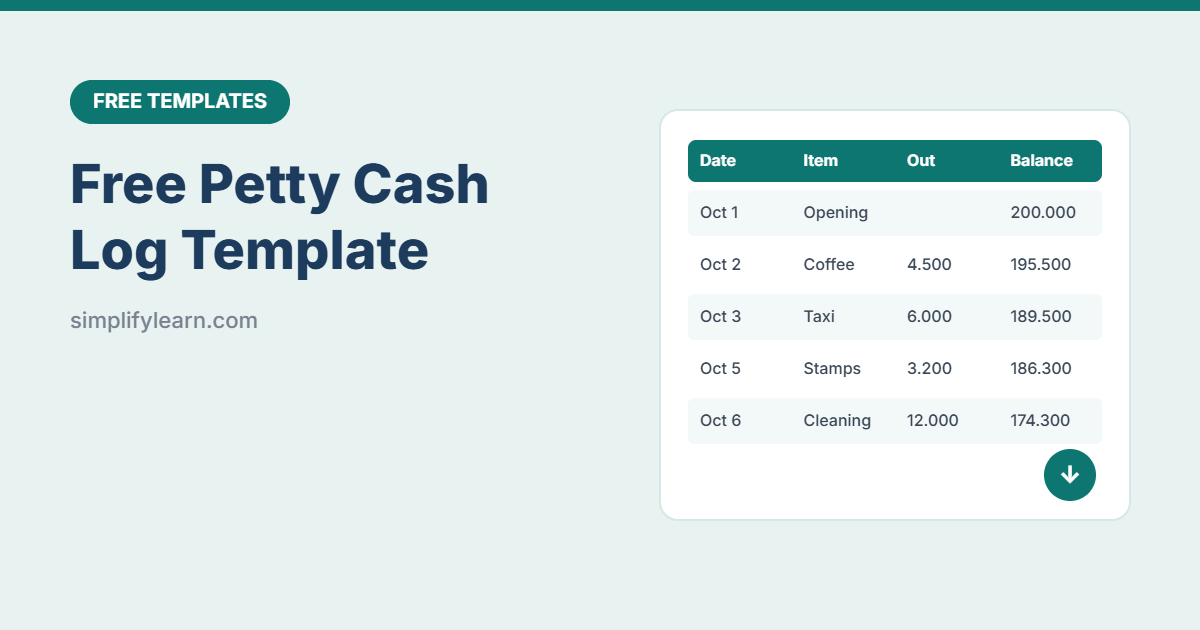
Small cash expenses add up fast: taxis, tea, cleaning supplies, courier fees. Without a simple log, the cash box never matches and receipts go missing. This free petty cash template keeps a running balance, warns you when cash is low, flags missing receipts and checks your month-end count.
Download the free petty cash log template (.xlsx)
What is inside
| Sheet | What it does |
|---|---|
| Petty Cash Log | Date, voucher number, description, category, paid to, cash in, cash out, running balance, receipt and approval (200 rows) |
| Summary | Spending by category with % share, plus a month-end cash count that tells you if the box balances |
| Lists | Edit the expense categories |
| How to use | Quick instructions |
Smart features
- Running balance on every row, starting from your opening balance.
- Low-cash alert: the balance turns red when it drops below the level you set.
- Missing receipts: expenses marked “No” are highlighted and counted at the top.
- Top-ups highlighted in green so they’re easy to spot.
- Month-end check: type the cash you counted, and see “✔ Balanced” or “Check entries.”
- 3-decimal format for BHD, KWD and OMR, easy to change to 2 decimals.
How to use it
- Set up: enter your company name, month, opening balance and low-balance alert level in the yellow cells.
- Record every expense the same day: date, voucher number, what it was for, category and who was paid.
- Record top-ups in the Cash in column, with the category “Top-up.”
- Collect receipts: mark Yes/No and staple receipts to a numbered voucher.
- Top up when the balance turns red.
- Count at month-end: count the cash, type it in the Summary sheet, and investigate any difference.
- Start a new month: copy the sheet, set the new opening balance (last month’s closing cash) and clear the rows.
Petty cash good practice
- One custodian: one person is responsible for the cash box.
- Set a limit per expense (for example, anything over 20 BHD needs a bank transfer or purchase order).
- Number every voucher (PC-001, PC-002…) so nothing goes missing.
- Approve top-ups only after reviewing the log and receipts.
- Surprise counts now and then keep everyone honest.
- Track bigger business expenses in our expense tracker.
Use it in Google Sheets
Download the file and choose File → Import → Upload in Google Sheets. Everything (drop-downs, colors and formulas) keeps working.
FAQ
What’s a normal petty cash amount?
Enough to cover about 2–4 weeks of small expenses. Start small and adjust after a couple of months.
Can I add more categories?
Yes. Edit the list on the Lists sheet. The Summary shows the first 10 expense categories.
Can my accountant use this?
Yes. Send the file each month along with the receipts. The category totals make bookkeeping quick.