
Do you keep a dozen things in your head at once: emails to answer, calls to make, ideas you don’t want to forget? Getting Things Done, usually called GTD, is a system for getting all of that out of your head and into a trusted list, so you can focus on one thing at a time.
Quick answer
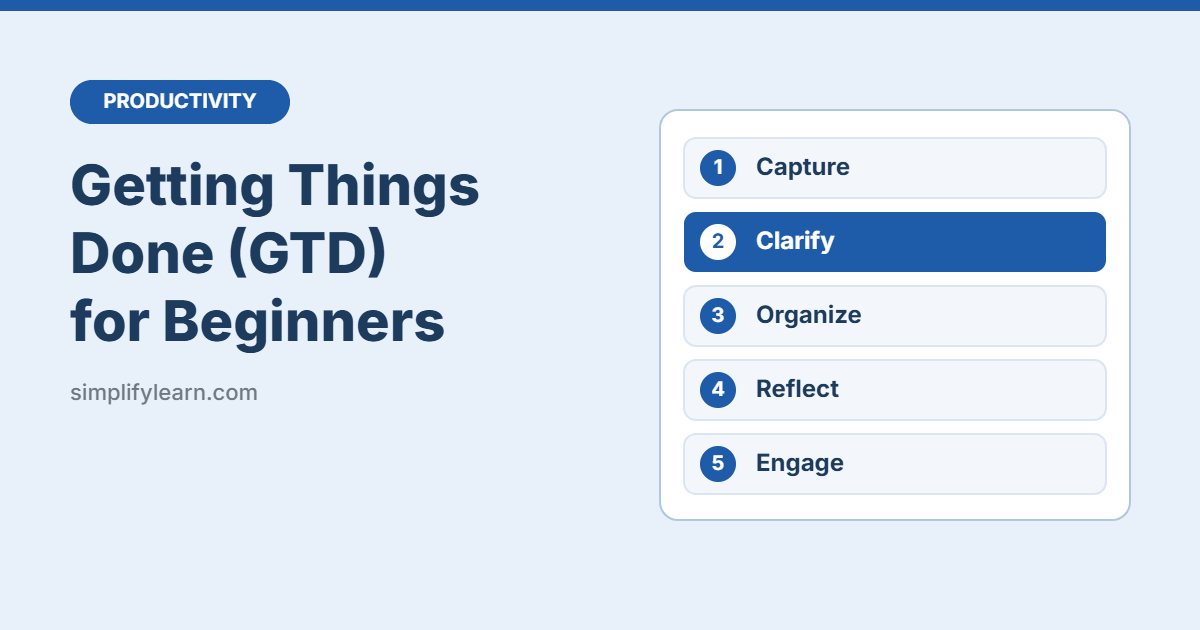
- Capture everything on your mind in one inbox.
- Clarify each item: is it actionable? What’s the next step?
- Organize it into the right list.
- Reflect with a weekly review.
- Engage: pick the next action and do it.
What is GTD?
GTD is a productivity method created by David Allen and described in his book Getting Things Done (first published in 2001). The main idea is simple: your brain is good at having ideas, but bad at storing them. When you write everything down in a system you trust, you stop worrying about forgetting things.
Step 1: Capture
Write down everything that has your attention, big or small, work or personal. Put it all in one place, called your inbox.
- “Reply to Ahmed about the budget”
- “Renew car insurance”
- “Idea: monthly sales dashboard”
- “Buy printer ink”
Your inbox can be a notebook, a notes app, or the inbox in a to-do app. Keep the number of inboxes small, ideally one or two.
Step 2: Clarify
Go through your inbox one item at a time and ask: “Is this actionable?”
If no, choose one:
- Trash: you don’t need it.
- Someday/Maybe: an idea for later.
- Reference: useful information to file (for example, in a well-organized Google Drive).
If yes, decide the next action, the very next physical step. Then:
- Takes less than 2 minutes? Do it now.
- Someone else should do it? Delegate it and add it to your Waiting For list.
- Takes longer? Add it to your Next Actions list or put it on your calendar.
Tip: make the next action specific. “Car insurance” is vague. “Call the insurance company to get a renewal quote” is a clear next action.
Step 3: Organize
GTD uses a few simple lists:
| List | What goes there |
|---|---|
| Next Actions | Single steps you can do as soon as you have time |
| Projects | Any outcome that needs more than one step (e.g. “Launch new website”) |
| Waiting For | Things you’ve delegated or are waiting on from others |
| Calendar | Actions that must happen on a specific day or time |
| Someday/Maybe | Ideas you might do later |
Every project should always have at least one next action on your Next Actions list. Otherwise it stalls.
Contexts (optional): some people group next actions by where they can do them, such as @computer, @phone, @office or @errands. When you have 10 minutes and your phone, you just check your @phone list.
Step 4: Reflect (the weekly review)
The weekly review is what keeps GTD working. Block 30–60 minutes once a week, for example Thursday afternoon, and go through this checklist:
- Empty all your inboxes (notes, email, paper).
- Review your calendar for last week and next week.
- Check every project: does each one have a next action?
- Review your Waiting For list and follow up where needed.
- Look at Someday/Maybe. Is anything ready to start?
A printable weekly planner template can help you make this a habit.
Step 5: Engage
Now you just work. When you have free time, look at your Next Actions list and choose based on:
- Context: what can you do where you are right now?
- Time: how much time do you have?
- Energy: are you fresh or tired?
- Priority: what matters most? The Eisenhower Matrix helps here.
Free apps to set up GTD
- Microsoft To Do: create lists named Inbox, Next Actions, Waiting For, and Someday/Maybe.
- Todoist: has a built-in Inbox, projects, and labels you can use for contexts.
- Notion or ClickUp: more flexible if you like building your own system. See Notion vs ClickUp.
- Paper: a notebook with one page per list works perfectly well.
The app matters much less than the habit. Pick one and stick with it for at least a month.
Common mistakes
- Too many inboxes. If ideas end up in five different apps, you’ll stop trusting the system.
- Vague next actions. “Website” isn’t an action. “Email three hosting quotes to Sara” is.
- Skipping the weekly review. Without it, your lists go stale within two weeks.
- Over-engineering. You don’t need dozens of tags and contexts. Start with five lists.
Quick summary
- Capture everything, then clarify each item’s next action.
- Use five lists: Next Actions, Projects, Waiting For, Calendar, Someday/Maybe.
- Do anything under 2 minutes right away.
- Review everything once a week.
FAQ
Do I need to read the book to use GTD?
No. The five steps above are enough to start. The book goes deeper if you want more detail later.
How is GTD different from a normal to-do list?
A normal list mixes ideas, projects, and tasks. GTD separates them and always defines the next physical action, so you never look at a list and wonder where to start.
Can I combine GTD with other methods?
Yes. Many people use GTD to organize their tasks, time blocking to plan their day, and the Pomodoro Technique to stay focused.