Skip to content
SimplifyLearn
  • Excel
  • AI Tools
  • Productivity
  • Small Business
  • Templates
  • Cheat Sheets
  • About

SimplifyLearn Team

How to Use AI for Arabic Content (That Sounds Natural)
November 2, 2026 by SimplifyLearn Team
How to Use AI for Arabic Content (That Sounds Natural)

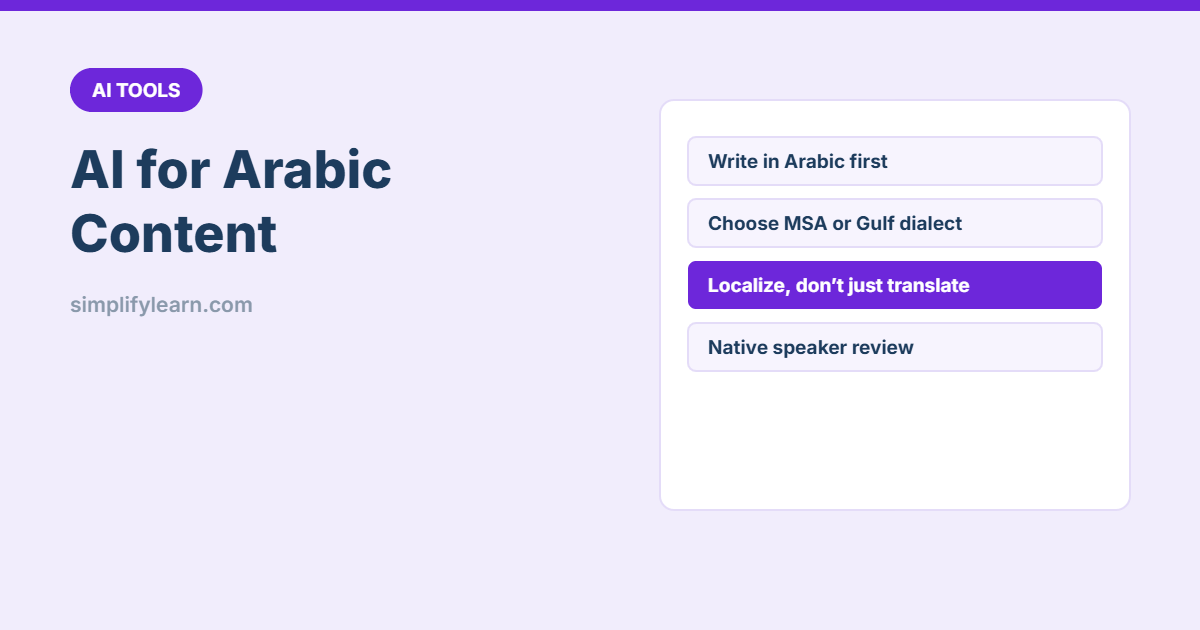
How to get natural Arabic from ChatGPT, Claude and Gemini: write prompts in Arabic, choose Modern Standard Arabic or a dialect, localize instead of translating word for word, and fix common AI mistakes.
Categories AI Tools Leave a comment

TEXT Function in Excel: Format Dates and Numbers in Formulas

November 9, 2026November 2, 2026 by SimplifyLearn Team
TEXT Function in Excel: Format Dates and Numbers in Formulas

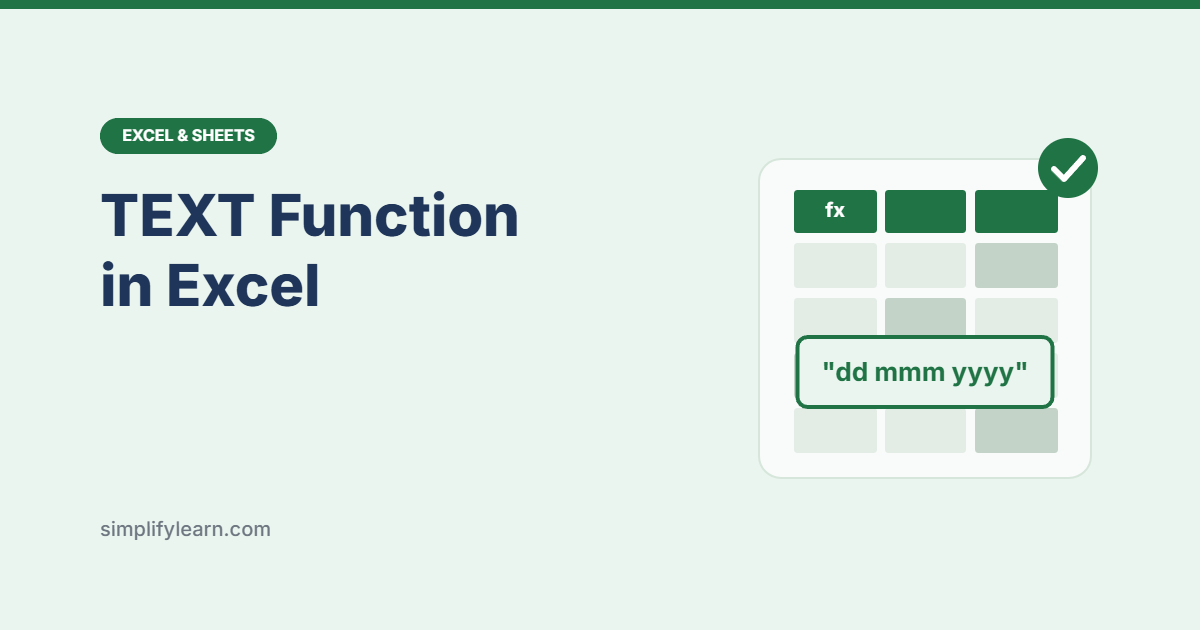
Use Excel’s TEXT function to format dates, numbers, percentages, times and leading zeros inside formulas, with a format-code cheat sheet and fixes for common mistakes.

Categories Excel & Sheets Leave a comment

Free Event Planner Template: Tasks, Budget and Guest List (Excel)

November 11, 2026November 1, 2026 by SimplifyLearn Team
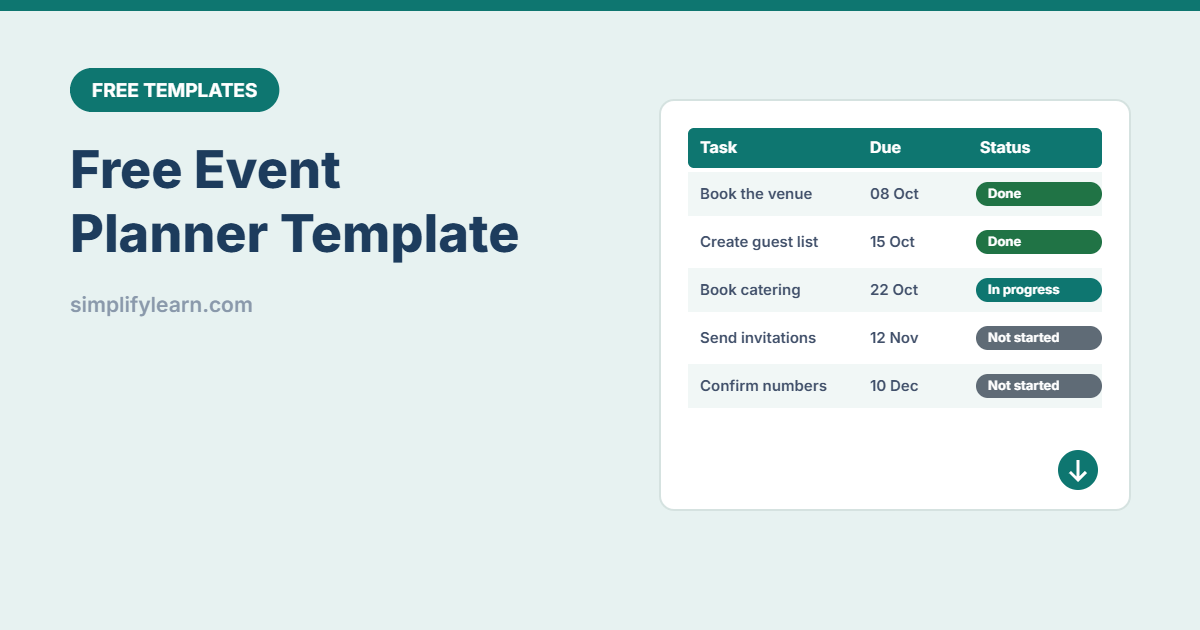
Free Event Planner Template: Tasks, Budget and Guest List (Excel)

Plan any business event with this free Excel and Google Sheets template: a task timeline that calculates due dates from the event date, a budget tracker (estimated vs actual) and a guest list with RSVP counts.

Categories Free Templates Leave a comment

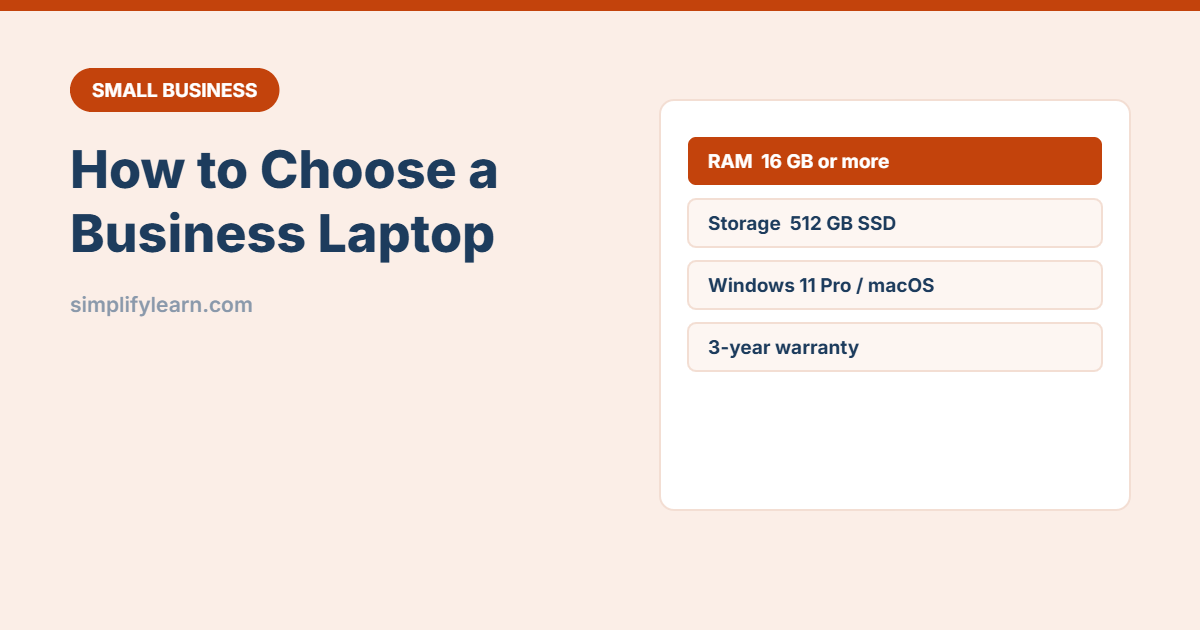
How to Choose a Laptop for Your Business (Simple Checklist)

November 1, 2026 by SimplifyLearn Team
How to Choose a Laptop for Your Business (Simple Checklist)

A practical checklist for buying business laptops: how much RAM and storage you need, processor and screen choices, Windows Pro vs Home, Mac vs Windows, warranty and security features.

Categories Small Business Tech Leave a comment

File Naming Conventions: 8 Simple Rules to Find Any File Fast

November 1, 2026 by SimplifyLearn Team
File Naming Conventions: 8 Simple Rules to Find Any File Fast

Stop searching for final_FINAL_v2. Eight simple file naming rules (dates as YYYY-MM-DD, clear order, versions, no special characters) with examples and a team naming guide you can copy.

Categories Productivity Apps Leave a comment

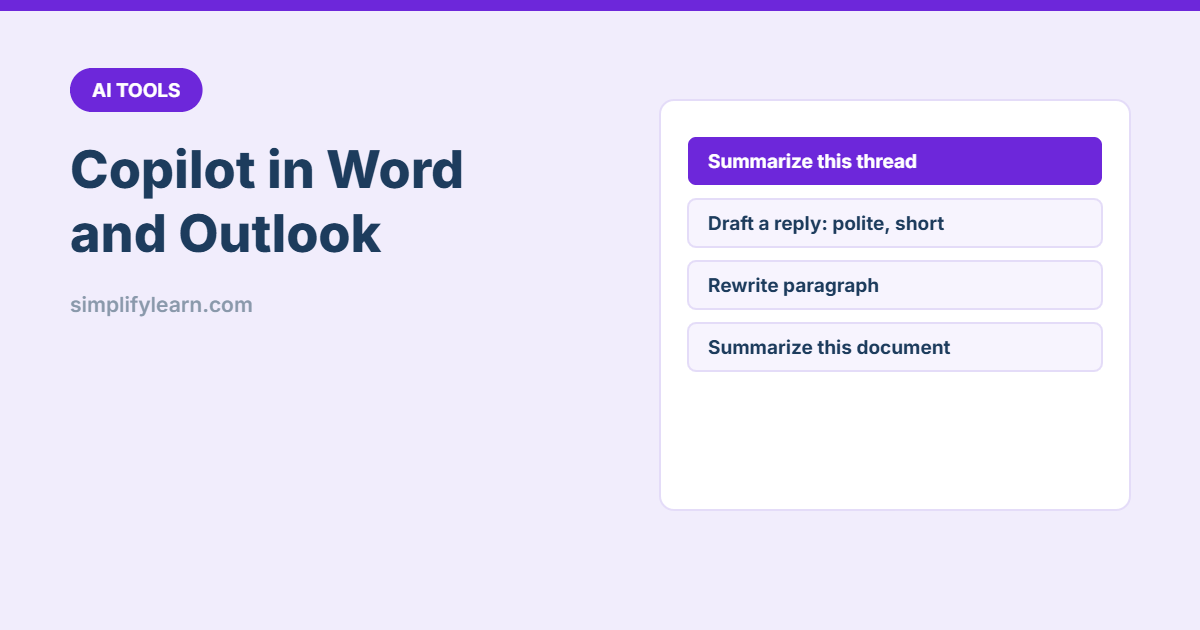
Copilot in Word and Outlook: What It Can Do (With Examples)

November 1, 2026 by SimplifyLearn Team
Copilot in Word and Outlook: What It Can Do (With Examples)

What Microsoft Copilot can do in Word and Outlook: draft documents from your files, rewrite and summarize, catch up on long email threads, draft replies and coach your tone, with practical prompts.

Categories AI Tools Leave a comment

Excel Date Functions: NETWORKDAYS, EDATE, DATEDIF and More

November 9, 2026November 1, 2026 by SimplifyLearn Team
Excel Date Functions: NETWORKDAYS, EDATE, DATEDIF and More

The Excel date functions you need at work: TODAY, DATE, EDATE, EOMONTH, NETWORKDAYS (including Friday–Saturday weekends), WORKDAY, DATEDIF for age and service, and WEEKDAY.

Categories Excel & Sheets Leave a comment

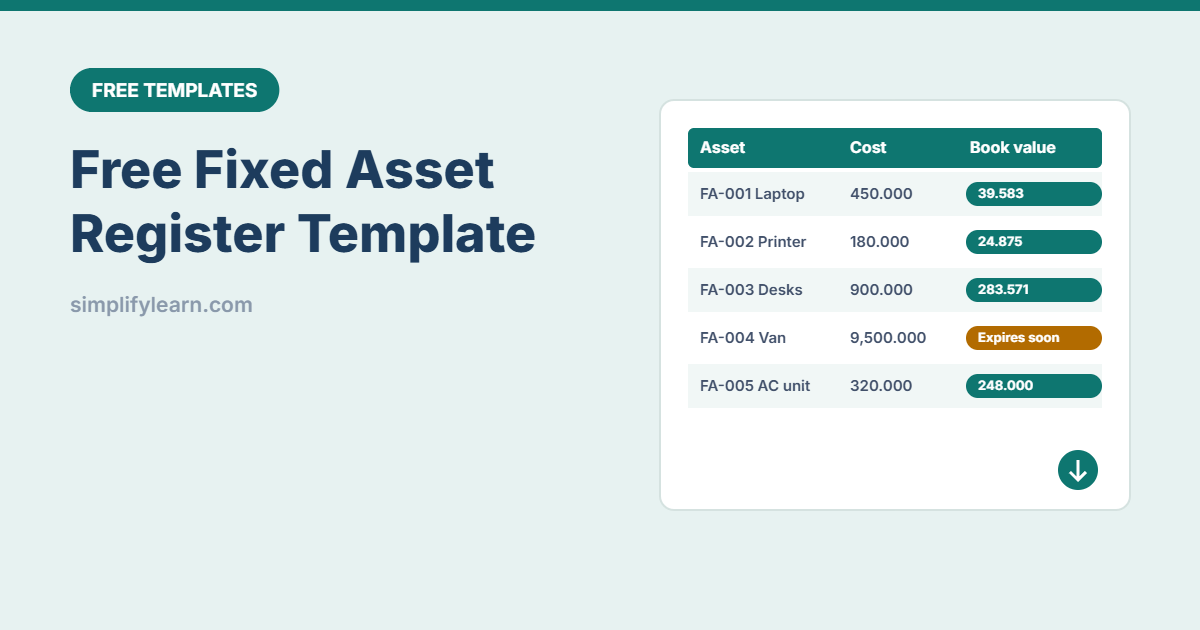
Free Fixed Asset Register Template (Excel and Google Sheets)

November 10, 2026October 31, 2026 by SimplifyLearn Team
Free Fixed Asset Register Template (Excel and Google Sheets)

Free fixed asset register template for Excel and Google Sheets: track every asset’s cost, location and user, with automatic straight-line depreciation, book value, warranty alerts and a summary by category.

Categories Free Templates Leave a comment

Email Marketing for Small Business: A Simple Beginner’s Guide

October 31, 2026 by SimplifyLearn Team
Email Marketing for Small Business: A Simple Beginner's Guide

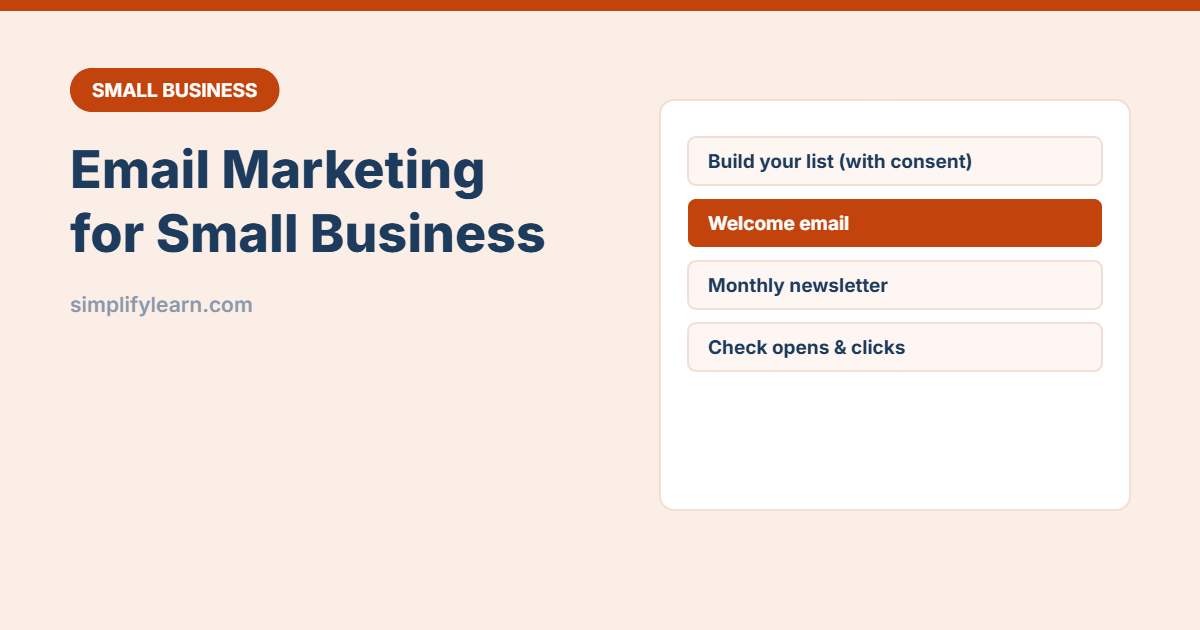
Start email marketing the simple way: choose a tool, collect subscribers with consent, set up a welcome email, write a monthly newsletter people open, and track the numbers that matter.

Categories Small Business Tech Leave a comment

Windows Clipboard History and Snipping Tool: 12 Time-Saving Tips

October 31, 2026 by SimplifyLearn Team
Windows Clipboard History and Snipping Tool: 12 Time-Saving Tips

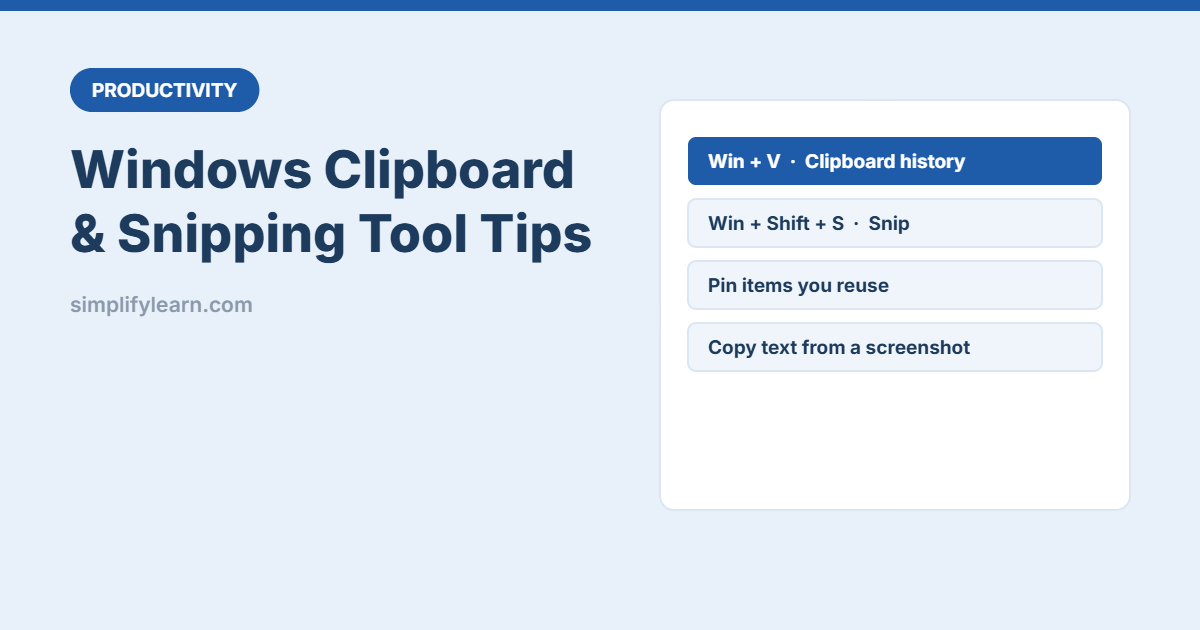
Two built-in Windows tools that save time every day: clipboard history (Win + V) to paste anything you copied earlier, and the Snipping Tool (Win + Shift + S) for quick screenshots, annotations and copying text from images.

Categories Productivity Apps Leave a comment
Older posts
Newer posts
← Previous Page1 … Page4 Page5 Page6 … Page19 Next →

Latest guides

  • How to Create a Business Email Address (Free and Paid Options)
  • How to Use ChatGPT: A Beginner’s Guide for Work and Everyday Life
  • Microsoft 365 Business Email Setup: Step-by-Step with Your Own Domain
  • Google Sheets for Beginners: Everything You Need to Get Started
  • Google Workspace Email Setup: Step-by-Step for Your Business Domain

Topics

  • AI Tools
  • Excel & Sheets
  • Free Templates
  • Productivity Apps
  • Small Business Tech
  • Privacy Policy
  • Terms
  • Affiliate Disclosure
  • Contact
  • SimplifyDatabase
© 2026 SimplifyLearn • Built with GeneratePress