
A cluttered computer slows you down every day: searching for files, ignoring hundreds of emails, getting buzzed by apps you never use. A digital declutter takes a few hours once, and saves time every week after. Here’s a simple plan you can finish in one weekend.
Before you start: back up
Make sure your important files are backed up before deleting anything. See OneDrive for beginners or the 3-2-1 backup rule.
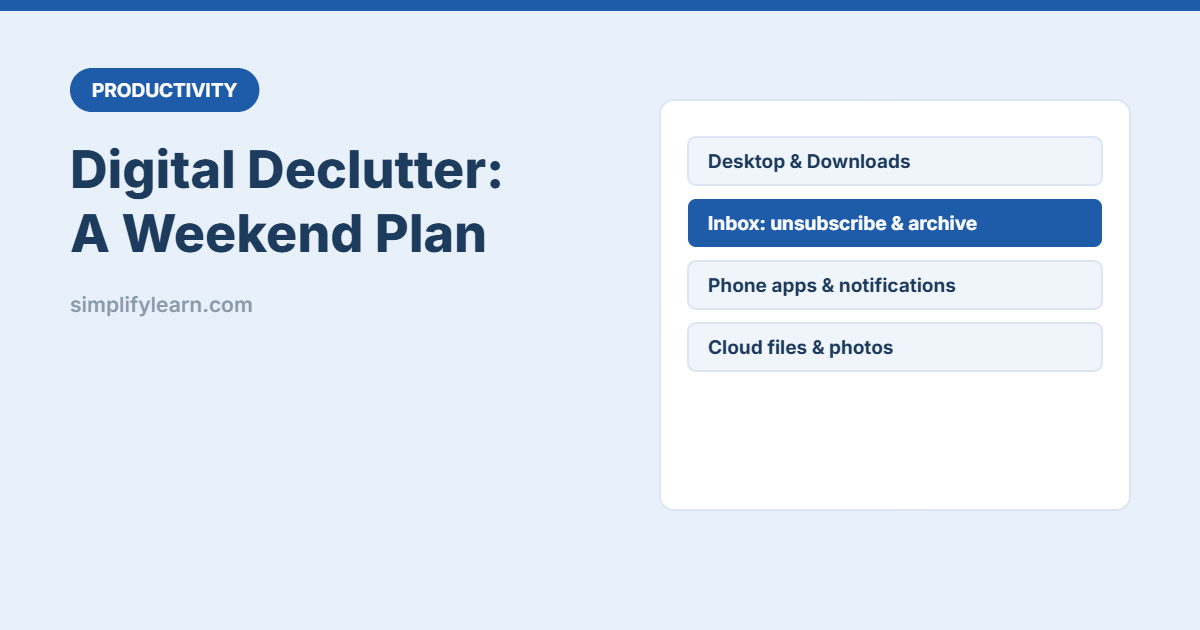
1. Desktop and Downloads (45 minutes)
- Create one folder on the desktop called _Sort and move everything into it.
- Open Downloads and sort by size. Delete installers, duplicates and old files you don’t need.
- Move files you keep into a simple folder structure (e.g. Work / Personal / Archive).
- Rename important files clearly. See file naming conventions.
- Leave only shortcuts you use daily on the desktop.
2. Email inbox (60 minutes)
- Unsubscribe from newsletters you never read. Search for “unsubscribe” to find them.
- Archive everything older than 30 days. It’s still searchable, just out of sight.
- Create a few rules or filters for receipts, notifications and newsletters. See Outlook rules and Gmail tips.
- Delete large old attachments if your mailbox is nearly full. Search
larger:10Min Gmail.
3. Phone apps and notifications (30 minutes)
- Delete apps you haven’t opened in 3 months.
- Turn off notifications for everything except calls, messages from people and truly important work apps.
- Move distracting apps off the home screen. See focus apps and distraction blockers.
4. Cloud storage (45 minutes)
- Sort by size and remove large files you don’t need (old videos, duplicate exports).
- Check shared files and remove access for people who no longer need it. See sharing files safely.
- Use one clear folder system. See Google Drive organization.
5. Photos (30 minutes)
- Delete screenshots, blurry photos and duplicates (most phone gallery apps can find these).
- Move work photos (receipts, whiteboards, site visits) into work folders.
- Turn on cloud backup for photos you want to keep.
6. Browser and accounts (20 minutes)
- Close old tabs and organize bookmarks into a few folders. See Chrome productivity tips.
- Remove browser extensions you don’t use.
- Close online accounts you no longer use, and update weak passwords with a password manager.
Keep it tidy: the 10-minute Friday habit
- ☐ Empty Downloads and the desktop _Sort folder
- ☐ Archive this week’s handled emails
- ☐ File any loose documents and screenshots
- ☐ Close all tabs and restart your computer
Add it to your weekly review.
Quick summary
- Back up first, then declutter desktop, inbox, phone, cloud and photos.
- Unsubscribe, archive and use rules to stop clutter coming back.
- Use a 10-minute weekly habit to keep things clean.