
ChatGPT, Claude and Gemini are the three AI assistants most people use at work. All three can write emails, summarize documents and answer questions. So which one should you use? It depends on what you do most and which apps your company already uses.
Quick answer
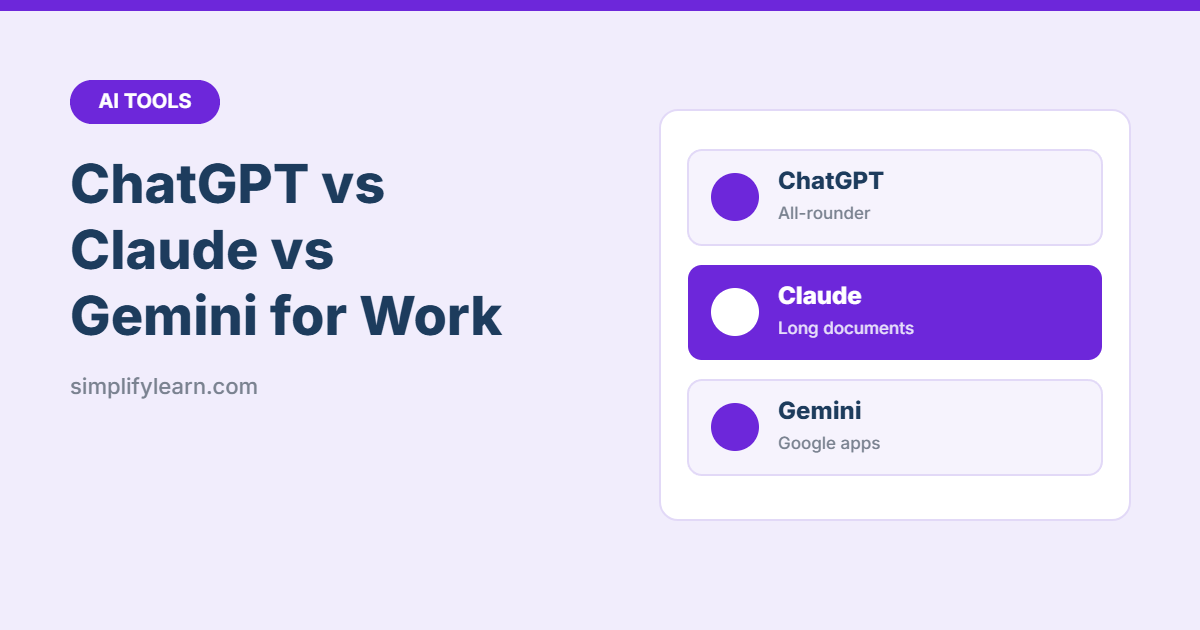
- ChatGPT: the best all-rounder. Strong at almost everything, with image creation, voice chat and lots of add-ons.
- Claude: great for writing and long documents. It’s a good choice for reports, contracts, policies and careful editing.
- Gemini: best if you live in Google apps. It works inside Gmail, Docs, Sheets and Drive.
All three have a free version. The main paid plans for individuals cost around US$20 a month. Prices change often, so check each website before you subscribe.
Side-by-side comparison
| Feature | ChatGPT | Claude | Gemini |
|---|---|---|---|
| Made by | OpenAI | Anthropic | |
| Free version | Yes | Yes | Yes |
| Writing and editing | Very good | Excellent | Very good |
| Long documents and PDFs | Very good | Excellent | Very good |
| Spreadsheets and data | Very good | Very good | Good, plus built into Google Sheets |
| Creates images | Yes | No | Yes |
| Voice conversation | Yes | Yes | Yes |
| Works inside | Its own apps, many integrations | Its own apps, connectors to tools like Google Drive | Gmail, Docs, Sheets, Drive (Google Workspace) |
| Team / business plans | Yes | Yes | Through Google Workspace |
The ratings are a general guide for everyday office tasks. All three tools are updated often, so test them on your own work.
ChatGPT: the all-rounder
Best for: people who want one tool for many different jobs.
- Writes, summarizes, brainstorms and explains well
- Can create images for presentations and social posts
- Voice mode is handy for practicing a talk or thinking out loud
- Custom GPTs let you save instructions for repeat tasks
Watch out for: answers can be confident even when they’re wrong. Always check facts and numbers.
Claude: the writer and reader
Best for: long reports, policies, contracts and careful writing.
- Handles very long documents and many files at once
- Writing tends to sound natural and follows instructions closely
- Projects let you keep files and instructions together for ongoing work
- Can build small documents, tables and simple tools you can see and use right away
Watch out for: it doesn’t create images.
Gemini: the Google Workspace helper
Best for: teams that use Gmail, Google Docs, Sheets and Drive.
- Works inside Google apps, so you can summarize an email thread or draft a doc without copy-pasting
- Can search your Drive files and emails (with the right plan)
- Connected to Google Search for up-to-date information
- Can create images
Watch out for: the best features need a Google Workspace or paid Google AI plan.
Which should you choose?
| If you… | Try first |
|---|---|
| Use Gmail and Google Docs all day | Gemini |
| Write long reports, proposals or policies | Claude |
| Want one tool for text, images and voice | ChatGPT |
| Use Microsoft 365 at work | Check Copilot first, since it may already be included |
| Aren’t sure | Try the free version of each for a week |
How to test them yourself
- Pick three real tasks from your week, for example “summarize this report,” “write a polite reminder email,” and “explain this Excel formula.”
- Give the same prompt to each tool. Our guide on writing better prompts will help.
- Compare the answers: which one was accurate, clear and needed the least editing?
- Keep using the one that wins for your work.
A note on privacy
Don’t paste confidential company data, customer details or passwords into a personal AI account. Business plans (like ChatGPT Business, Claude Team or Gemini in Google Workspace) offer stronger data protection, and by default they don’t use your data to train the AI. Always follow your company’s rules. Read more in our guide: Is it safe to use AI at work?
Quick summary
- ChatGPT = best all-rounder.
- Claude = best for writing and long documents.
- Gemini = best inside Google Workspace.
- All have free versions. Paid plans start at around $20/month.
FAQ
Can I use more than one?
Yes. Many people use the free versions of two tools and compare answers on important tasks.
Which is most accurate?
All three can make mistakes. Always check important facts, numbers and quotes. See how to fact-check AI answers.
Is the paid version worth it?
If you use AI every day, usually yes. You get better models, longer conversations and more file uploads. Start free and upgrade when you hit the limits.