
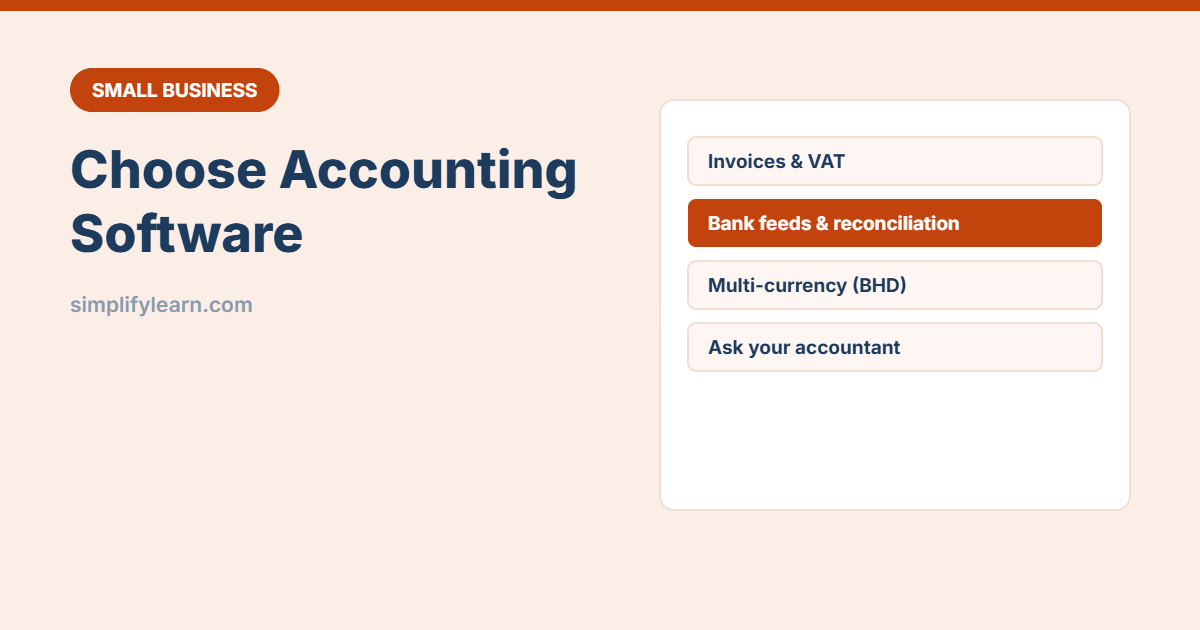
Many small businesses start with Excel for their accounts, which is fine at the beginning. But once you have more invoices, VAT returns, staff and bank accounts, accounting software saves time and reduces mistakes. This guide helps you choose, without getting lost in feature lists.
Signs it’s time to move from Excel
- You spend hours each month matching bank statements.
- VAT returns are stressful and slow.
- You don’t know who owes you money right now.
- More than one person updates the numbers.
- Your accountant asks for the same reports every month.
Still small? Our bookkeeping basics guide and invoice template may be enough for now.
The features that matter
| Feature | Why it matters |
|---|---|
| Invoicing and quotes | Professional invoices, reminders and online payment links |
| VAT | Correct VAT on invoices and bills, and reports for your VAT return in the format your tax authority needs |
| Bank feeds / import | Bank transactions come in automatically or by file, so reconciliation takes minutes |
| Multi-currency | Essential if you buy or sell in USD, SAR, AED or EUR. Check it handles BHD with 3 decimals. |
| Bills and expenses | Track what you owe suppliers. Snap receipts with your phone. |
| Reports | Profit and loss, balance sheet, aged receivables and payables, cash flow |
| Inventory (if you sell products) | Stock levels and cost of goods sold |
| Payroll (or integration) | Salaries and local requirements, often via a separate payroll system |
| User roles | Give your accountant or staff access without sharing your password |
Cloud or desktop?
- Cloud (examples: Zoho Books, Xero, QuickBooks Online, Odoo): access from anywhere, automatic backups and updates, easy to share with your accountant, paid monthly.
- Desktop / on-premises: runs on your own computer or server, sometimes a one-time licence. You handle backups and updates yourself.
Most small businesses today choose cloud software. Whatever you pick, check where your data is stored and how you can export it.
Check local requirements
- Does it support your country’s VAT rules and return format?
- Can invoices include everything your tax authority requires (for example your VAT number and the required wording)?
- Is there local support, or a partner or accountant who knows the system?
- Arabic invoices or bilingual templates, if your customers need them.
Requirements change, so confirm with your accountant or the official tax authority website before you decide.
Questions to ask before you buy
- What does it cost per month as we grow (users, invoices, add-ons)?
- Can we try it free with our own data?
- Can we import our customers, suppliers and opening balances from Excel?
- Does it connect to our bank, payment provider and POS? See choosing a POS system and online payments.
- Can we export all our data if we leave?
- Does our accountant know it and recommend it?
How to switch smoothly
- Choose a clean start date, ideally the start of a month, quarter or financial year.
- Set up your chart of accounts with your accountant.
- Import customers, suppliers, products and opening balances.
- Run Excel and the new software side by side for one month to compare.
- Train everyone who will use it, and write short SOPs.
Quick summary
- Move from Excel when invoices, VAT and bank matching take too long.
- Focus on invoicing, VAT, bank feeds, multi-currency and reports.
- Check local requirements and support.
- Involve your accountant and test with real data before deciding.