
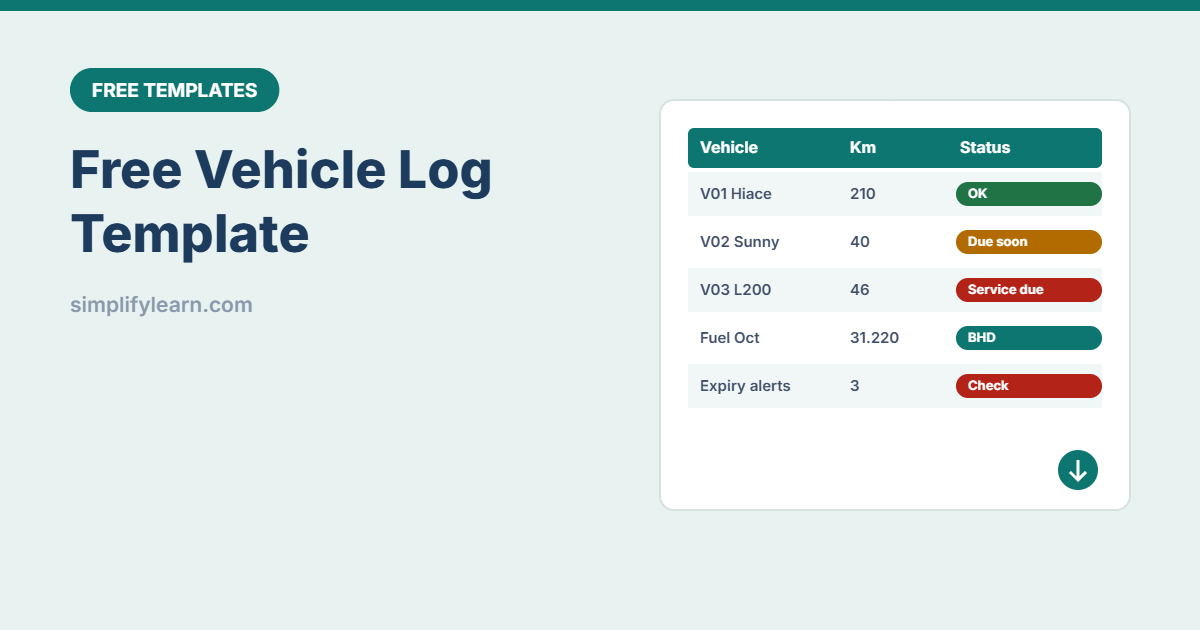
Company cars and vans cost money every day: fuel, servicing, registration and insurance. Without a log, it’s hard to know which vehicle costs the most, or that the insurance expired last week. This free template keeps it all in one simple file.
Download the free vehicle log template (.xlsx)
What is inside
| Sheet | What it does |
|---|---|
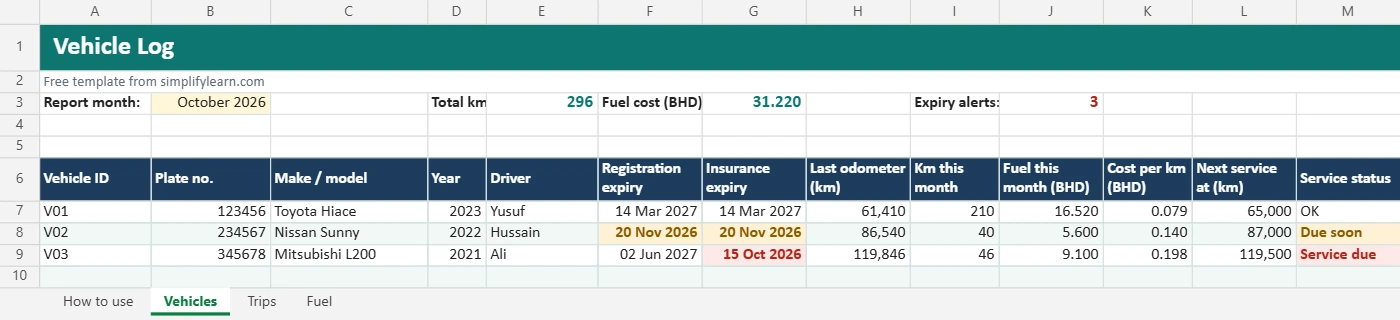
| Vehicles | Each vehicle with plate, model, driver, registration and insurance expiry and next service km. Last odometer, km this month, fuel cost and cost per km calculate automatically. |
| Trips | Date, vehicle, driver, purpose, from/to, start and end km. Distance calculates, and you can mark business or private use. |
| Fuel | Every fill-up: litres, amount, odometer, station and receipt |
Registration and insurance dates turn amber 30 days before expiry and red once expired. Service status warns you 1,000 km before the next service is due.
How to use it
- List your vehicles on the Vehicles sheet.
- Set the report month at the top to see that month’s km and fuel.
- Ask drivers to record each trip with start and end odometer readings.
- Record every fuel fill-up and keep the receipts.
- Check the alerts every week and book renewals and services in time.
Tips
- Share it as a Google Sheet so drivers can add trips from their phones. See sharing in Google Drive.
- Watch cost per km. A sudden increase can mean a problem with the vehicle or fuel use.
- Add vehicles to your fixed asset register and services to the maintenance schedule.
- Amounts use 3 decimals for Bahraini dinar.