
AI tools like ChatGPT, Claude and Gemini can write and translate Arabic, but the first result often sounds stiff, too formal or translated. With a few simple techniques you can get Arabic that reads naturally for customers in Bahrain and the Gulf.
1. Decide: Modern Standard Arabic or dialect?
| Use | Best choice |
|---|---|
| Official letters, policies, contracts, website pages | Modern Standard Arabic (الفصحى) |
| Social media, WhatsApp messages, casual ads | Light Gulf dialect, or simple MSA |
| Customer service replies | Simple, polite MSA with a friendly tone |
Tell the AI which one you want. Otherwise it usually picks formal MSA.
2. Write the prompt in Arabic (or say exactly what you need)
Prompts written in Arabic often produce more natural Arabic. If you prefer English, be very specific:
Write an Instagram caption in Arabic (light Bahraini/Gulf dialect)
for a bakery launching date-filled cookies for the weekend.
Friendly, warm, max 40 words, 1–2 emojis, end with "اطلب الحين عبر الواتساب".
Do not translate from English. Write it as a native Bahraini copywriter would.
3. Localize, don’t just translate
Word-for-word translation is the main reason AI Arabic sounds strange. Ask the AI to adapt the message:
Adapt this English ad for Arabic-speaking customers in Bahrain.
Keep the meaning, but change idioms, examples and the call to action
so they feel natural locally. Explain any changes you made.
Watch for local details: currency (د.ب / BHD), weekend days, holidays like Ramadan and Eid, and culturally appropriate images and wording.
4. Bilingual content made easy
- “Write this announcement in English and Arabic. The Arabic should be natural, not a literal translation.”
- For documents, see how to translate documents with AI and keep the formatting.
- For social posts, keep the two versions as separate captions or slides rather than mixing languages in one line.
5. Fix common AI Arabic problems
| Problem | Prompt to fix it |
|---|---|
| Too formal or old-fashioned | “Make it simpler and more modern, like a professional Gulf company would write.” |
| Sounds translated | “Rewrite this as if originally written in Arabic.” |
| Mixed dialects | “Use only Gulf dialect, no Egyptian or Levantine words.” |
| Long sentences | “Use short sentences and clear paragraphs.” |
| Wrong numbers or names | Check manually, and ask for numbers in Western digits (123) or Arabic-Indic (١٢٣) consistently. |
6. Formatting right-to-left text
- In Word and Google Docs, set paragraph direction to right-to-left for Arabic paragraphs.
- When English words or numbers break the line order, put them on their own line or use a separate text box in designs.
- In Canva, use an Arabic font and check alignment. See Canva for business.
7. Always get a native review
For anything public (website, ads, contracts), have a native Arabic speaker read it. AI is a great first draft but can still produce grammar mistakes, odd word choices or the wrong tone, and for legal or official text the meaning must be exact.
Quick summary
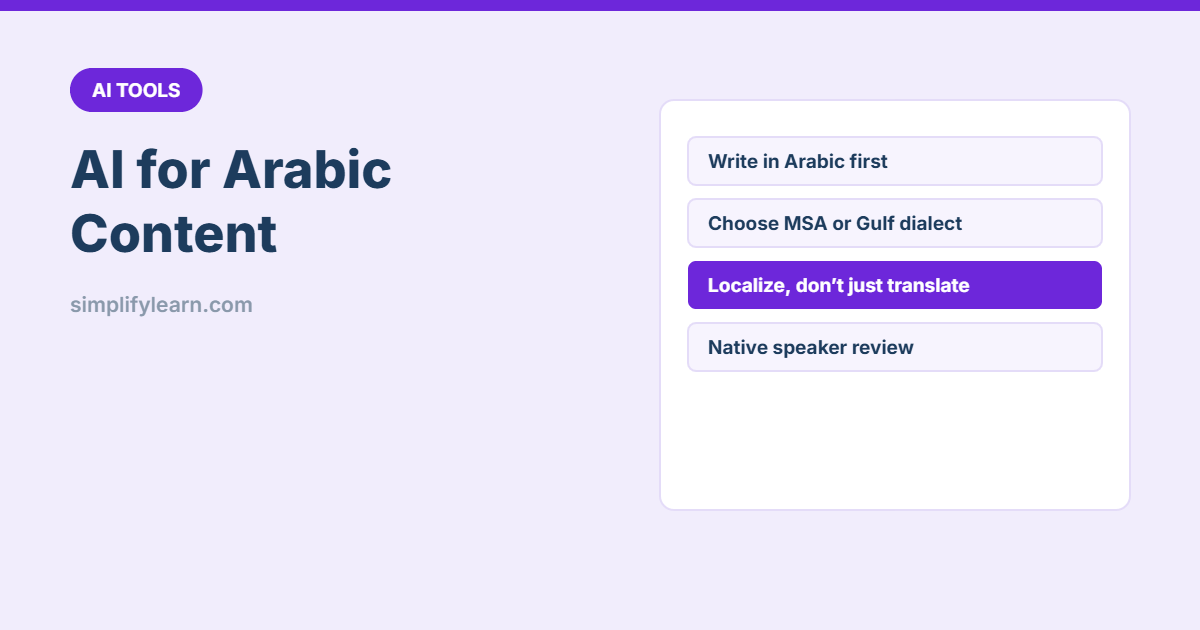
- Choose MSA or dialect and say so in the prompt.
- Write prompts in Arabic or very specifically.
- Ask the AI to localize, not translate word for word.
- Check numbers, names and tone, and get a native review.