
Buying a laptop for work is not the same as buying one for home. A slow or unreliable laptop costs hours of lost time every month, and a cheap one often needs replacing sooner. This checklist helps you choose the right laptop for each person on your team, without paying for things you don’t need.
Step 1: Match the laptop to the job
| User type | Typical work | What they need |
|---|---|---|
| Office | Email, Office, browser, Teams | Mid-range processor, 16 GB RAM, 512 GB SSD |
| Power user | Big Excel files, many apps, accounting systems | Faster processor, 16–32 GB RAM |
| Creative | Photo/video editing, design | Strong processor and graphics, 32 GB RAM, good color screen |
| Mobile / sales | Travel, meetings, presentations | Light (under ~1.4 kg), long battery, good webcam |
Step 2: The key specs
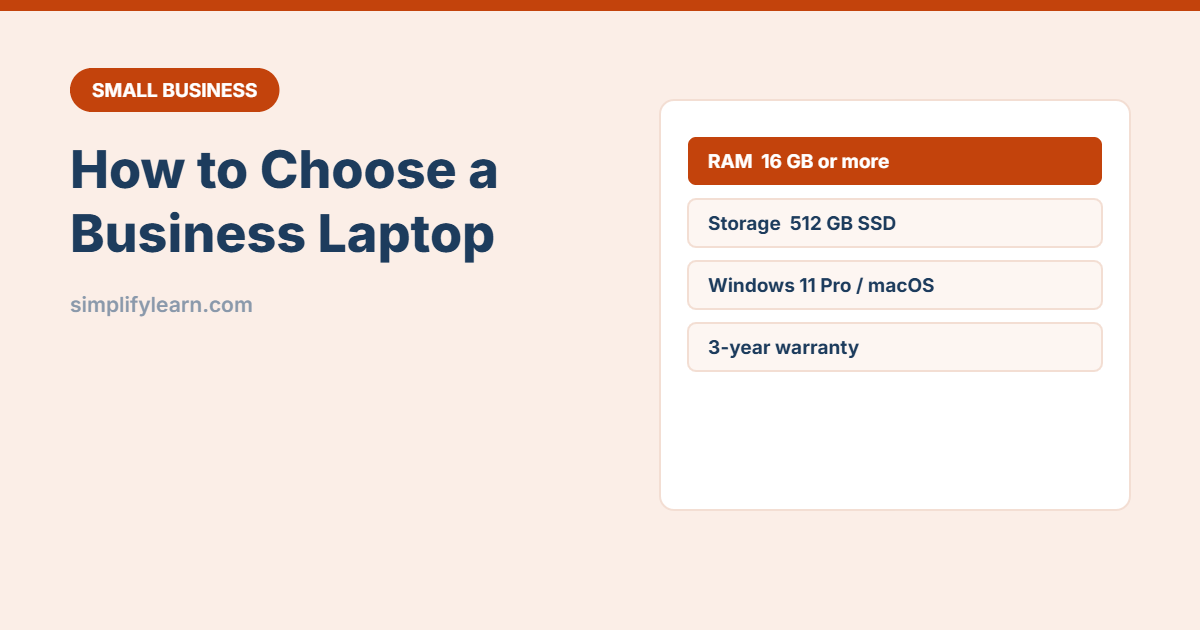
- RAM (memory): 16 GB is the sensible minimum today. Windows, browsers and Teams use a lot. 8 GB laptops slow down fast.
- Storage: SSD only, at least 512 GB. Store work files in OneDrive or Google Drive too.
- Processor: a current mid-range chip (Intel Core Ultra 5/7, AMD Ryzen 5/7, or Apple M-series) is plenty for office work. Avoid old generations sold cheaply.
- Screen: 14 inches is a good balance. Look for Full HD (1920×1080) or higher and an anti-glare finish.
- Ports: USB-C with charging, at least one USB-A and HDMI help avoid adapter chaos.
- Webcam and microphones: 1080p webcam and noise-cancelling mics for online meetings.
- Keyboard: check the layout (e.g. Arabic/English) and comfort. People type all day.
Step 3: Windows Home vs Pro, or Mac?
- Windows 11 Pro is the better choice for business. It includes BitLocker encryption and works with business management tools (like Microsoft Intune or domain join). Home edition lacks these.
- Mac works well if your software runs on macOS and the team is comfortable with it. Check older Windows-only systems (some accounting software) first.
- Try to keep the team on one platform, as support is much easier.
Step 4: Business models vs consumer models
Business ranges such as Lenovo ThinkPad, Dell Latitude, HP ProBook/EliteBook and MacBook Air/Pro usually offer stronger build quality, longer availability of parts, better warranties and security features (TPM chip, fingerprint or face login). They may cost a little more, but they last longer.
Step 5: Warranty and support
- Choose 3 years of warranty if possible, ideally on-site or next-business-day.
- Check that the brand has a local service centre.
- Consider accidental damage cover for staff who travel a lot.
Step 6: Set it up securely
- Create a normal (non-admin) user account for daily work.
- Turn on encryption (BitLocker or FileVault), automatic updates and a screen lock.
- Enable two-step verification on work accounts and use a password manager.
- Set up backup. See the 3-2-1 backup rule.
- Record it in your asset register with the serial number and warranty date.
Quick checklist
- ☐ 16 GB RAM or more
- ☐ 512 GB SSD or more
- ☐ Current-generation processor
- ☐ Windows 11 Pro (or Mac if it fits)
- ☐ Good webcam, mics and battery
- ☐ 3-year warranty with local support
- ☐ Encryption, updates and backup on day 1