
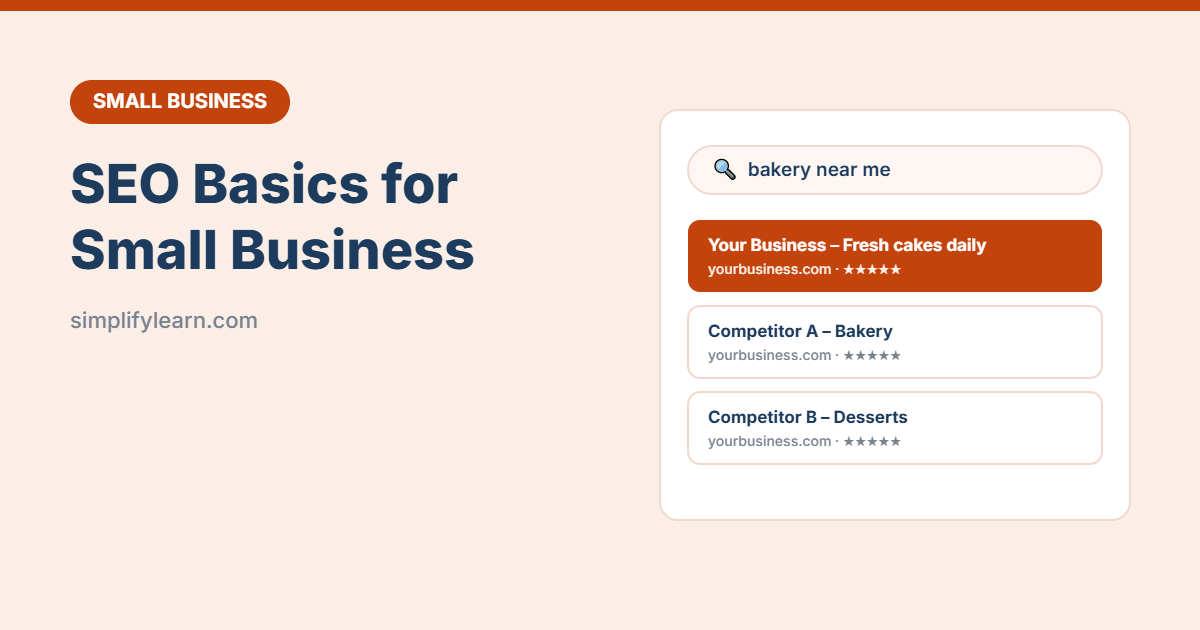
SEO (search engine optimization) means making it easy for Google to understand your website and show it to people searching for what you sell. You don’t need to be technical. Most small business SEO comes down to a few basics done well.
Step 1: Know what customers search for
- Write down how customers describe what you do: “birthday cake delivery Manama,” “AC repair near me,” “accounting services for small business.”
- Type them into Google and look at the suggestions and the “People also ask” box.
- Pick one main phrase per page. Your homepage, each service page and each article should target something different.
Step 2: Make one clear page per service
Instead of one “Services” page listing everything, create a page for each main service or product. Each page should answer: what it is, who it’s for, price or starting price, area served, how to book, and FAQs.
Step 3: Write good titles and descriptions
| Element | Tip | Example |
|---|---|---|
| SEO title (≈ 60 characters) | Main phrase first, then your brand | Custom Birthday Cakes in Manama | Al Noor Bakery |
| Meta description (≈ 155 characters) | A reason to click, plus a call to action | Order fresh custom cakes with same-day delivery across Bahrain. See designs and prices, and order on WhatsApp. |
| H1 heading | One per page, matching the topic | Custom Birthday Cakes |
| URL | Short and readable | /birthday-cakes/ |
On WordPress, an SEO plugin (like Rank Math or Yoast) lets you set these for every page.
Step 4: Set up Google’s free tools
- Google Business Profile: essential for local businesses. You show up in Maps and the local results. See how to set it up.
- Google Search Console: submit your sitemap, see which searches show your site, and fix problems.
- Google Analytics: see visitors and what they do. See Google Analytics basics.
- Also add your site to Bing Webmaster Tools. It takes 5 minutes.
Step 5: Create helpful content
Answer the questions customers ask you every day, for example “How much does a website cost?” or “How long does AC servicing take?” Each good answer can become an article that brings visitors for years. Show real photos, prices, examples and your experience.
Step 6: Technical basics
- Mobile-friendly: most visitors use phones.
- Fast: compress images and use good hosting. See choosing web hosting.
- Secure: https (SSL), updates and backups. See the WordPress maintenance checklist.
- Image alt text: describe images in a few words.
- Internal links: link related pages to each other.
Step 7: Get mentioned and reviewed
- Collect genuine customer reviews on Google.
- Keep your name, address and phone the same everywhere online.
- Get listed in reputable local directories, chambers of commerce and supplier pages.
- Share helpful content on LinkedIn and Instagram.
What to avoid
- Buying links or fake reviews
- Stuffing keywords unnaturally into text
- Copying content from other websites
- Publishing many thin pages with little useful information
Monthly SEO routine (1 hour)
- Check Search Console: which pages get impressions but few clicks? Improve their titles.
- Answer one new customer question with a page or article.
- Reply to new reviews and update your Google Business Profile with a post or photo.
- Fix any broken links or errors.
FAQ
How long does SEO take?
Usually 3–6 months to see steady results for a new website, sometimes faster for local searches with a good Google Business Profile.
Do I need to pay for SEO?
Not to start. Google Business Profile, Search Console and good content are free. Consider an expert for competitive industries or technical problems.
What is the most important SEO step for a local business?
A complete, verified Google Business Profile with genuine reviews, plus a clear website page for each main service.
Are keywords still important?
Yes, but write naturally. Use the phrase customers search for in your title, heading and first paragraph, then focus on answering their question well.