
Do you sit down to work, check one message, and suddenly an hour is gone? The Pomodoro Technique is one of the simplest ways to fix that. All you need is a timer.
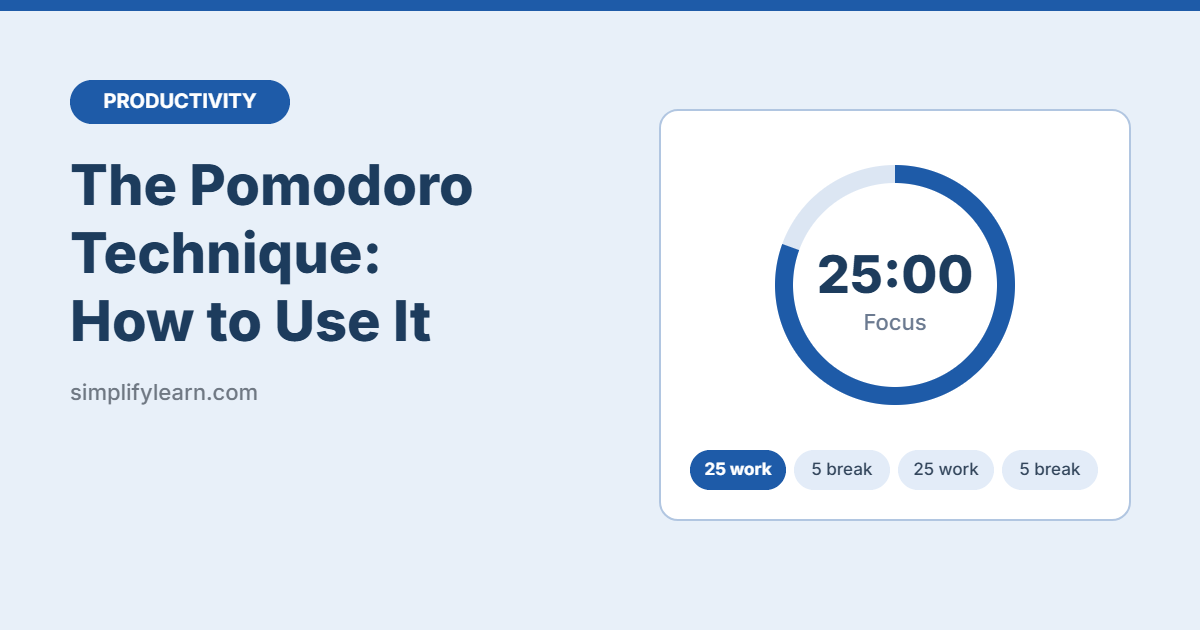
In short: work on one task for 25 minutes, take a 5-minute break, and repeat. After four rounds, take a longer break of 15–30 minutes.
What is the Pomodoro Technique?
It’s a time-management method created by Francesco Cirillo in the late 1980s. He named it after the tomato-shaped kitchen timer he used as a student (“pomodoro” is Italian for tomato). Each 25-minute work session is called a pomodoro.
It works because it turns “I need to work on this all afternoon” into “I just need to focus for 25 minutes.” Short, clear sessions are easier to start and easier to protect from distractions.
How to do it: 6 steps
- Pick one task. For example, “write the first draft of the report,” not “work on stuff.”
- Set a timer for 25 minutes.
- Work only on that task until the timer rings. If you remember something else, write it on a notepad and get back to work.
- Take a 5-minute break. Stand up, stretch, get water. Try not to scroll your phone.
- Repeat. Mark each finished pomodoro with a tick.
- After 4 pomodoros, take a long break of 15–30 minutes.
A sample morning
| Time | Activity |
|---|---|
| 9:00 – 9:25 | Pomodoro 1: Reply to important emails |
| 9:25 – 9:30 | Short break |
| 9:30 – 9:55 | Pomodoro 2: Draft the report |
| 9:55 – 10:00 | Short break |
| 10:00 – 10:25 | Pomodoro 3: Draft the report |
| 10:25 – 10:30 | Short break |
| 10:30 – 10:55 | Pomodoro 4: Review and edit |
| 10:55 – 11:25 | Long break |
What to do when you get interrupted
- Internal distractions (a sudden urge to check something): write it down and keep going. You’ll handle it in your break.
- External interruptions (a colleague asks for help): if it can wait, say “I’ll get back to you in 15 minutes.” If it can’t, stop the pomodoro and start a fresh one later. A pomodoro is either complete or it doesn’t count.
Free timers you can use
- Your phone’s clock app: the timer is enough.
- Google search: type “set timer 25 minutes” into Google.
- Pomofocus.io: a free browser timer with a simple task list.
- Windows 11 Focus: a built-in focus timer (Settings → System → Focus, or the Clock app on some versions).
- Forest (mobile app): grows a virtual tree while you stay off your phone.
Common mistakes
- Skipping breaks. Breaks are part of the method. Skipping them leads to tired, sloppy work by the afternoon.
- Using breaks for social media. Five minutes of scrolling rarely stays five minutes.
- Picking tasks that are too big. If a task needs more than 5–7 pomodoros, break it into smaller pieces.
- Being too strict. If 25 minutes feels too short for deep work, try 50/10. The rhythm matters more than the exact numbers.
Who is it best for?
The Pomodoro Technique works especially well for:
- Tasks you keep putting off
- Studying and revision
- Writing, reports, and admin work
- Anyone who works from home and gets distracted easily
It’s less useful for jobs that are mostly meetings or constant customer calls. In that case, try time blocking with Google Calendar to protect a few focus slots instead.
Quick summary
- 25 minutes of focused work, then a 5-minute break.
- After four rounds, take a 15–30 minute break.
- Write distractions down instead of acting on them.
- Adjust the timing if needed, but keep the breaks.
FAQ
Why 25 minutes?
It’s long enough to make real progress and short enough that starting doesn’t feel hard. It’s a starting point, not a rule.
Can I use Pomodoro for studying?
Yes, it’s one of the most popular uses. Pick one chapter or topic per pomodoro and use breaks to rest your eyes.
What if I finish the task before the timer ends?
Use the remaining time to review what you did, or start planning the next task. Don’t stop early, or you’ll lose the habit of focusing for the full session.