
Most cyber attacks on small businesses don’t start with hacking. They start with a message. A fake invoice, a “your account is locked” email, or a WhatsApp from the “manager” asking for an urgent transfer. Training your team to spot these is one of the cheapest and most effective security steps you can take.
What is phishing?
Phishing is a message that pretends to be from someone you trust (a bank, supplier, colleague, delivery company or Microsoft/Google) to make you click a link, open a file, share a password or send money. It can come by email, SMS, WhatsApp, social media or phone call.
8 warning signs
- Urgency or pressure: “Pay today or the account will be closed”, “Reply in 30 minutes”.
- Unexpected requests for passwords, codes, gift cards or payments.
- Sender address doesn’t match the name: “Microsoft Support” from secure-ms-login@gmail.com, or a supplier domain with one letter changed.
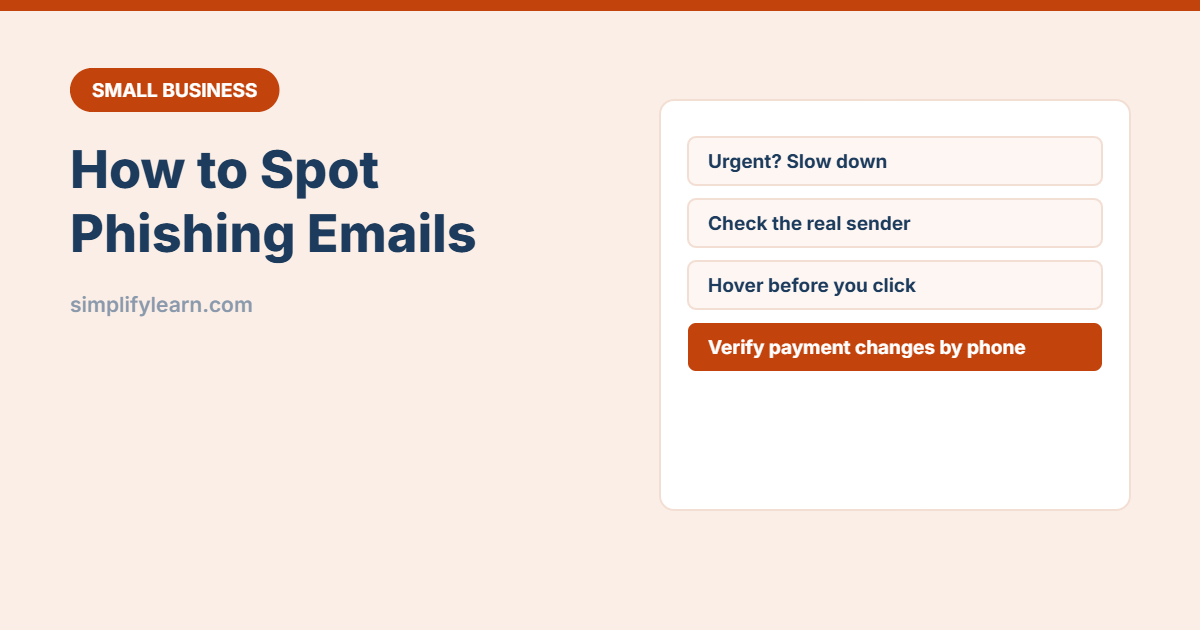
- Links that go somewhere else. Hover over the link (or long-press on mobile) to see the real address.
- Unexpected attachments, especially .zip, .html, .exe, or Office files asking you to “enable content”.
- Changed bank details from a supplier, the classic invoice fraud.
- Generic greetings (“Dear customer”) or unusual tone from someone you know.
- Too good to be true: prizes, refunds, free offers.
The most costly scam: fake invoices and payment changes
Criminals pretend to be a supplier (or hack a supplier’s real email) and say “our bank account has changed”. Payments go to the criminal, and the money is often impossible to recover.
Rule: any change to bank details must be confirmed by phone using a number you already have, not one in the email. Two people should approve new payees.
How to check a suspicious message
- Don’t click. Open the website by typing the address yourself, or use the official app.
- Call the person or company using a known number.
- Ask a colleague or your IT support: “Does this look right?”
- Check the full sender address, not just the display name.
If someone clicks or shares a password
- Don’t panic, and don’t hide it. Speed matters more than blame.
- Change the password immediately (from a safe device), and anywhere else it was used.
- Make sure two-step verification is on.
- Tell IT support or your manager. Disconnect the computer from the network if a file was opened.
- If money was sent, call your bank immediately and report it to the police and relevant authorities.
Simple team rules
- We never ask for passwords or verification codes by email, phone or WhatsApp.
- Bank detail changes are verified by phone and approved by two people.
- Report suspicious messages. It’s always OK to ask.
- Use a password manager: it won’t autofill on a fake site.
- Keep devices and software updated.
Help your email system help you
- Use a business email service with good spam filtering. See professional business email.
- Set up SPF, DKIM and DMARC on your domain so criminals can’t easily send email as you.
- Add an “External sender” warning tag for emails from outside your company (available in Microsoft 365 and Google Workspace).
Quick summary
- Urgency, unexpected requests and changed bank details are big red flags.
- Check links and senders, and verify by phone.
- Report quickly if someone clicks, without blame.
- Agree simple team rules, especially for payments.